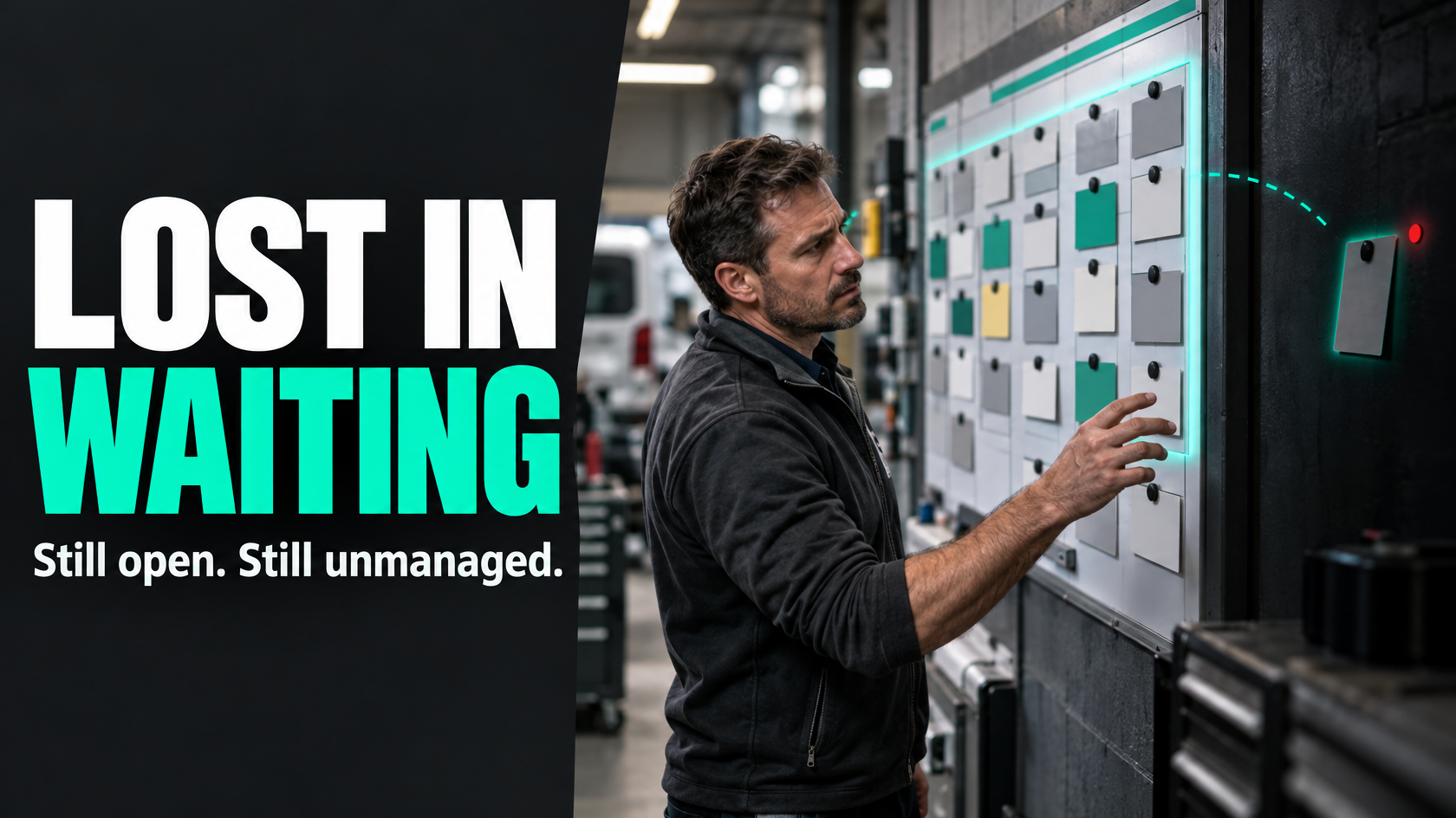
“Waiting for customer” is not a process
Most businesses have some version of this problem.
A job, quote, service request or variation gets moved to a status called “waiting for customer”. Everyone feels like it has been dealt with for now. Then a week passes. Then three. Then two months later someone finds it again and has to work out what happened, whether the customer was chased, and whether the work is still live.
The status exists, but the process does not.
That is why “waiting for customer” often becomes a black hole. It is a passive label attached to work that still needs active management. If the business has not defined what it is waiting on, who owns the next follow-up, when that follow-up should happen, and what happens if the customer never responds, the work has effectively been hidden rather than controlled.
The fix is not just adding more reminders. It is designing a proper stalled-state workflow.
Why this status causes so much work to disappear
The visible problem is that jobs sit too long.
The underlying problem is usually one or more of these:
- the status does not record what the customer actually needs to do
- no one clearly owns follow-up once the item enters that status
- there is no expected response timeframe
- no reminder or escalation rules exist
- there is no rule for when the job should be closed, cancelled or reclassified
- the business cannot report on how much work is stalled and why
In practice, that means the item leaves the active queue but does not enter a managed queue.
That creates a few predictable operational issues:
- staff assume someone else is following it up
- customers get inconsistent contact
- urgent work gets mixed in with dead opportunities
- managers lose visibility of delayed revenue or delayed delivery
- old jobs get reactivated without context
- admin teams spend time reconstructing what happened from notes and emails
A status should tell the business what happens next. If it does not, it is only hiding uncertainty.
Start by replacing one vague status with reason-specific waiting states
The first improvement is simple: stop treating all customer delays as the same thing.
“Waiting for customer” can mean very different situations, such as:
- waiting for approval of a quote or variation
- waiting for site access or availability
- waiting for the customer to provide information
- waiting for signed documents
- waiting for payment before the next stage
- waiting for a product or finish selection
- waiting for the customer to confirm a date
These are not administrative variations of the same status. They are different operational conditions.
Each one has different follow-up logic, different expected timeframes and sometimes different owners.
For example:
- A variation approval might need a follow-up in two business days because it affects scheduling.
- A missing site photo might need same-day follow-up because a technician cannot proceed without it.
- A customer who needs to confirm availability for a future booking may reasonably be chased less aggressively.
If all of those scenarios are stored under one generic status, reporting becomes meaningless and follow-up becomes inconsistent.
A better model is to either:
- use separate waiting statuses, or
- keep one parent status but require a mandatory “waiting reason” field
Either approach can work. What matters is that the reason is explicit and reportable.
Every waiting item needs a clear owner
One of the main reasons stalled work disappears is that nobody owns the next move.
The person who moved the item into “waiting for customer” may assume admin will follow up. Admin may assume the account manager owns it. Operations may think sales is handling it. The customer hears nothing, and the item ages quietly.
A proper waiting workflow needs an ownership rule such as:
- the person who requested the customer action remains the owner until resolved
- the coordinator owns all customer follow-up once the item enters a waiting state
- the owner depends on the waiting reason
The rule itself matters less than the clarity.
For each waiting item, the system should answer:
- who is responsible for the next outbound contact
- who is responsible for updating the record if the customer responds
- who gets notified if the response does not come
- who decides whether the job remains live, is closed, or is escalated
Without visible ownership, follow-up becomes memory-based. Memory-based processes fail as soon as work gets busy.
Define the next follow-up at the moment the status changes
A waiting status should never be set without a next action.
When a job is moved into a customer-dependent waiting state, the business should capture at least:
- what is being waited on
- when the customer was last contacted
- when the next follow-up is due
- who owns that follow-up
- what channel should be used if relevant
- any cut-off or expiry date if one exists
This matters because many businesses rely on general notes such as “left voicemail” or “sent email”. Those notes are useful history, but they do not create a controlled process.
A note tells you what happened.
A follow-up date and owner tell you what should happen next.
That distinction is where a lot of stalled work is won or lost.
Use a defined communication cadence instead of ad hoc chasing
A good waiting process does not depend on each staff member deciding how persistent to be.
It uses a communication cadence appropriate to the reason for the wait.
For example, if the business is waiting for customer approval on a variation, the process might be:
- Initial request sent to customer
- Follow-up after 2 business days if no response
- Second follow-up after 5 business days
- Escalation or hold notice after 10 business days
- Closure or reclassification after a defined period if still unresolved
That cadence will not be the same for every scenario, but it should be deliberate.
A defined cadence gives you consistency across the team. It also makes reporting possible. You can see which items are overdue for first follow-up, which have had multiple attempts, and which are past the acceptable waiting window.
It also improves the customer experience. Customers get timely, predictable communication instead of either silence or random bursts of chasing when someone notices an old item.
Add ageing rules so waiting items cannot sit indefinitely
This is the part many businesses skip.
They create a waiting status and maybe even add reminders, but they still allow items to remain there forever. That turns the system into an archive of unresolved work rather than a live operational tool.
A better approach is to apply ageing rules.
For example:
- 0 to 3 days: active waiting
- 4 to 7 days: overdue first response
- 8 to 14 days: escalation required
- 15+ days: management review, closure assessment or archive path
The exact thresholds depend on the business and the work type, but the principle is the same: a waiting item should become more visible as it ages, not less.
Ageing rules support better decisions such as:
- whether the job is still commercially live
- whether capacity should continue to be reserved
- whether the customer should be warned that timing or pricing may change
- whether the item should move to a dormant or closed state
- whether a manager needs to intervene
Without ageing rules, old waiting items distort the pipeline. They make backlog numbers look healthier than they are and hide how much work is actually inactive.
Reactivation needs rules too
A customer reply should not dump the work back into the business with no structure.
This is another common failure point. An old email arrives, someone sees the customer has responded, and the item gets flicked back to “in progress” without checking whether all required information is now available, whether the quote is still valid, or whether scheduling needs to be reassessed.
Reactivation should be event-driven and conditional.
Good reactivation rules usually answer:
- what customer response is enough to restart the job
- whether a person needs to review the response before the status changes
- which team is notified when the item becomes active again
- whether dates, pricing or scope need to be reconfirmed
- whether the item returns to its previous queue or to a review queue
For example, if the business was waiting on signed approval, receipt of the signed document may trigger a move to scheduling review.
If the business was waiting on customer availability, a reply may still need someone to confirm technician capacity before the status changes.
The key idea is that reactivation is not just “customer replied”. It is “the required condition for progression has been met”.
Define closure paths for non-response
Not every waiting item should remain open forever.
Some customers will never reply. Some requests become irrelevant. Some jobs should be cancelled, and some quotes should simply expire.
If there is no closure path, the business ends up carrying dead work indefinitely. That affects reporting, forecasting and team attention.
A useful closure path might include:
- a final follow-up attempt
- a defined period of inactivity
- a closure reason
- a record of what would be required to reopen the item
- customer communication confirming the matter has been closed or paused
That does not mean deleting the history. It means acknowledging operational reality.
A dormant, cancelled, expired or closed status is often more honest and more useful than “waiting for customer” for 94 days.
Reporting should show stalled customer dependencies, not just open work
If management can only see total open jobs, they cannot see how much work is being held up by customer action.
That matters because customer-dependent delays have different operational implications from internal delays.
You want reporting that can answer questions like:
- how many items are currently waiting on customers
- what are the main waiting reasons
- how long have they been waiting
- which items are overdue for follow-up
- which team members own the most stalled items
- how many items are likely inactive or dead
- how many jobs were reactivated this week
- which waiting reasons most often lead to lost or delayed work
This is where reason-specific categories and ageing rules become commercially useful. They let you distinguish between a healthy short-term waiting queue and a neglected pile of unresolved work.
If the data is structured properly, reporting becomes simple. If the status is vague and the notes are inconsistent, reporting becomes guesswork.
A practical example of how the process should work
Take a service job that cannot proceed until the customer provides access dates.
A weak process looks like this:
- coordinator sets status to “waiting for customer”
- a note says “asked customer for availability”
- no follow-up date is set
- job disappears from the active board
- two weeks later someone asks why the work has not been booked
A controlled process looks more like this:
- status set to “waiting for customer”
- waiting reason set to “customer to confirm site access dates”
- owner remains with the coordinator
- next follow-up due in 2 business days
- customer contact attempt count starts at 1
- item appears in a follow-up queue until resolved
- after 7 days the item is flagged as ageing
- after 14 days it escalates for review
- if customer replies with dates, item moves to scheduling review
- if no response after the defined cadence, item moves to dormant or closed awaiting reactivation
The difference is not the label. It is the operational design around the label.
Automation helps, but only after the logic is clear
This type of workflow is often a good candidate for automation, but only once the rules are properly defined.
Useful automation might include:
- requiring a waiting reason when the status is changed
- automatically assigning the owner based on workflow rules
- creating a follow-up due date
- sending reminder tasks or notifications when follow-up is due
- escalating aged items to a manager
- moving items into review queues when customers respond
- reporting on overdue and long-aged customer waits
But automation will not fix a vague process. If nobody has decided:
- what counts as waiting
- what the waiting categories are
- how long each category can sit
- who owns follow-up
- when the item should close
- what event should reactivate it
then software simply makes an unclear process happen faster.
The system should reflect the operating model, not replace the need to define one.
What good looks like operationally
A well-designed customer waiting process is not complicated, but it is explicit.
Good looks like this:
- staff must specify what the business is waiting on
- every waiting item has a visible owner
- follow-up dates are set when the status changes
- reminders happen on a defined cadence
- ageing items become more visible over time
- customer responses trigger a clear review or reactivation path
- non-response leads to a deliberate closure or dormancy outcome
- management can report on stalled customer dependencies separately from active work
When that structure is in place, “waiting for customer” stops being a hiding place for uncertain jobs.
It becomes a managed operational state.
That means fewer jobs disappearing, less time spent chasing history, clearer accountability, and much better visibility of what is actually holding work up.
If your operation has work spread across multiple systems, teams or handovers, this is usually worth mapping properly before adding automation. 5M Consulting helps businesses design these workflows so stalled customer dependencies are visible, owned and easier to move forward.