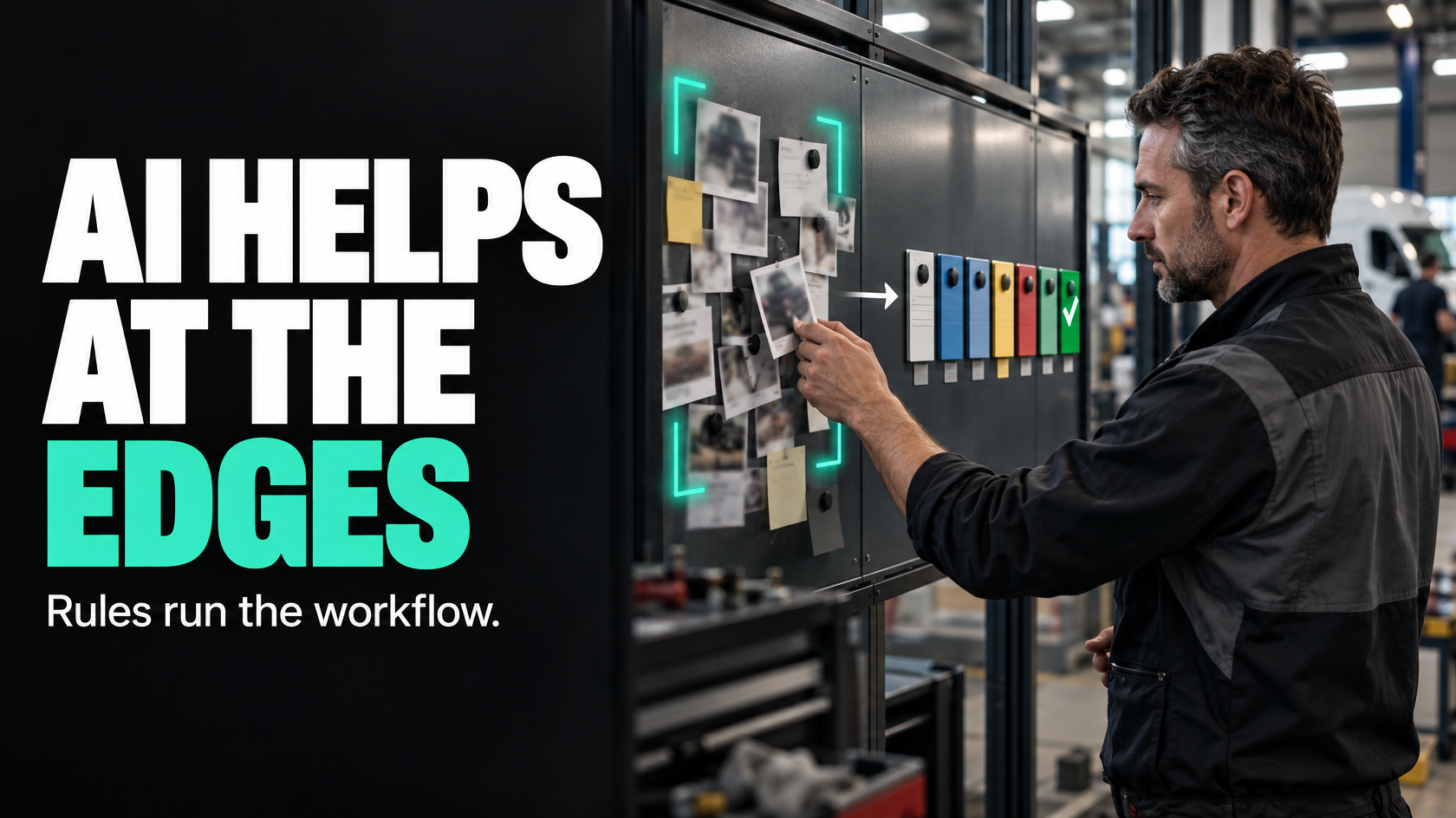
Most operations workflows do not need AI at the centre
A lot of businesses are asking the same question: where does AI actually fit in operations?
The honest answer is narrower than most marketing suggests.
AI is usually most useful when the input is messy, inconsistent or language-based. It is usually least useful where the process depends on exact triggers, clear ownership and reliable next actions. In other words, AI can be helpful around the edges of an operational workflow, but it is rarely the thing that should control the workflow itself.
If a technician marks a job complete, an invoice should not be created based on an AI interpretation of what probably happened. If a quote is approved, the handover to operations should not depend on an AI deciding whether the approval email sounded final enough. Those are deterministic events. They need rules, not interpretation.
Where AI can help is in places like:
- summarising long job notes
- classifying inbound requests
- extracting the likely topic from an email
- drafting a customer update from existing context
- turning messy written information into a cleaner starting point for staff
That distinction matters. Used properly, AI can reduce admin and make information easier to work with. Used carelessly, it introduces ambiguity into places where the business needs certainty.
The first question is not “can AI do this?”
A better question is: what kind of task is this?
In operations, tasks usually fall into two broad groups.
The first group is deterministic work. A clear event happens, and the system should respond in a defined way. For example:
- when a quote status changes to approved, create the delivery workflow
- when required site photos are uploaded, notify the next team
- when labour hours are approved, send them to payroll
- when a job reaches invoicing-ready status, create the finance task
These are rules-driven processes. They should be auditable, predictable and consistent. Standard automation is usually the right tool here.
The second group involves judgement over messy inputs. For example:
- reading a long customer email and identifying what it is about
- condensing several technician notes into a short summary
- drafting a reply based on job history
- grouping similar issue types from unstructured text
- identifying likely urgency from a free-text request
These are interpretation tasks. That is where AI is often useful.
A lot of poor AI implementations happen because these two categories get mixed together. Businesses try to use AI to control the process instead of using it to support the people inside the process.
Where AI genuinely adds value
The most practical AI use cases in operations tend to be narrow and support-oriented.
Summarising unstructured notes
Operations teams often deal with long, inconsistent notes from calls, emails, job updates or site activity. One person writes in detail. Another writes in fragments. Someone else uploads photos with almost no explanation.
AI can be useful for turning that into a short operational summary.
For example, after several back-and-forth updates on a job, the system could produce a summary such as:
- what has already happened
- what issue was identified
- what is still outstanding
- what the next team should know before attending site
That can save office staff from re-reading a long chain of notes just to work out what is going on.
The important point is that the summary should support the team, not replace the underlying record. The original notes remain the source material. The AI output is a convenience layer.
Classifying inbound requests
A shared inbox or intake form often becomes messy because customers do not write in the language your workflow expects.
They might say:
- “The unit’s not cooling properly again”
- “Can someone call me about the install delay”
- “Need copy of invoice and warranty details”
- “We’ve got water near the outdoor unit”
AI can help categorise requests into a smaller set of operational buckets such as service issue, install delay, account query, warranty request or urgent fault.
That can make triage faster, especially when the incoming volume is high or the wording varies a lot.
But even here, the category should normally feed into a reviewed workflow, not trigger high-risk actions on its own. It is usually reasonable for AI to suggest a category. It is riskier to let that suggestion automatically decide dispatch priority, contract response obligations or customer commitments without validation.
Drafting context-aware messages
Customer communication often stalls because staff know a message needs to go out, but they still have to assemble the context manually.
If the system already knows:
- the job stage
- the scheduled date
- the missing document
- the last site outcome
- the approval still required
AI can draft a message based on that information.
For example, it might draft a polite update explaining that installation is ready to proceed once access confirmation is received, or that additional parts are on order following the technician’s site visit.
This is useful because drafting is language work, and AI is generally better at producing a readable first version than it is at making operational decisions.
For customer-facing communication, though, human review often still matters. The more commercial, contractual or sensitive the message, the less wise it is to send it untouched.
Where AI is usually the wrong tool
The simplest rule is this: if the business needs the outcome to be exact, repeatable and auditable, AI should probably not be making the decision.
That includes workflow control such as:
- changing critical statuses
- deciding whether a job is complete
- triggering payroll or payouts
- approving invoices
- interpreting contractual milestones
- deciding whether a customer has authorised chargeable work
- determining compliance completion
- choosing whether a task is mandatory or optional
These are not “smart assistant” problems. They are process-control problems.
If the next action depends on a clearly defined business event, then you want rules. A rules-based system can be tested directly. You can see what happened, why it happened and what condition caused it.
AI does not give you the same certainty. Even when it performs well most of the time, “most of the time” is often not good enough for operational control logic.
A workflow that only works when the AI interprets things correctly is not a reliable workflow.
Keep the workflow logic rules-driven and auditable
A well-designed operations system separates interpretation from control.
AI can help interpret messy information. The workflow engine should still decide what happens next based on defined states, rules and ownership.
That means the process might look something like this:
- An inbound email arrives.
- AI suggests that it is a warranty-related service request.
- A staff member reviews or confirms the classification.
- The system routes the job into the correct queue.
- Standard rules then manage status changes, task creation, notifications and handovers.
In that structure, AI helps with the ambiguous part. The rest of the process remains reliable.
This also makes exceptions easier to manage. If the AI classification is wrong, the team can correct it without the entire workflow becoming unstable. If the routing logic is rules-based, the downstream process stays clear once the correct category is selected.
That is usually the safer architecture.
Protect source-of-truth data from uncontrolled AI edits
One of the easiest ways to create operational mess is to let AI write directly into important fields without controls.
Not all data should be treated equally.
In most businesses, certain fields act as source-of-truth data. Examples might include:
- customer details
- site address
- approved quote values
- booked dates
- job status
- payroll hours
- contract or warranty classification
- invoice-related information
If AI is allowed to update these fields freely, errors become hard to detect and even harder to unwind. A drafted note is one thing. A changed source field that triggers downstream actions is another.
A safer approach is to let AI:
- suggest values
- create a draft
- produce a summary
- recommend a category
- flag missing information
Then require either human confirmation or a separate rules-based validation step before important records are updated.
The point is not to avoid AI entirely. It is to prevent AI convenience from quietly corrupting the operational record.
Human review still matters in higher-risk outputs
Some AI use cases are fine with light oversight. Others need explicit review.
As a general rule, review matters more when the output affects:
- customer commitments
- revenue or margin
- legal or contractual interpretation
- compliance records
- payroll or payouts
- brand-sensitive communication
- operational prioritisation under time pressure
For example, AI drafting a site update for an internal coordinator is lower risk than AI drafting a variation approval request to a customer. The second has commercial consequences. It needs a human to check tone, accuracy and implications.
Similarly, an AI-generated summary of job notes might be helpful for a service manager, but it should not be treated as a substitute for checking the actual record if there is a dispute, escalation or invoicing issue.
AI can save time. It should not remove judgement where judgement still matters.
Test AI against operational outcomes, not novelty
A lot of AI experiments sound impressive but do not improve the operation.
The test is not whether the output looks clever. The test is whether it makes the workflow better without introducing noise.
Useful questions include:
- Is it accurate enough to trust as a support tool?
- Is it consistent enough to reduce admin rather than create more checking?
- Does it save time in a real step of the process?
- Does it improve handovers or visibility?
- Does it reduce rework?
- Does it create new failure points?
- When it gets something wrong, is the error easy to detect and correct?
A narrow AI feature that saves five minutes on every job handover can be valuable. An AI feature that occasionally misclassifies urgent work and forces manual clean-up may not be.
The right way to evaluate AI in operations is to look at operational impact, not just technical possibility.
Start with one narrow use case
The safest way to introduce AI is not to redesign the whole operation around it.
Start with one contained problem where:
- the input is messy or language-based
- the task currently consumes staff time
- the output can be reviewed
- errors are visible and recoverable
- the workflow does not depend on the AI being perfect
Good starting points often include:
- summarising site or technician notes
- classifying incoming emails or forms
- drafting internal handover notes
- drafting customer update messages from existing job context
- extracting action items from long written updates
These use cases are narrow enough to test properly and useful enough to justify the effort if they work.
What you want to avoid is broad, vague deployment such as “put AI across the whole service team” or “make the workflow intelligent”. That language usually hides the fact that nobody has defined what problem AI is meant to solve.
A practical way to decide whether AI belongs in a workflow
Before adding AI to an operations process, it helps to work through a few basic questions:
Is the problem about ambiguity or control?
If the issue is messy wording, inconsistent notes or language-heavy admin, AI may help.
If the issue is unclear status rules, poor ownership or missing triggers, fix the process first. AI will not solve that.
What is the source of truth?
Decide which system owns the underlying record and which fields matter operationally. AI should not be allowed to blur ownership of important data.
What happens if the AI is wrong?
If the answer is “someone corrects the draft and moves on”, the risk may be acceptable.
If the answer is “the wrong technician gets dispatched” or “payroll runs incorrectly”, AI is in the wrong part of the workflow.
Can the output be reviewed before it matters?
The best early use cases usually allow staff to confirm or edit the AI output before it affects customers, revenue or downstream teams.
Is there a simpler non-AI fix?
Sometimes a business reaches for AI because the process is badly structured. If a form, template, status model or handover rule would solve most of the issue, start there.
What good looks like
Used well, AI in operations does not replace the workflow. It makes parts of the workflow easier for people to work with.
Good implementation usually looks like this:
- rules control statuses, triggers and handovers
- AI assists with interpretation of messy text or language
- important fields remain protected
- higher-risk outputs are reviewed by a human
- the use case is narrow enough to test properly
- the operational benefit is clear
That is a much more reliable model than trying to hand critical process control to a probabilistic tool.
AI can absolutely be useful in operations. It is just not equally useful everywhere. The closer a task is to interpretation, drafting or summarising, the stronger the case. The closer it is to exact control logic, approvals or source-of-truth records, the more cautious you should be.
If your workflow spans multiple systems, teams and exception paths, it is usually worth mapping the process before adding AI into it. That makes it much easier to identify where interpretation is genuinely needed and where standard automation will do a better job. That is the kind of design work 5M Consulting helps businesses think through before more tools get added to an already messy process.