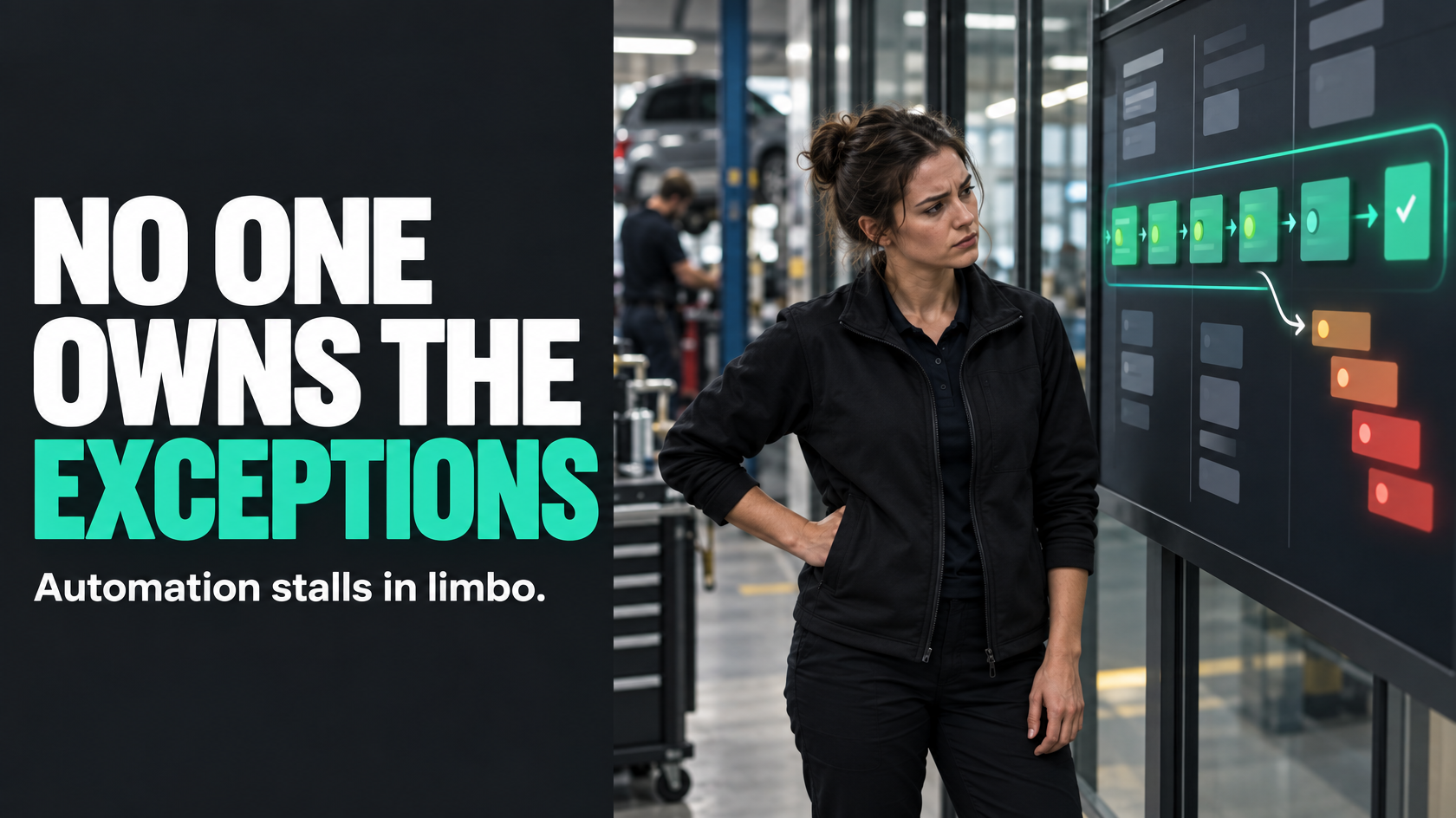
The problem usually is not the automation logic
Most automations are built around a clean sequence.
A form is submitted. A quote is approved. A job is completed. A document is uploaded. The next action is triggered automatically.
On paper, that part often works.
What breaks the process is everything that does not fit the happy path:
- the customer record is missing a required field
- the technician closes a job without photos
- a payment reference does not match
- the approved quote has an item that needs manual review
- a webhook fails and nobody notices
- two systems disagree about the job status
In most businesses, those items do not fail loudly. They just stop progressing.
That is where automation quietly breaks down. Not because the logic was badly written, but because unresolved cases have nowhere operationally clear to go.
If nobody owns the exception queue, the business ends up with a hidden backlog of jobs, approvals, payments, updates or customer communications sitting in limbo.
Exceptions are normal, not evidence that automation has failed
A common mistake is treating exceptions as rare edge cases that can be cleaned up later.
In real operations, exceptions happen every day.
That is not a sign the automation should be scrapped. It is a sign the process needs to reflect how the business actually works.
A technician might finish a job after hours and forget one required attachment. A customer may approve a quote with a note that changes scope. A field in one system may be optional while another system requires it. A payroll export may fail because a name or code does not match the expected format.
None of that is unusual.
The mistake is designing an automated process that assumes normal operations are always clean and complete.
Good automation is not just about triggers. It also needs recovery paths for when the trigger cannot safely continue.
What an exception queue actually is
An exception queue is the visible holding area for items that could not continue automatically and now require review, correction or a decision.
That queue might exist inside a job system, a CRM, a project board, an internal admin dashboard or another operational tool. The software matters less than the operating model behind it.
A proper exception queue should answer four basic questions:
- What has failed or stalled?
- Why did it land here?
- Who owns the next action?
- How urgent is it?
If the answer to any of those is unclear, staff end up relying on memory, inboxes, side conversations or manual chasing.
That is when automation stops reducing admin and starts creating a second layer of invisible admin.
Hidden failure states create silent backlog
The most expensive automation problems are often not dramatic system outages.
They are the quiet ones.
A failed sync that affects only some records. An approval that never triggered the handover. A job marked complete in one system but not ready for invoicing in another. A customer update that should have gone out but did not because one field was blank.
These items are easy to miss because the main process still appears to be working. Most jobs continue. Most records sync. Most customers get updated.
But the failed minority accumulates.
Over time, that creates operational drag:
- office staff chase missing information manually
- managers lose trust in the reported status
- invoicing is delayed because completed work is not actually complete in the system
- payroll or subcontractor payments need rework
- customers wait longer because nobody realised their job stalled mid-process
The issue is not only technical. It is organisational.
If no one is responsible for watching and clearing exception work, the business has effectively designed a backlog that nobody can see until it becomes a service problem.
Why “someone will notice” is not a process
A lot of businesses handle exceptions through informal awareness.
Someone in admin notices the export did not run. A project manager spots that a handover looks wrong. A service coordinator remembers there were two jobs missing photos. A finance person realises a payout batch looks short.
That can work for a while, especially when the team is small and a few experienced people are carrying the process in their heads.
It stops working once volume increases, staff change, or multiple systems are involved.
If an automated workflow depends on someone happening to notice that an item fell out of the flow, then the automation does not really have an exception-handling process. It has a hope-based monitoring process.
A reliable operating model needs exceptions to become visible work with clear ownership, not background noise.
Every automated workflow needs a named owner for unresolved cases
If an automation can fail, stall or produce a case that needs review, there must be a named owner for that queue.
Not “the team”. Not “operations”. Not “admin”. Not “whoever sees it first”.
A named owner does not necessarily mean that person resolves every issue personally. It means they are accountable for making sure the queue is monitored, triaged, assigned and kept moving.
That ownership matters because exception work often spans multiple functions. A stalled item might need input from sales, operations, finance or the field. Without one clear owner, each group assumes somebody else will deal with it.
The result is predictable: the work sits.
The right owner depends on the process:
- a quoting exception queue may sit with sales operations
- a job completion exception queue may sit with service coordination
- a payroll discrepancy queue may sit with payroll or operations administration
- an integration error queue affecting multiple workflows may sit with an internal systems owner
The important part is that ownership is explicit and visible.
A queue without triage rules becomes a dumping ground
Creating a queue is not enough.
If everything lands in one bucket called “exceptions”, you have not solved the problem. You have just centralised the confusion.
An exception queue needs triage rules so staff know what to do next. At a minimum, each item should be classified by:
Reason
Why did this item fall out of the happy path?
Examples include:
- missing required information
- status mismatch between systems
- approval required
- data validation failure
- duplicate record conflict
- integration failure
- business rule exception
This matters because different causes belong to different people and often require different response times.
Business impact
What happens if this sits for a day, two days or a week?
A failed customer acknowledgement might be inconvenient but recoverable. A completed job that cannot move to invoicing may affect cash flow. A payroll exception due before a pay run is time-critical. A compliance document missing from a completed site visit may need immediate follow-up.
Urgency should come from operational impact, not how noisy the issue looks.
Next action
What has to happen before the item can re-enter the automated workflow?
That might be:
- get missing photos from the technician
- confirm scope change with the customer
- correct customer data
- resolve duplicate record
- manually approve the item
- re-run the integration step
If the required action is unclear, the item will sit in the queue while people discuss what the queue is for.
Ownership at item level
Even if there is an overall queue owner, each item may still need a specific assignee once triaged.
Without that step, a queue can be visible and still remain stagnant.
Service level expectations matter more than most teams realise
Exception work tends to be treated as secondary work. People get to it when they can.
That is exactly why it grows.
A good exception queue needs service level expectations. Not because every business needs a formal enterprise support model, but because unresolved items have a business cost.
The standard does not need to be complicated. It may be as simple as:
- payroll-impacting exceptions reviewed the same day
- customer-facing communication failures reviewed within four business hours
- completed-job invoicing exceptions reviewed within one business day
- low-risk admin mismatches reviewed within two business days
The point is to make the expected response visible.
Without that, queues quietly become historical archives of unresolved process failures.
With it, teams can separate urgent operational risk from lower-priority cleanup and allocate effort sensibly.
Design urgency around business impact, not technical severity
A common design mistake is prioritising exceptions based on the technical event rather than the business consequence.
For example, a failed webhook may sound serious, but if it only delayed a non-urgent internal tag update, it may not deserve immediate attention.
Meanwhile, a “minor” missing field could block a customer handover, prevent invoicing or delay payroll.
Good triage looks at questions like:
- Does this stop work from progressing?
- Does this affect a customer waiting on an update?
- Does this delay invoicing or payment?
- Does this create compliance or documentation risk?
- Will this become harder to resolve if left for 24 hours?
That is a much more useful basis for urgency than whether the exception came from an integration log, a form rule or a status conflict.
Good automation includes recovery paths
A mature automated workflow does not just define what happens when everything goes right.
It defines what happens when something goes wrong.
That usually means designing a recovery path with steps such as:
- Detect the failure or exception condition.
- Move the item into a visible queue.
- Attach enough context for someone to understand the issue.
- Assign or triage the item based on business rules.
- Resolve the issue.
- Re-enter the workflow or complete the next step manually where required.
- Record the cause so repeat problems can be reduced.
That last point matters.
If your team resolves the same exception repeatedly without feeding it back into process improvement, the queue becomes a permanent manual workstream that automation was supposed to remove.
What a well-designed exception queue looks like in practice
A useful exception queue is usually simple, visible and operationally meaningful.
For each item, the team should be able to see:
- the affected job, customer, payment, quote or record
- when it entered the queue
- the reason it is there
- the current priority
- the person or role responsible
- the required next action
- whether the item is breaching its response target
- whether it can be reprocessed once corrected
For example, imagine a job completion workflow that should automatically trigger invoicing once the technician marks the job complete.
That automation might pause if:
- photos are missing
- a customer sign-off was not captured
- chargeable extras were added but not approved
- labour information does not match expected values
Instead of simply failing, the job should move into a visible “completion exceptions” queue. The coordinator can then see exactly what is missing, contact the right person, resolve the issue and push the job back into the normal flow.
Without that queue, completed jobs sit in an ambiguous state and invoicing becomes a manual detective exercise.
Your exception queue should improve the process, not just absorb failure
If the same type of item keeps landing in the queue, that is not just operational noise. It is feedback.
Maybe the field team cannot easily upload the required photos before closing a job. Maybe the approval rule is too vague. Maybe one system is collecting data in a format another system cannot reliably use. Maybe the workflow expects information earlier than it is realistically available.
An exception queue should help you identify patterns such as:
- repeated missing information from a particular stage
- recurring mismatches between systems
- frequent manual approvals caused by unclear rules
- integration failures tied to specific events or record types
- bottlenecks caused by one team not receiving the right context
That is where operational improvement happens.
The goal is not to eliminate every exception. The goal is to stop preventable exceptions becoming permanent manual rework.
Signs your exception operation is weak
If you are not sure whether this is a problem in your business, look for symptoms like these:
- automation appears to work “most of the time” but staff still spend hours chasing odd failures
- some jobs or records stall with no obvious owner
- people rely on inboxes, spreadsheets or memory to track fallouts
- failed items are noticed only when a customer calls or a manager asks
- the same exceptions are fixed repeatedly without any rule or process change
- teams argue about whether an issue belongs to sales, operations, finance or admin
- reports show overall volume moving, but a minority of items quietly age in the background
Those are not just software issues. They usually mean the business has not designed the operational layer around exceptions.
Start with one critical workflow
If this is familiar, the fix is usually not “automate more”.
Start by choosing one workflow where failure has clear operational cost. For example:
- approved quotes becoming active jobs
- completed jobs moving to invoicing
- labour and job data moving to payroll or payouts
- customer updates triggered by status changes
Then map four things:
- What are the common failure or exception conditions?
- Where should those items land visibly?
- Who owns that queue and what are the triage rules?
- What response time is appropriate based on business impact?
Only after that should you worry about tooling details.
In many cases, existing systems can support a workable queue if the process is designed properly. In others, a small amount of customisation, integration or internal tooling may be needed to make exception handling practical.
But the key decision is not technical first. It is operational ownership.
Reliable automation is not just about the happy path
The strongest automations are not the ones with the most triggers.
They are the ones that keep operating when real-world messiness shows up.
That means accepting that exceptions are normal, making them visible, assigning clear ownership and setting expectations for how they are triaged and resolved.
If no one owns the exception queue, your automation has a blind spot. Work will still fall out of the process. It will just do so quietly.
And in operations, quiet failures are often the ones that cost the most.
If your workflows span multiple systems, teams and edge cases, it is often worth mapping not just the main automation path but the exception operation around it. That is usually where reliability is won or lost, and it is an area 5M Consulting regularly helps businesses design properly.