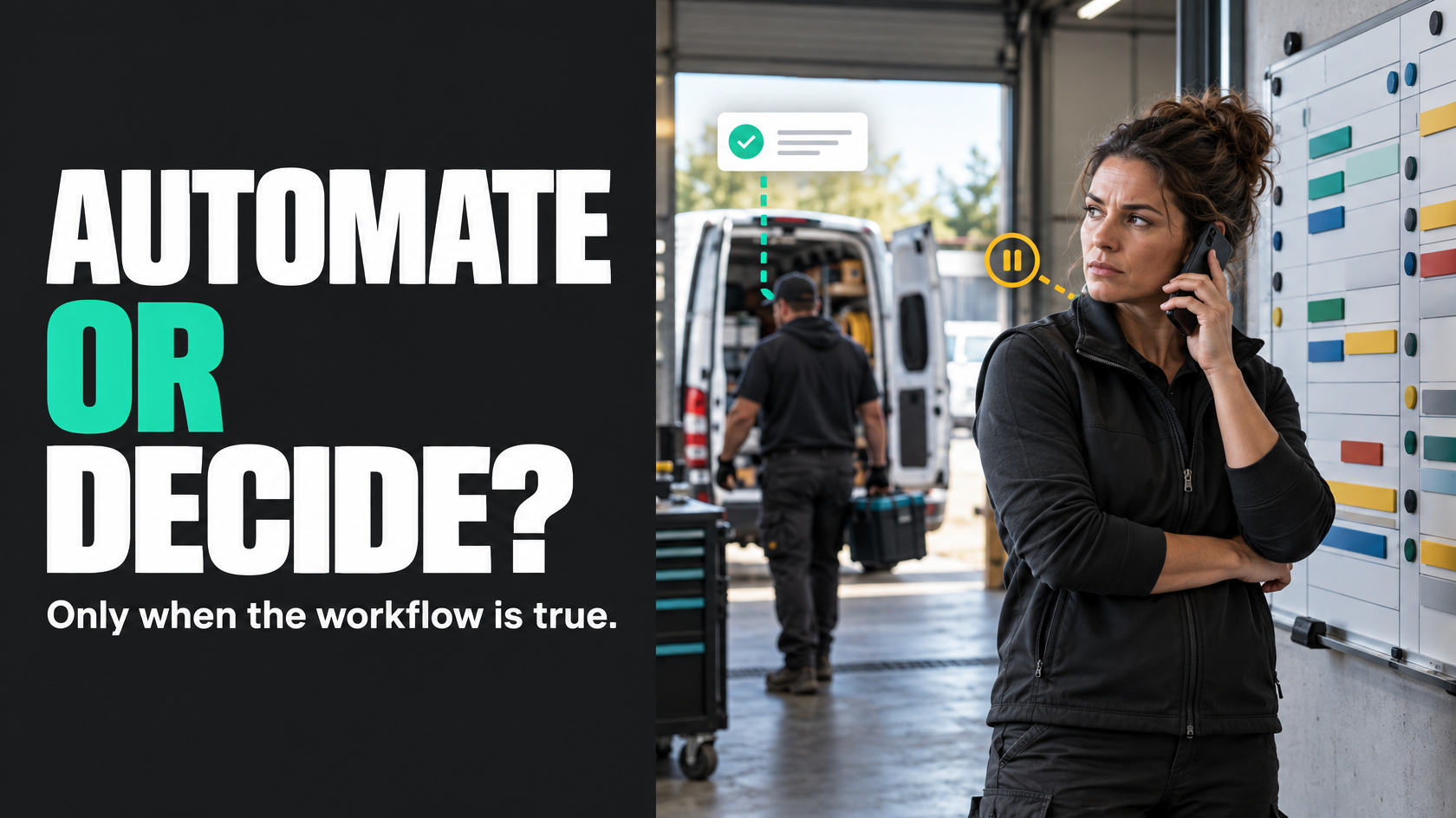
The right answer depends on how true your workflow data actually is
Most businesses do not struggle with customer communication because they lack channels. They struggle because the message being sent does not match what is really happening operationally.
That is the core decision: should communication be triggered automatically by a system event, or should a staff member decide when the message goes out?
If your process is stable, your system status is trustworthy, and the next step is predictable, event-driven communication can reduce admin and improve consistency. If the situation is ambiguous, sensitive, or dependent on context, staff judgement is usually safer.
The mistake is treating this as a technology question first. It is not mainly about SMS, email, CRM workflows or automation tools. It is about whether your workflow contains enough truth for a system to speak on the business's behalf.
A bad automated message does more damage than no automation at all. It creates confusion, duplicate follow-up, and often extra inbound calls from customers trying to work out what is actually going on.
Start with workflow truth, not communication convenience
Businesses often automate messages because a message would be useful, not because the triggering event is reliable.
Those are not the same thing.
A communication should only be system-triggered when three things are true:
- the triggering event is clear
- the underlying data is reliable
- the message can be sent without needing interpretation
For example, if a job booking is not considered confirmed until stock is allocated, a technician is assigned, and the time window is accepted, then the communication should not be triggered merely because someone created the job record. The customer hears "your booking is confirmed" while operations still see it as provisional.
That is how systems end up saying things staff would never confidently say themselves.
A better way to think about it is this: what operational fact has to become true before the business is comfortable communicating it externally?
That fact, if it is captured reliably, is a candidate for automation.
When system-triggered communication works well
Event-driven communication is strongest where the workflow state is unambiguous and the message is mostly informational.
In those cases, automation removes repetitive admin without increasing risk.
Common examples include:
- enquiry or form submission confirmations
- quote receipt confirmations
- booking confirmations once all required conditions are met
- pre-appointment reminders for confirmed bookings
- payment receipts
- notifications that a document has been received
- simple reminders to complete a clearly defined next step
These messages tend to work because they are based on events that can be clearly observed by the system. Either the quote was submitted, the payment was processed, or the required document was uploaded. There is not much room for interpretation.
The message itself also matters. If the communication is factual and limited in scope, it is safer to automate. "We have received your request" is very different from "your issue has been resolved" or "your installation will definitely happen tomorrow".
The first relies on a clear event. The second relies on operational certainty that may not actually exist.
When staff-triggered communication is the better model
Some communication should stay with people because the customer needs context, not just an update.
Manual communication is usually the better choice when:
- the situation is sensitive
- the next step is uncertain
- a delay has multiple possible causes
- scope is being clarified
- responsibility is disputed
- the customer may need reassurance or explanation
- the message could create expectations that operations cannot yet meet
A common example is a job delay. Businesses often want to automate these updates, but the reality is usually messy. The technician may be running late, but only by 15 minutes. The delay may clear. Another crew may be reassigned. Access issues may have changed the schedule. The customer may need a revised plan, not a generic notice.
In that situation, a staff member may need to decide:
- whether to contact the customer at all
- what explanation is appropriate
- whether a new time should be offered
- whether internal approval is needed before making a promise
The same applies when there is disputed scope. If a team member in the field identifies additional work, the business may need to confirm what is included, whether the customer approved a variation, and how that affects timing or cost. An automated message sent too early can lock the team into a position they did not mean to take.
Where the operational reality is still forming, communication needs judgement.
The practical test: can the system know enough to send the message safely?
A useful decision framework is to ask whether the system knows enough at that moment to send the message without human review.
That means checking more than whether a status changed.
Ask:
- What event is actually triggering the message?
- Does that event reliably mean the same thing every time?
- Is the underlying data complete at that point?
- Are there common exceptions that change what should be said?
- Would an experienced staff member want to review the wording before it goes out?
- If the customer replies with questions, is the message still defensible?
If the answer depends on "usually", "most of the time", or "if everything has been entered properly", then the trigger may not be ready for full automation.
This is where many workflows break down. A business says a message is triggered when a job moves to "scheduled", but in practice different staff use that status differently. One person means fully booked. Another means pencilled in. Another uses it because they need the job to appear on a certain board. The status exists, but the meaning is unstable.
Automation built on unstable meaning is unreliable by design.
Safe automations are usually narrow and specific
The safest automated communication is tied to a narrow operational truth.
Good automated messages often have characteristics like these:
- they confirm something already true
- they do not require explanation
- they do not depend on hidden assumptions
- they do not promise something another team may later change
- they can be standardised without losing meaning
For example, "We received your signed approval" is usually safer than "Work will commence shortly". One is based on a specific event. The other depends on scheduling, resource availability and internal readiness.
The more interpretation a message requires, the less suitable it is for pure event-driven automation.
This does not mean automation has to be abandoned. It may just mean the automation should create a task for staff rather than sending the customer message directly.
That is often the better middle ground.
Risky automations usually fail because the workflow is ambiguous
Businesses often blame the message when the real problem is the process behind it.
Risky automations typically sit on top of one of these issues:
- the status does not mean one consistent thing
- the source of truth is unclear
- staff update the system after the fact rather than during the workflow
- one team assumes another team has confirmed something
- exceptions are common but not modelled
- multiple systems can trigger competing messages
Take a common operations-heavy example. A technician completes work onsite and marks the job as finished in one system. Another system still shows missing photos, incomplete notes or unapproved extras. If the customer automatically receives a "your job is complete" message from the first event while admin is still waiting for required information, the business has created a contradiction.
The issue is not the wording. The issue is that "job complete" was not properly defined.
A better design might separate:
- physical work completed
- required documentation submitted
- internal review complete
- job ready for invoicing
- customer completion notice approved
Once those states are clear, communication can follow them more safely.
Avoid duplicate and contradictory messages across channels
One of the fastest ways to make communication feel disorganised is to let different systems send messages independently without a clear communication model.
This often happens when businesses add tools over time. The booking platform sends one reminder. The CRM sends another. A team member also calls or emails because they do not trust the automation. The customer ends up with duplicate messages, mixed wording or conflicting instructions.
The problem is rarely just "too many messages". The deeper issue is that nobody has defined:
- which system is allowed to initiate each type of communication
- which event should trigger it
- when staff should override it
- what happens if the workflow changes after the message is sent
Communication needs ownership just like operational data does.
For each message type, decide:
- what event authorises the message
- which system sends it
- whether a person can pause or override it
- what other channels must be suppressed to avoid duplication
- who handles exceptions when the usual flow breaks
Without that design, automation and manual communication compete with each other rather than working together.
Exceptions and overrides need explicit ownership
A lot of businesses assume they can automate the standard case and leave the rest to common sense.
That sounds reasonable until something unusual happens and nobody knows who is supposed to step in.
If a system-triggered message is paused because of missing data, who owns the follow-up? If a customer should not receive the usual notification because of a complaint, dispute or special arrangement, who applies that override? If a status change accidentally fires the wrong message, who catches it?
These questions matter because automated communication changes responsibility. Once the system can send messages by itself, staff may assume the customer has already been updated when they have not. Or they may manually contact the customer without realising an automated message is still queued.
A workable model usually includes:
- clear rules for when automation is allowed
- a visible exception path
- named ownership for manual intervention
- a way to suppress, delay or replace standard messages
- auditability around what was sent and why
This is especially important in operations-heavy environments where field activity, office coordination and customer expectations move at different speeds.
A useful middle ground: system-detected, human-approved
The decision is not always fully automatic versus fully manual.
In many cases, the best design is for the system to detect that a communication may be needed, then prompt a staff member to review and send it.
That approach works well when:
- the event is real but the message needs context
- timing matters but wording may vary
- a delay, variation or exception has occurred
- the customer may need explanation or options
For example, if a crew has not checked in within the expected window, the system might create an internal task for customer service rather than automatically sending a delay notice. Staff can then confirm whether the crew is actually late, whether a revised time is available, and whether this customer needs a call instead of a template email.
This preserves judgement where it matters while still reducing the burden of remembering who needs to be contacted.
Often, that is the better use of automation: not replacing communication decisions, but making sure they do not rely on memory.
Design communication around operational states people actually use correctly
A communication model is only as good as the workflow states behind it.
If the business wants reliable event-driven updates, the operational design needs to support that. That usually means:
- each status has one clear meaning
- staff know when to use it
- the source of truth is defined
- the next action attached to that state is explicit
- exceptions are represented somewhere visible
- data is captured at the point the event actually happens
This is less glamorous than choosing templates or channels, but it is what makes communication trustworthy.
When people say automation "doesn't work", they often mean the workflow was never specific enough for automation to speak accurately.
What good looks like
A good communication model does not try to automate everything. It separates messages into categories based on certainty and consequence.
In practice, good looks like this:
- straightforward factual updates are event-driven
- ambiguous or sensitive updates stay with staff
- automation follows real operational states, not wishful ones
- only one system owns each message trigger
- duplicate and conflicting messages are prevented by design
- staff can see what has been sent
- exceptions have a clear owner
- human judgement is reserved for the moments where it genuinely adds value
That is usually a stronger outcome than either extreme. Fully manual communication creates inconsistency and depends too heavily on staff remembering. Fully automated communication often breaks when the real world stops behaving neatly.
The better model is selective automation built on trustworthy process design.
Before deciding what to automate, define what the event actually means
If you are trying to improve customer communication, the first question is not "what can we automate?"
It is "which operational events are reliable enough to communicate externally without human interpretation?"
That shift matters. It pushes the business to define workflow truth, source of truth, ownership and exceptions before messages start going out.
Once those are clear, the decision becomes much easier. Some communication can and should be triggered automatically. Some should stay with staff. Some should be system-detected but human-approved.
If your workflow spans multiple teams, systems and exceptions, this is usually worth mapping properly before adding more automation. That is often where the real improvement comes from: not more messages, but better rules for when the business should speak and when a person should decide what to say.