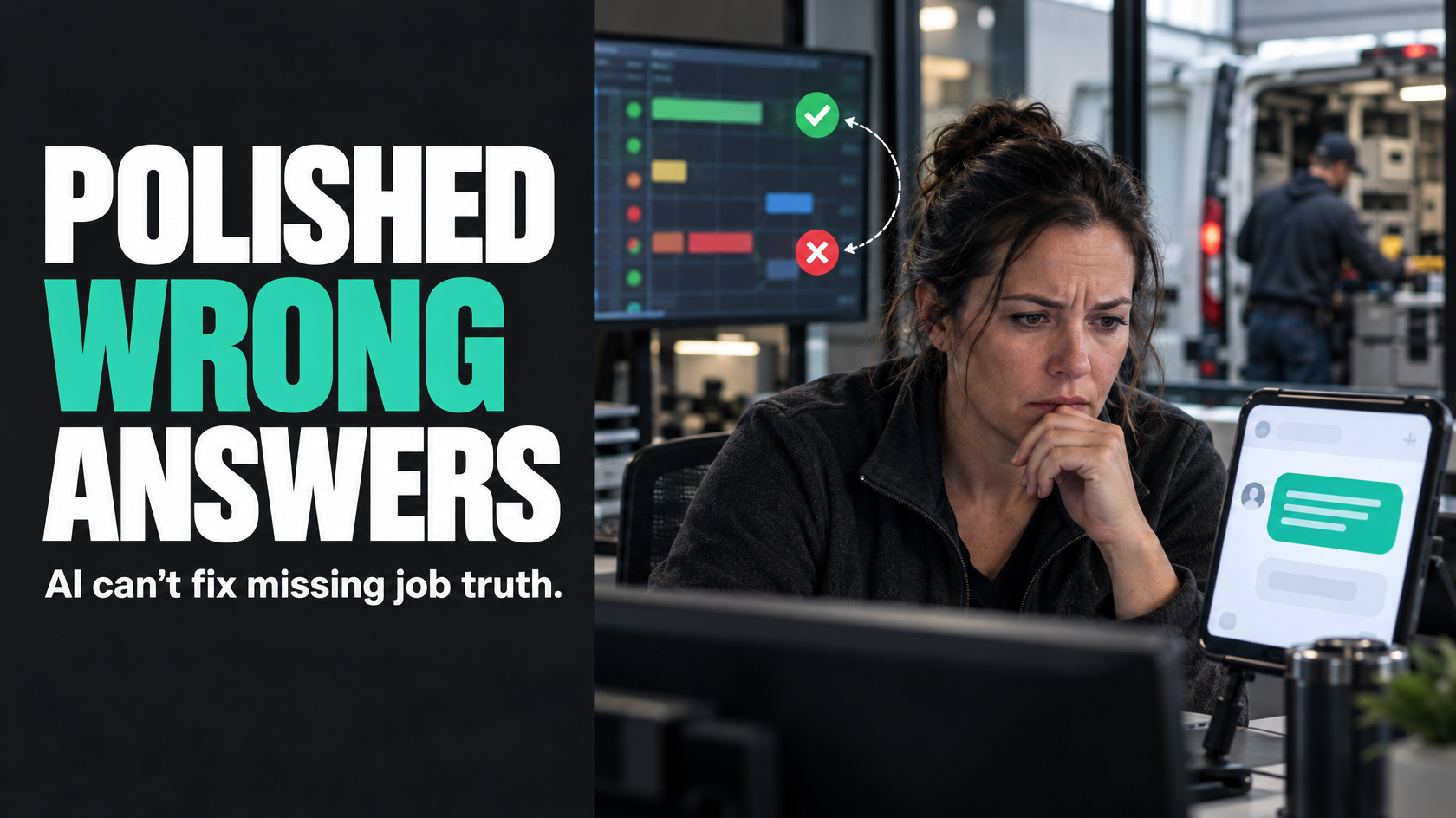
AI can only write from what your operation actually knows
A lot of businesses are looking at AI-generated customer replies and seeing an obvious win.
If customers ask for job updates, delivery timing, appointment confirmation, quote progress or a copy of missing information, it seems reasonable to let AI draft the response. In some cases, that can work well. It can save admin time, improve consistency and help staff respond faster.
But there is a limit that gets missed very quickly.
AI is good at producing language. It is not good at inventing reliable operational truth.
If the underlying data is incomplete, contradictory, late or sitting across three different systems with no clear source of truth, AI does not fix that. It just turns weak job context into a polished message.
That is the real risk. The reply sounds confident, helpful and complete, while the operation behind it is still unclear.
For most operations-heavy businesses, the question is not simply whether AI can draft a customer reply. The better question is whether the business has enough reliable workflow data for that draft to be safe.
The visible communication problem is often a systems problem
When businesses start exploring AI replies, the visible issue usually looks like this:
- staff spend too much time answering routine customer messages
- response quality varies between team members
- customers wait too long for updates
- office staff have to chase technicians, installers or project managers before they can reply
- the same status questions come up again and again
Those are real problems. But the cause is often not "we need better wording".
More commonly, it is one or more of these:
- job status is not updated consistently
- the person replying does not know which system contains the latest information
- important milestones are not captured in real time
- field staff complete work but supporting photos, notes or approvals arrive later
- there is no clear rule for what "in progress", "complete" or "waiting" actually means
- a customer update depends on someone remembering to send it
- scheduling, quoting and job management are disconnected
- ownership becomes unclear during handover from sales to operations, or operations to invoicing
In that environment, AI becomes a layer on top of unresolved operational ambiguity.
It may reduce the time spent writing the message, but it does nothing to improve the quality of the underlying answer.
AI drafting is not the same as operational decision making
This distinction matters.
AI can be useful for drafting a reply once the business already knows the answer.
For example:
- the appointment time is confirmed
- the technician has checked in on site
- the quote has been approved and is ready to schedule
- the required photos have been uploaded
- the final invoice has been issued
- the part is on backorder and the ETA has been entered by the team responsible
In those cases, the operational decision or status already exists. AI is helping turn known information into readable customer communication.
That is very different from asking AI to determine what is happening when the system itself is uncertain.
If a customer asks, "Has my job been completed?" and your records show one status in the job system, another in the field app, no final photos, and no completion sign-off, AI is not making a communication decision. It is being asked to guess which incomplete signal matters most.
That is not a writing task. That is an unresolved workflow problem.
The danger is not awkward wording. It is confident but wrong updates
Most people evaluating AI communication focus on tone, speed and consistency.
The bigger operational risk is false confidence.
A human staff member faced with weak information will often hesitate. They may say, "Let me check with the team and come back to you." That is not always efficient, but it does acknowledge uncertainty.
AI tends to do the opposite if it is not tightly controlled. It often produces a clean, plausible answer even when the source material is thin.
That creates several problems:
- the customer is told something that is no longer true
- the business accidentally commits to timing it has not confirmed
- an internal delay is hidden rather than escalated
- staff assume the message was based on reliable data because it sounded certain
- disputes become harder because the customer received a seemingly definitive update
A polished wrong answer is usually worse than a delayed cautious one.
This is especially risky in operations where status changes matter commercially or practically, such as:
- scheduled attendance windows
- installation completion
- defects or rework
- part availability
- approvals
- invoice timing
- site access issues
- customer handover milestones
If the data quality is weak, AI does not reduce risk. It can increase it by making uncertainty less visible.
The minimum data required for safe assisted replies
If you want AI to help draft customer replies, there is a baseline level of operational discipline required first.
At minimum, the business should be able to answer these questions reliably:
What is the current status of the job or request?
Not a vague impression. An actual current state.
That status should mean something operationally. "Awaiting customer approval" should not be confused with "approved but unscheduled". "Completed" should not mean "technician says done, but paperwork still missing".
If statuses are inconsistent or interpreted differently by different teams, AI has no stable foundation.
Which system is the source of truth?
If scheduling lives in one platform, job notes in another, customer communications in email, and completion evidence in a shared folder, somebody needs to define which system owns which data.
Otherwise an AI draft may combine outdated and current information without anyone noticing.
How current is the information?
A status that updates once per day may be fine for reporting, but not for customer replies about today's appointment.
For assisted communication, timeliness matters. A system can be accurate in general but still too delayed to support live customer messaging.
Who owns exceptions?
Many communication failures happen at the edge cases.
The technician could not gain access. The required part is missing. The customer changed scope. The photos were uploaded but the approval step did not happen. The installer marked the work complete but the handover checklist failed.
If there is no clear owner for exception handling, AI will not solve the communication problem. It will simply produce vague replies around an unresolved issue.
What information is safe to communicate automatically?
Not every internal note belongs in a customer-facing message.
The business needs rules around what can be included, what must be reviewed, and what should stay internal. That applies whether the reply is templated, human-written or AI-assisted.
Where AI can help properly
Used in the right place, AI can still be useful.
The best use cases are usually ones where the workflow is already structured and the reply is based on stable, explicit data.
For example, AI may help draft replies when:
- a confirmed appointment window already exists
- a quote has moved to an approved state
- a job is waiting on clearly recorded customer action
- the customer asks for a summary of next steps that are already defined in the workflow
- the business has a complete interaction history and a current verified job state
- staff need help turning internal updates into clearer external wording
In those situations, AI is acting more like a writing assistant than an operational decision-maker.
That is the right framing.
If the business already knows:
- what happened
- what the current state is
- what happens next
- who owns the next step
then AI may be able to help say it more efficiently.
Where templated communication is often better than AI
A lot of businesses jump to AI when a simpler mechanism would be safer.
If a status change is deterministic, consistent and driven by a reliable system event, a well-designed template is often enough.
Examples:
- "Your quote has been approved and is now ready for scheduling."
- "Your technician is on the way."
- "We are waiting on the following information before we can proceed."
- "Your job has been completed and is now with our team for final review."
- "Your invoice is now available."
These messages do not need creativity. They need accuracy, timing and the right trigger.
If the event is clear and the wording is standard, templated communication is often more predictable than AI-generated drafting. It is easier to control, easier to review and less likely to introduce accidental interpretation.
AI becomes more useful when the response needs flexible wording around known facts, not when the process itself is simple and repetitive.
Approval and review boundaries matter
One of the safest ways to use AI in customer communication is to keep a human review step where uncertainty still exists.
That does not mean every draft must be manually rewritten. It means the business should be clear about what level of confidence is required before a message can go out without review.
A useful boundary might look like this:
- fully automated templates for clear system events
- AI-assisted drafts for replies based on verified job context
- mandatory human review where timing, scope, completion, cost or responsibility is unclear
- no AI drafting where the underlying data is missing or contradictory
This is not just about risk management. It is also about accountability.
If nobody can explain where the draft got its answer from, the process is not ready for unattended communication.
A practical rule is simple: if the staff member reviewing the reply would need to open three systems and make judgement calls anyway, the issue is probably not the writing. It is the workflow.
Fix the status model before adding smarter messaging
Many customer communication problems improve dramatically once the business cleans up its workflow states.
That usually means defining:
- the real stages a quote, job or request passes through
- the entry and exit conditions for each stage
- who owns the stage
- what data must be present before the stage changes
- what event should trigger the next action
- what customer communication, if any, should happen at that point
For example, instead of a vague "in progress" status, a field-service workflow may need distinct states such as:
- scheduled
- technician dispatched
- on site
- work completed awaiting photos
- work completed awaiting internal review
- customer action required
- ready to invoice
Those states are more useful operationally, and they also create safer conditions for automated or AI-assisted communication.
Without that structure, the business asks messaging tools to compensate for missing process clarity.
A practical test: can your system answer the customer's question without interpretation?
Before introducing AI-generated replies, test the common customer questions.
For each one, ask:
- What exact system data is required to answer this?
- Is that data captured consistently?
- Is it current enough to use?
- Is there a single source of truth?
- Would two staff members reading the same record give the same answer?
- If the answer is unclear, who resolves it?
If those questions do not have clean answers, AI is unlikely to improve the situation safely.
Take a simple example: "When will someone be on site?"
That looks like a communication question. Often it is not.
To answer it reliably, you may need:
- the current scheduled booking
- any same-day rescheduling
- confirmation that the assigned technician accepted the job
- travel or dispatch status
- any access notes affecting arrival
- rules about what can actually be promised to the customer
If those inputs are weak, the problem is not that staff need better writing help. The business does not yet have a stable answer available for AI to express.
Good customer communication starts earlier in the workflow
By the time someone is drafting a reply, the communication quality has usually already been shaped by earlier process decisions.
If the workflow does not reliably capture:
- completion evidence
- approval state
- schedule changes
- missing documents
- customer dependencies
- exception reasons
- next-action ownership
then customer communication becomes reactive and labour-intensive no matter what tool sits on top.
This is why businesses often feel disappointed after adding smart messaging. The messages may sound better, but the team still spends half the day chasing context.
The real improvement usually comes from changing how information moves through the operation:
- status updates happen at the point of work
- handovers are explicit
- required fields are captured before progression
- exceptions are visible
- ownership is clear
- the next trigger is driven by system state, not memory
Once that exists, AI has something useful to work with.
What good looks like in practice
A healthy setup for AI-assisted customer replies usually looks something like this:
- the workflow stages are defined clearly
- each stage has operational meaning
- the source of truth for customer-facing status is known
- key events are captured close to real time
- exceptions are separated from normal progress
- standard status-driven messages are templated
- AI is used only where flexible phrasing adds value
- messages involving uncertainty, delay, scope or commitment are reviewed by a person
- staff can see why a draft says what it says
In that environment, AI can be genuinely helpful. It reduces writing effort without pretending to solve process ambiguity.
That is a very different outcome from using AI as a patch over missing job context.
So, should you use AI to draft customer replies?
Yes, but only after being honest about what problem you are trying to solve.
If the issue is mainly repetitive wording around well-defined workflow events, AI may help, although templates may handle much of it more safely.
If the issue is that nobody can reliably tell what is happening with a job, who owns the next step, or whether the latest status is even current, AI will not solve the real problem. It will just produce smoother language around bad operational data.
Better communication automation starts with reliable workflow data:
- clear statuses
- defined ownership
- timely updates
- known sources of truth
- visible exceptions
- sensible review boundaries
Once those foundations are in place, AI can be a useful assistant.
Without them, it is mostly a way to make operational uncertainty sound more convincing.
If your customer communication depends on information spread across teams, systems and exception-heavy workflows, mapping the process first is usually the safer move. That is often where the real improvement sits, long before any AI drafting layer is added.