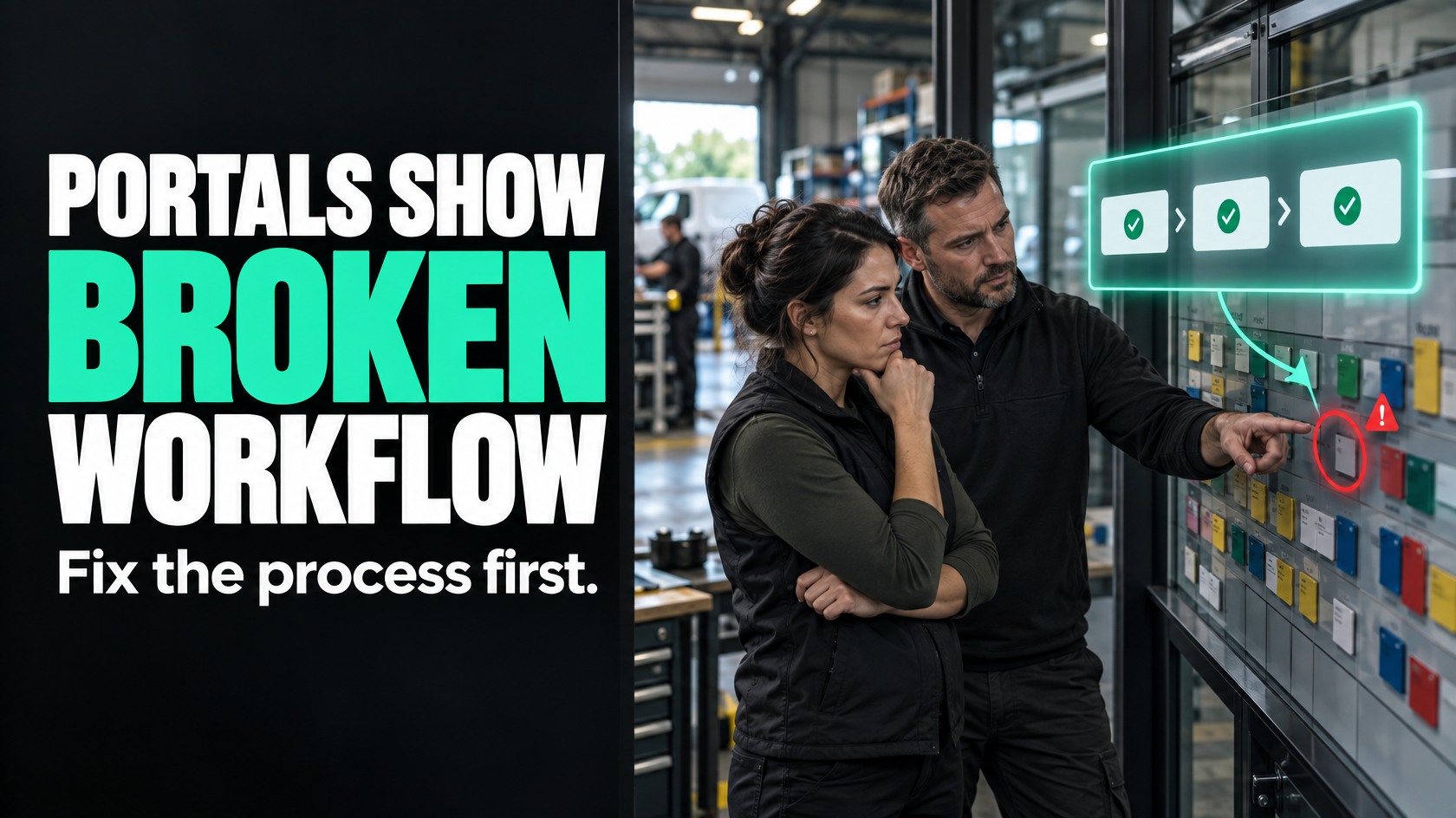
A customer portal is usually a visibility layer, not a fix
A customer portal sounds attractive for obvious reasons. Customers can log in, check progress, download documents, approve items or see what happens next without calling or emailing your team.
In the right situation, that can be genuinely useful.
But many businesses consider a portal because they are already dealing with a constant stream of update requests, missing-document questions and admin follow-up. In those cases, the portal often gets framed as the solution when it is really just another place to display the same internal confusion.
If your job statuses are inconsistent, your documents are scattered, your handovers are unreliable or nobody clearly owns updates, a portal will not solve that. It will expose it.
The real question is not “Would customers like a portal?” They probably would. The more important question is “Do we have a stable enough workflow to support one?”
Why portal requests often point to an internal workflow problem
When customers ask for updates, they are usually reacting to uncertainty.
That uncertainty often comes from one of these internal issues:
- job status is not updated consistently
- the business cannot easily see where a job is up to
- documents exist, but no one knows whether they are final, current or approved
- responsibility changes hands without a clear system trigger
- customer-facing information depends on someone remembering to send it
- internal teams are working from different versions of the truth
From the customer’s perspective, this feels like poor communication.
From the business’s perspective, it is often an operational design issue.
For example, a customer might keep asking for install timing, not because they specifically need a portal, but because scheduling changes are happening internally without a reliable way to reflect the current state. Or they may chase certificates and completion photos because those documents are not consistently collected, reviewed and linked to the job record.
A portal does not create reliable information. It only publishes whatever the business already has.
If the underlying process is weak, self-service simply gives customers a clearer view of that weakness.
What a portal does well when the foundations are solid
This does not mean customer portals are a bad idea.
A good portal can work well when it sits on top of a disciplined internal workflow. In that case, it can reduce avoidable admin and make the customer experience smoother.
A portal tends to add real value when customers genuinely need ongoing access to information or actions such as:
- checking current job or project status
- viewing scheduled dates or milestones
- downloading approved documents
- approving quotes, variations or deliverables
- viewing site-specific records or historical work
- submitting requests in a structured way
- tracking progress across multiple jobs or locations
That is especially useful when customers interact with you repeatedly, have multiple stakeholders involved or need a persistent record they can return to without contacting your team.
In other words, a portal is most valuable when the customer has a recurring operational reason to use it, not just when the business is tired of answering emails.
The first test: can your team trust the status internally?
Before building a portal, look at your internal status model.
If a customer logs in, what exactly will they see? More importantly, can your own team trust that information?
A lot of businesses have statuses, but not a usable status system. They may have labels in a CRM, job platform or spreadsheet, but those labels are not consistently updated or do not reflect meaningful operational stages.
A useful customer-facing status needs to be:
- clearly defined
- operationally meaningful
- updated at the right point in the process
- owned by a person, team or system event
- reliable enough that someone external can see it
If “In Progress” could mean “booked for next week”, “team on site”, “waiting on materials” or “job nearly finished”, it is not portal-ready. It is not even internally useful.
A portal forces this issue because vague internal statuses become customer communication. Once that happens, ambiguity creates more questions, not fewer.
The second test: are documents actually controlled?
Many portal ideas centre on document access. Customers want to retrieve quotes, variations, warranties, photos, handover packs, certificates or invoices without asking the office.
That only works if the document flow is already reliable.
Key questions include:
- Where does each document originate?
- Which system is the source of truth?
- When is a document considered final?
- Who checks it before it becomes customer-visible?
- How is it linked to the correct job, site or customer?
- What happens if it is missing, replaced or delayed?
If your team still spends time searching inboxes, shared drives, chat threads or individual desktops for the latest version of something, a portal will not remove that problem. It may simply move the problem outward and create customer frustration when the document is not there, is out of date or is attached to the wrong record.
A self-service document area only works when the business can produce the right document consistently as part of the normal workflow.
The third test: who owns customer-visible updates?
A surprising number of portal concepts fail because nobody has decided who owns the information being published.
Internally, a process may move across sales, operations, scheduling, field staff, admin and accounts. That can work if the handovers are clear. But once customers are seeing milestones, dates or documents, the business needs to know who is responsible for each part of that information.
For example:
- Who confirms a job is ready to schedule?
- Who marks a stage complete?
- Who checks site photos before they are visible?
- Who uploads or approves final documents?
- Who updates delays or exceptions?
If the answer is “someone usually does that” or “the office handles it”, the workflow is probably not stable enough yet.
A portal depends on ownership just as much as software.
Decide what customers actually need to see or do
One of the biggest mistakes is building a portal around what the business can technically display rather than what the customer actually needs.
Not every customer wants a full dashboard. Often they only need a small number of specific things:
- current status
- next planned step
- booked date
- final documents
- approvals waiting on them
- history for previous jobs or sites
That matters because the value of a portal depends on usage. If customers only need occasional updates, a full login-based system may be unnecessary overhead. You may be better off improving status discipline internally and sending triggered updates at the right moments.
A portal becomes more sensible when customers benefit from returning to the same information repeatedly, especially across longer or multi-stage jobs.
The design question is not “What could we put in a portal?” It is “What recurring customer need would this portal serve better than a simpler communication model?”
A portal can become another system to maintain
This is where many businesses underestimate the real cost.
A customer portal is not just a front end. It creates another operational surface that has to stay aligned with the rest of the business.
That usually means ongoing decisions about:
- which system owns the data
- how statuses are translated for customer viewing
- which documents are exposed
- how permissions work
- what happens when internal and external views differ
- how exceptions are handled
- who supports customers when the portal itself creates confusion
If the portal needs staff to manually upload files, manually update milestones or manually correct customer-facing records, it may reduce very little. You have simply created another channel to maintain.
This is why portal projects can feel sensible in principle but disappointing in practice. The business expected self-service. What it actually built was another admin layer.
Start with the workflow, not the interface
A more useful way to evaluate a portal is to work backwards from the operating model.
Map the workflow first:
- What stages does the job actually move through?
- What information is created at each stage?
- Which system should own that information?
- What event confirms that a stage is complete?
- What should happen next automatically, and what still needs human judgement?
- Which updates or documents are safe to expose externally?
- What exceptions regularly disrupt the normal flow?
Once that is clear, the portal question becomes easier.
Sometimes the answer is yes: there is a stable process, clear source data and a real customer need for ongoing access.
Sometimes the answer is no: what the business really needs is better internal status control, cleaner handovers and clearer information ownership.
The visible request may be “We need a portal.” The underlying problem may be “We do not have reliable operational state.”
When event-driven communication is a better first step
If the customer’s main need is simply to stay informed, a portal may not be the first thing to build.
A lot of update pressure can be reduced by making sure key events trigger the right communication automatically. That might mean customers are informed when:
- a quote is approved and the job moves into delivery
- a booking date is confirmed
- a technician or installer completes a stage
- required documents are approved and ready
- an exception changes timing or next steps
- the job is completed and final handover is available
This is different from building a portal because the business is not asking the customer to come and check for movement. The system communicates when something meaningful actually happens.
That approach often delivers value sooner, with less complexity, while also forcing the business to define the events and statuses properly. In many cases, that internal discipline is the real prerequisite for a worthwhile portal later.
Signs you should fix internal workflow first
You should usually improve the internal process before building a portal if any of the following are true:
- staff disagree on what the current job status means
- job progress is often tracked in messages, memory or spreadsheets outside the main system
- customers are chasing updates because your team cannot easily see the latest state either
- documents are not consistently named, approved or attached to the right record
- there is no clear source of truth for customer-facing information
- handovers between teams regularly cause delays or confusion
- progress only becomes visible after someone manually checks with another team
- exceptions are common and not handled consistently
- the proposed portal would rely on staff remembering to maintain it
In those situations, the portal is unlikely to remove the friction. It will more likely formalise it.
Signs a portal may be the right investment
A portal is more likely to make sense when:
- the internal workflow is stable and status-driven
- customer-visible milestones are clearly defined
- documents are reliably produced and linked to the correct record
- ownership of updates is clear
- customers genuinely need repeated access to information
- multiple customer stakeholders need a shared view
- approvals, downloads or history are part of the normal relationship
- the portal can draw from existing source data rather than creating duplicate maintenance
The common theme is that the portal is built on real operational capability, not on hope.
Good self-service reflects real operational maturity
Useful self-service is not created by putting a login screen in front of a messy process.
It comes from a business that already knows:
- what state each job is in
- what information belongs where
- who owns each step
- what should trigger the next action
- which documents are final
- what the customer should and should not see
At that point, a portal can be a clean visibility layer. It reduces avoidable enquiries because the underlying system already produces trustworthy information.
Without that foundation, the portal becomes another place where uncertainty shows up.
The right decision is usually clearer than it first appears
If customers keep asking for updates or documents, it is reasonable to explore self-service. But the request should be investigated properly before you commit to building a portal.
In many businesses, the real issue is not lack of external access. It is weak internal control over statuses, documents and handovers.
Fixing that first often improves both customer communication and internal efficiency. And if a portal still makes sense afterwards, it will be built on stable ground rather than used as a workaround for process problems.
If you are weighing up a portal, it is usually worth mapping the workflow, source data and ownership rules before deciding on the interface. That is often where the real answer becomes obvious. If the process spans multiple teams and systems, 5M Consulting can help assess whether a portal is the right layer to add or whether the internal workflow should be repaired first.