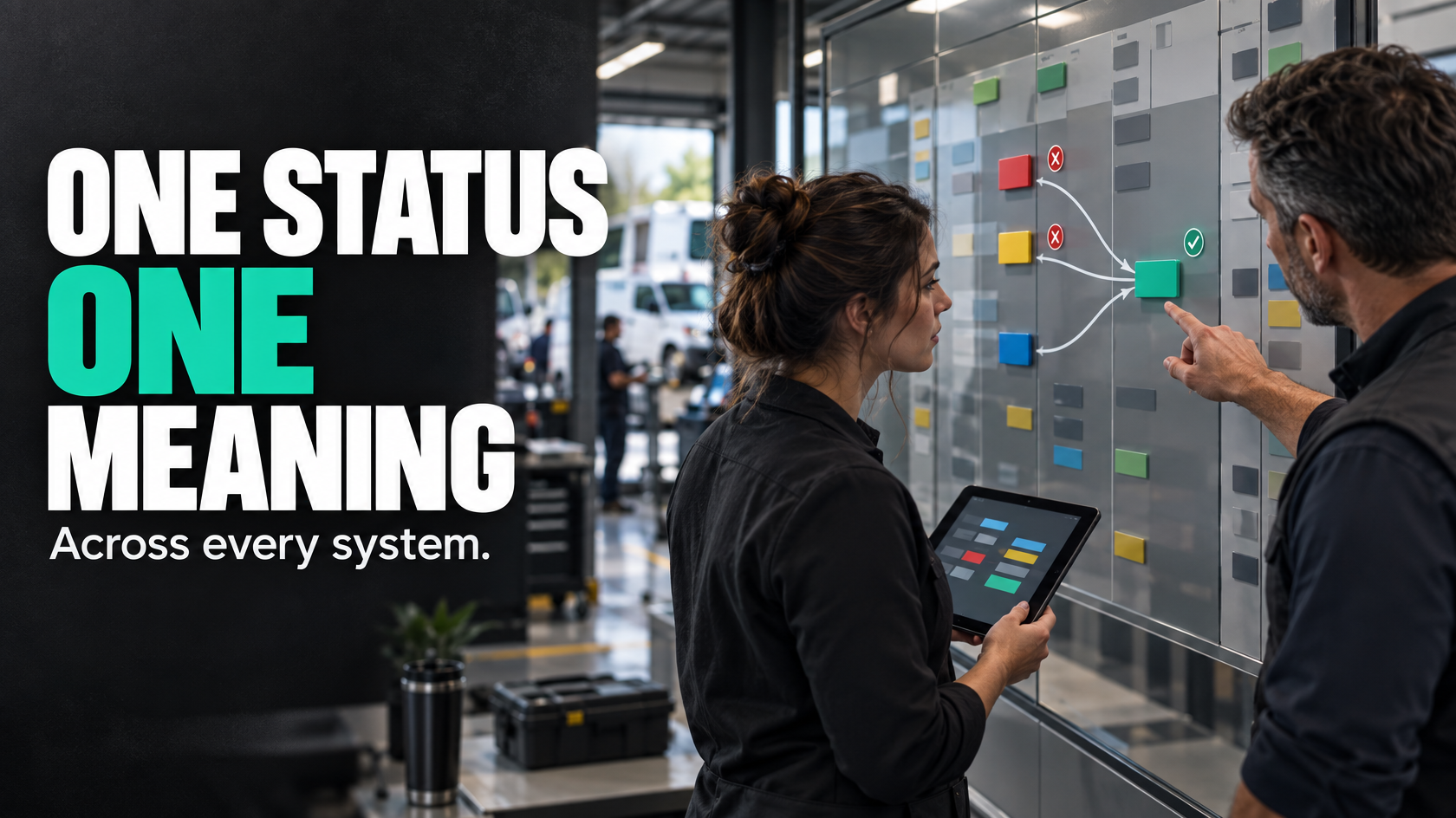
When statuses mean different things, the problem is bigger than the dropdown list
A lot of businesses end up with the same operational headache.
A job is marked “approved” in the CRM, “scheduled” in the job management system, “in progress” on the scheduler, and still looks “open” in accounting. Everyone can see a status, but nobody is fully confident what stage the job is actually at.
That creates more than annoyance. It creates delays, bad reporting, broken automations and constant manual checking.
The usual response is to tidy up the statuses inside one platform. That can help locally, but it does not solve the real problem if multiple systems are involved. A status only works if its meaning is consistent across the workflow, not just inside the software where it was created.
If your sales team, operations team, schedulers and accounts all rely on different systems, then status design has to be a cross-system exercise. Otherwise each platform ends up describing progress in its own language, and the business starts relying on staff to mentally translate between them.
Why local status design breaks down across connected systems
A single system can have well-labelled statuses and still fail operationally once it connects to other software.
The reason is simple: each platform tends to model work for its own purpose.
A CRM might care about lead progression and quote approval. A job management system might care about delivery stages and required documents. A scheduling tool might care about technician allocation and attendance. An accounting platform might care about invoice readiness and financial completion.
All of those are legitimate concerns, but they are not the same thing.
Problems start when businesses assume similarly named statuses mean the same thing everywhere. They often do not.
For example:
- “Approved” in the CRM may mean the customer accepted the quote
- “Approved” in operations may mean internal review is complete and the job can be booked
- “Completed” in scheduling may mean the technician left site
- “Completed” in job management may mean photos, forms and sign-off are done
- “Closed” in accounting may mean the invoice was raised, not that the operational work is finished
If those distinctions are not made explicit, then integrations either pass the wrong meaning along or fail to trigger the next action altogether.
The result is familiar:
- jobs appear further along than they really are
- teams wait on work that another system says is already done
- customer updates go out too early or too late
- invoice queues fill with jobs that are not actually ready
- dashboards become unreliable because each system is reporting a different version of reality
This is not really a “status naming” issue. It is an operational meaning issue.
The real fix is a cross-system status model
To standardise status meaning across disconnected tools, you need a shared operational model above the individual platforms.
That means defining the real business stages first, then deciding how each system represents those stages for its own purpose.
In other words, do not start with software fields. Start with the lifecycle of the work.
A practical cross-system status model usually answers questions like:
- What are the actual stages a job moves through from approval to final completion?
- Which stages matter to the business operationally?
- Which system owns each stage?
- What event proves that a stage has genuinely changed?
- Which systems need to be updated, and for what purpose?
- What happens when reality does not follow the normal path?
This matters because not every system needs identical statuses. What they need is consistent interpretation.
Your CRM, scheduler and accounting platform can all have different internal status labels if there is a clear mapping back to the same operational stage model.
Define the operational stages before the system statuses
The cleanest place to start is with a small set of business-level stages that describe the actual movement of work.
For example, a service or project job might move through stages such as:
- Quote accepted
- Ready for operations review
- Ready to schedule
- Scheduled
- Work underway
- Work complete on site
- Documentation complete
- Ready to invoice
- Invoiced
- Closed
These are not software-specific. They are operational states.
That distinction matters. If you define the workflow stages in operational terms first, you can then decide how each system should reflect them.
For instance:
- the CRM may only need to know up to “quote accepted”
- the scheduling tool may only care about “ready to schedule”, “scheduled” and “work underway”
- the job system may be the main source for “documentation complete” and “ready to invoice”
- the accounting platform may only need “invoice raised” and “paid” states
This avoids forcing every platform to become the master record for the whole job.
Choose a source of truth for workflow state
One of the main reasons statuses drift is that nobody has decided which system is authoritative for which part of the process.
Without that decision, teams update whichever system is in front of them, and integrations try to keep up afterwards. That creates conflicting states and endless reconciliation.
A better approach is to assign ownership deliberately.
For each meaningful stage, decide:
- which system is the source of truth
- who is allowed to change it
- what event or evidence is required
- which downstream systems should be updated as a result
For example:
- Quote accepted may be owned by the CRM
- Scheduled may be owned by the scheduling platform
- Work complete on site may be owned by the field or job management system
- Ready to invoice may be owned by the job management system after required checks
- Invoiced may be owned by the accounting platform
This prevents a common failure mode where several systems all appear editable, but none is reliably correct.
A source of truth does not mean one platform must own everything. It means each important stage has a clearly defined owner.
Map business stages to system-specific statuses
Once the operational stages are defined and ownership is clear, you can build a translation layer between the business model and each platform.
This is where many businesses skip ahead too quickly. They connect statuses directly system to system without documenting what each one actually means.
A proper mapping should show:
- the business stage
- the owning system
- the system-specific status value
- the trigger that moves it there
- any conditions that must be true first
- what other systems need to be updated
A simple example might look like this in practice:
Business stage: Ready to schedule
- Owning system: job management
- Local status: “Approved for booking”
- Trigger: quote accepted, deposit received if required, site details complete
- Downstream effect: scheduler creates booking task or updates booking queue
Business stage: Work complete on site
- Owning system: field app or job system
- Local status: “Attended complete”
- Trigger: technician marks visit complete
- Downstream effect: does not yet mark job ready to invoice until photos, forms or variations are checked
Business stage: Ready to invoice
- Owning system: job management
- Local status: “Admin review passed”
- Trigger: required documentation complete and billable items confirmed
- Downstream effect: accounting draft invoice created or accounts queue updated
This is where hidden ambiguity becomes visible. Very often, what looked like one status is actually several distinct business stages.
Why mismatched statuses break automations
Automation only works when the trigger means something precise.
If one system changes a job to “complete”, but that status sometimes means “technician finished”, sometimes means “paperwork pending”, and sometimes means “invoice raised”, then no reliable automation can sit on top of it.
The automation is not the real problem. The meaning is.
Cross-system automation usually fails in one of three ways:
A status changes too early
A downstream action fires before the work is actually ready.
For example, a “completed” status in scheduling triggers a customer completion email, but the office later discovers the technician still needs to upload photos or the job needs a return visit.
A status changes too late
Teams wait unnecessarily because the next system is only updated after manual intervention.
For example, a job is operationally ready for invoicing, but accounting never sees it until someone remembers to push it across.
A status is interpreted differently by different systems
An integration updates another platform, but maps the wrong meaning.
For example, the CRM moves a won quote into a job pipeline as “in progress”, even though operations has not yet reviewed scope, timing or prerequisites. Reporting now shows work as active when it is really still waiting for handover.
Good trigger design depends on event clarity. A status should change because a defined business event occurred, not because someone used the closest-looking label.
Design triggers around events, not assumptions
One of the most useful ways to clean this up is to ask: what event proves this stage has happened?
That is a stronger question than: which status should we pick?
Examples of valid trigger events include:
- customer accepted the quote
- internal approval was completed
- required deposit was received
- booking date was assigned
- technician checked in on site
- technician marked works complete
- required photos were uploaded
- variation approval was captured
- invoice was created in accounting
These are observable events. They are much safer foundations for cross-system updates than vague status labels alone.
A solid cross-system model often uses statuses as visible outputs of underlying events and conditions.
For example, “Ready to invoice” should not just be a manual label. It might depend on:
- works complete
- all required documents attached
- extras reviewed
- no unresolved defects
- internal approval complete
Once those conditions are met, the workflow state can change with confidence.
That is far more reliable than asking staff to remember when a job feels ready.
Reporting problems caused by status drift
Status inconsistency is one of the main reasons reporting becomes untrustworthy.
This usually shows up in complaints like:
- “The dashboard never matches what the team says is happening.”
- “We can’t get a straight answer on how many jobs are actually ready to invoice.”
- “Sales says jobs are won, operations says they are waiting, accounts says they are still open.”
- “Our WIP report includes jobs that are basically finished and jobs that haven’t really started.”
The issue is rarely the dashboard itself. The issue is that reporting is being built on top of drifting definitions.
If “in progress” means different things in different systems, then any report aggregating those systems will be misleading.
The same goes for cycle time reporting. If one system starts the clock at quote acceptance, another starts it at scheduling, and another ends it at invoice creation, then your performance data is not measuring a single process.
A cross-system status model improves reporting because it gives you a common reference point. Even if systems keep their own local values, you can map them back to consistent business stages for operational visibility.
That makes it much easier to answer basic management questions such as:
- How many jobs are awaiting scheduling?
- How many have been completed on site but are not invoice-ready?
- Where are jobs most commonly getting stuck?
- Which handover is slowing the workflow down?
Without common meaning, those reports become guesswork.
Manual overrides and exceptions need to be designed, not ignored
No workflow stays perfectly linear.
Jobs get paused. Customer information is missing. A return visit is needed. A variation is disputed. Documentation arrives late. A scheduler moves work around for practical reasons. Someone in the field marks a job complete by mistake.
A good cross-system status model has to account for these realities.
This means defining:
- which exceptions deserve their own state
- when a job can move backwards
- who can override a stage
- what must be recorded when an override happens
- whether downstream systems should be updated automatically or held
For example, a technician may mark a visit complete, but operations may later discover a missing compliance form. In that case, the job might need to move from “work complete on site” back to “documentation pending” without pretending the site visit never occurred.
That is different from simply leaving the job marked “complete” and hoping someone remembers not to invoice it yet.
Manual overrides are sometimes necessary, but they should not become the primary control mechanism. If staff are constantly correcting statuses by hand, that usually points to one of three problems:
- the stage definitions are unclear
- the trigger rules are incomplete
- the system model does not reflect real exceptions
The goal is not to eliminate human judgement. It is to make sure human judgement happens deliberately, with visibility, rather than through hidden workarounds.
A practical way to standardise statuses without replacing every platform
You do not need to rip out all your software to fix this. In many cases, the existing systems can stay. What needs to change is the status architecture between them.
A practical approach usually looks like this:
1. Map the real workflow end to end
Document the actual lifecycle from sale through delivery to invoicing and closure.
Include:
- handover points
- approvals
- field activity
- document requirements
- billing readiness
- common exception paths
This step often exposes that teams are using the same status words for different meanings.
2. Define the business-level stages
Create a shared operational stage model that reflects how work actually progresses.
Keep it tight. If you define too many stages, people stop using them properly. If you define too few, they become vague.
3. Assign ownership for each stage
Decide which system is authoritative for each business stage and who is allowed to update it.
This prevents parallel versions of truth.
4. Map each system’s local statuses to the shared model
Do not force identical labels everywhere unless it genuinely helps. Some systems need different local states for their own function.
What matters is that the mapping is explicit and maintained.
5. Define trigger rules and conditions
List the actual events and prerequisites that cause a stage change.
This is the point where automation becomes reliable.
6. Design exception handling
Document what happens when the normal path breaks.
This includes pauses, rework, missing information, cancellations, partial completion and manual correction.
7. Review reporting against the shared model
Make sure reports are based on consistent business stages, not a mix of loosely comparable local values.
This is often where the value becomes most visible to management.
What good looks like operationally
When this is working properly, staff no longer have to interpret the workflow from memory.
A scheduler can see whether a job is genuinely ready to book.
Operations can see the difference between site work being finished and the job being commercially ready for invoicing.
Accounts can trust the invoice-ready queue.
Management reports can reflect real progress instead of stitched-together approximations.
Most importantly, automation starts behaving properly because the triggers are tied to defined operational meaning.
That does not require perfect software. It requires clear ownership, clear mapping and clear rules about what each state actually means across the business.
If your team is constantly checking multiple platforms just to work out where a job stands, the issue is probably not that you need more statuses. It is that your existing systems are describing the same work from different angles without a shared model connecting them.
When a workflow spans CRM, job management, scheduling and accounting, status consistency becomes a systems architecture problem, not just an admin clean-up task. If that is happening in your business, mapping the cross-system workflow before changing automations is usually the right place to start. 5M Consulting helps businesses untangle those handovers, define clearer system ownership and build workflows that behave more predictably across the tools they already use.