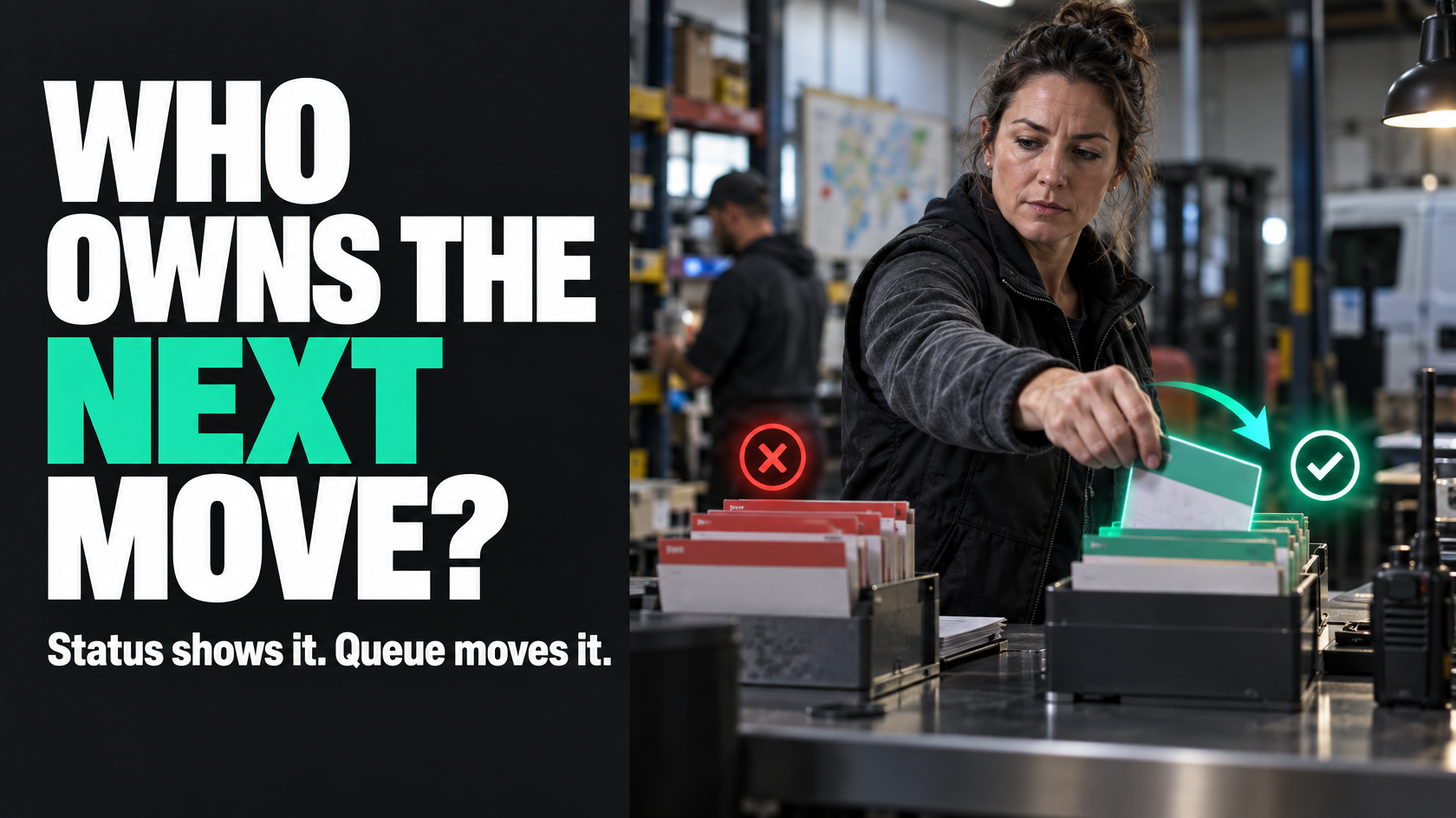
When a status shows where work is sitting, but not who needs to move it
A lot of workflows look organised on paper because every item has a status.
Pending approval. Awaiting review. Needs follow-up. On hold. Submitted. Ready for scheduling.
The problem is that a status can describe the condition of the work without creating any real movement. An item can sit in a perfectly valid status for days because nobody is clearly responsible for the next action, nobody is checking that list properly, or the workflow assumes someone will remember to pick it up.
That is usually the point where the issue is no longer status design. It is an operating model problem.
If work needs active triage, assignment, review or prioritisation, a passive status list is often the wrong mechanism. What it actually needs is a queue: a worklist or inbox with an owner, clear entry rules and service expectations.
That distinction matters because status and queue do different jobs.
- Status describes state
- Queue drives action
If you use one to do the other, work tends to disappear in plain sight.
Status and queue are not the same thing
A status answers a descriptive question: what condition is this item in right now?
Examples:
- quoted
- approved
- waiting on customer
- completed
- cancelled
That is useful information. It helps people understand where a job, request or approval sits in the broader workflow.
A queue answers an operational question: who needs to do something next, and where does that work sit until they do?
Examples:
- approvals inbox
- scheduling queue
- exceptions queue
- intake review queue
- incomplete documentation queue
This is where many businesses run into trouble. They create more and more statuses to compensate for the fact that nobody owns the next step.
So instead of building a review queue, they add statuses like:
- submitted for review
- under review
- pending internal check
- awaiting operations review
- flagged for follow-up
That can make the board look more detailed, but it does not necessarily make the work more manageable. In many cases it does the opposite. The team sees more labels, but ownership is still unclear.
A good test: does this work need someone to actively manage it?
If the next step depends on a person or team actively deciding, reviewing, assigning or prioritising, that work probably belongs in a queue, not just a status.
That includes situations like:
- approvals that must be reviewed before work can continue
- new requests that need triage
- jobs with missing information that someone must chase
- exceptions that need judgement
- scheduling requests that must be allocated based on capacity or geography
- variations or chargeable extras that need assessment
- incoming service issues that need categorisation before dispatch
In each of these cases, the work is not merely “in a state”. It is waiting for a role to do something.
That is what queues are for.
Why statuses fail when ownership is unclear
The failure mode is usually predictable.
A task moves into a status such as “Awaiting Approval”. Everyone assumes the approver will deal with it. But the system does not actually place it in front of the approver in a controlled way. It is just sitting in a column, report or filtered list somewhere.
Now several things start happening:
- people rely on memory instead of system triggers
- urgent items get noticed first, not necessarily important ones
- old items quietly age without challenge
- different staff interpret the status differently
- nobody can tell whether the delay is normal or a problem
- managers see backlog, but not accountable backlog
The workflow may still be technically accurate. The status is not wrong. It is just insufficient.
This is why teams often say things like:
- “I thought someone else was checking that”
- “We didn’t realise it had been sitting there”
- “It’s in the system, but no one has picked it up”
- “We have a review step, but it’s inconsistent”
Those are not usually software complaints. They are signs that the workflow needs a queue-based operating model.
What a queue changes
A queue turns passive waiting into active responsibility.
Instead of saying, “this item is awaiting review”, the system says, “this item is now in the review queue, owned by this team, with this expected response time”.
That change sounds small, but operationally it is significant.
A proper queue usually introduces five things:
A defined owner
A person, role or team is responsible for monitoring and actioning the queue.Entry criteria
Work only enters the queue when it meets a specific condition.Service expectations
There is a shared understanding of how quickly items should be picked up.Prioritisation logic
Items can be handled in a deliberate order instead of by chance.Queue visibility
You can measure how much work is sitting there, how old it is and where it is getting stuck.
That is why queues are often better for approvals, exceptions and intake than adding more status labels.
Common examples where a queue is better than another status
Approval steps
An approval is rarely just a state. It is a decision point.
If a quote, variation or purchase request moves to “Pending Approval”, that alone does not ensure it will be reviewed promptly. A proper approvals queue makes the responsible person or team visible and makes ageing visible as well.
Without that, approvals often become a silent bottleneck.
Intake review
Many businesses receive incoming work that is not ready to go straight into delivery.
Examples include:
- new job requests
- maintenance issues
- customer variations
- defect reports
- support requests
- installation handover items
These often need a first pass to check completeness, urgency, type or routing. That is queue work. If you treat it as just a status, unreviewed items tend to accumulate without a clear triage discipline.
Exceptions and incomplete information
A technician may finish a job but forget photos, customer sign-off or materials information. An installer may flag site access issues. A project may hit a billing discrepancy.
These are not normal happy-path states. They are exceptions requiring active intervention.
An exceptions queue works better than a vague status like “Needs Attention”, because the whole point is that someone must actively resolve or redirect the issue.
Scheduling requests
“Ready for scheduling” sounds like a status, but in practice it often functions as a queue. Someone has to review available resources, location, timing and constraints, then assign the work.
If nobody owns that queue, jobs can sit there even though they are technically ready.
The most important design question: who owns the queue?
A queue without ownership is just a more sophisticated status.
If work is routed into a queue, there must be a clearly accountable role responsible for that queue being kept under control. That does not mean one person must do every task inside it, but someone must own the function.
For example:
- the service coordinator owns the scheduling queue
- the operations team owns the intake review queue
- the finance team owns the payout exception queue
- a manager owns the approvals queue
Ownership matters because a queue is part of how work gets managed, not just how it gets labelled.
If ownership is unclear, the backlog grows and the same original problem returns under a different name.
Queues need service expectations, not just visibility
A queue is only useful if people know what “healthy” looks like.
That does not always require formal service-level agreements, but it does require shared expectations. Otherwise the queue becomes a parking area.
For example:
- new intake items should be reviewed the same business day
- quote approvals should be actioned within 24 hours
- documentation exceptions should be cleared before invoicing
- payout discrepancies should be reviewed before the payroll cutoff
The exact timeframe depends on the operation. The important point is that queue ownership should come with a service expectation.
That gives meaning to the backlog. Without it, ten items in a queue might be fine or might be a serious problem. Nobody can tell.
Avoid queue overload by defining entry criteria properly
One risk with queues is that they become catch-alls for anything awkward.
That is usually a sign that the workflow has not defined entry conditions properly.
A useful queue needs clear rules for what belongs there. Otherwise it becomes a dumping ground full of mixed work, mixed urgency and mixed responsibility.
Good entry criteria answer questions like:
- what event puts an item into this queue?
- what information must exist before it enters?
- what issue is this queue specifically for?
- what role is expected to act on it?
- what event removes it from the queue?
For example, an approvals queue might only accept items that are fully submitted and ready for decision. If incomplete requests also enter the same queue, approvers end up doing admin triage instead of approval work.
Similarly, an exceptions queue should not contain every unresolved job. It should contain a defined class of exceptions that require intervention outside the normal workflow.
The tighter the entry criteria, the more useful the queue becomes.
Combine queues with escalation rules
A queue improves day-to-day visibility, but some items will still sit too long unless the system handles ageing properly.
That is where escalation rules help.
This does not have to mean a complicated escalation framework. Often it simply means:
- flag items once they exceed expected age
- notify the queue owner when backlog crosses a threshold
- highlight items that have not been touched in a defined period
- reassign or elevate items that miss service expectations
The goal is not to create noise. It is to expose the items that are drifting outside normal operating limits.
This is especially important in queue-based workflows because queues are designed to hold pending work temporarily. If nothing distinguishes fresh work from stale work, the queue starts masking delays instead of surfacing them.
Use queue metrics to expose bottlenecks
One of the biggest benefits of a queue-based model is that it makes bottlenecks measurable.
A status can tell you how many items are “awaiting review”. A queue can tell you much more:
- how many items are currently waiting
- how old the oldest item is
- how long items typically sit before action
- whether backlog is growing or shrinking
- whether one team, role or approval point is the bottleneck
- what proportion of work repeatedly enters exception handling
That gives you operational insight that status labels alone usually do not provide.
For example, if the scheduling queue is constantly growing, the problem might be:
- too much work entering compared with capacity
- incomplete jobs entering too early
- poor prioritisation rules
- missing information slowing assignment
- one coordinator handling work that should be distributed differently
Those are fixable operational problems, but you only see them clearly when work is being managed as a queue.
A simple way to tell whether you need a queue
If you are unsure whether to add another status or create a queue, test the step against these questions.
It probably needs a queue if:
- a person or team must actively review the item
- work needs triage or prioritisation
- not all items are handled in the same order
- the next action depends on capacity or judgement
- items can sit there for a meaningful period
- you need to measure response time or ageing
- ownership of that waiting work must be explicit
A status is often enough if:
- the step is mainly descriptive
- the item is not waiting for active management
- the next progression is automatic or immediate
- there is no meaningful backlog to manage
- no separate team or role needs to monitor that stage as a worklist
This is not about replacing statuses with queues everywhere. Most workflows need both. The point is to stop asking statuses to do a job they are not designed to do.
A practical example
Consider a field service business where technicians complete jobs and submit information back to the office.
A simple status model might look like this:
- in progress
- completed
- pending review
- approved for invoicing
- invoiced
At first glance that seems fine. But “pending review” often becomes a problem. Completed jobs pile up there because office staff must check notes, photos, materials, customer sign-off and any extras before invoicing. Some jobs are complete and clean. Others need follow-up. Some contain chargeable variations that need assessment.
That is not really one state. It is a queue-driven process.
A better design may look more like this:
- job status: completed
- review queue: completed jobs awaiting office review
- exception queue: completed jobs missing required information
- variation review queue: completed jobs with extras needing assessment
Now the status still describes the job’s condition, but the queues control who needs to act next and what type of work they are handling.
That creates clearer ownership and better reporting:
- how many completed jobs are waiting for review
- how many are blocked by missing documentation
- how many variation items are waiting for decision
- how long each queue is taking to clear
The result is not just cleaner workflow design. It is faster invoicing, less chasing and fewer missed items.
Don’t use queues as a substitute for fixing the process
A queue can improve control, but it should not become a permanent hiding place for preventable problems.
If a queue is always overloaded, ask why.
For example:
- are items entering before they are actually ready?
- is the handover into the queue poor?
- are staff missing required information upstream?
- does the queue owner have unrealistic capacity?
- is too much work being routed into human review that could be standardised?
- are multiple exception types being lumped together?
Sometimes the right answer is not “build a better queue”. Sometimes it is “stop feeding bad work into the queue” or “remove unnecessary review steps”.
Good workflow design does both:
- it creates queues where active ownership is necessary
- it reduces unnecessary queue volume by improving upstream process quality
What good looks like
A healthy workflow usually has both statuses and queues, each doing the job they are meant to do.
Statuses describe the lifecycle of the work.
Queues manage the places where people need to actively intervene, review, assign or decide.
When that is working well:
- staff can tell what state an item is in
- staff can also tell who must act next
- pending work is visible by accountable queue, not just by passive label
- ageing work is easy to spot
- queue owners know what they are responsible for
- handoffs are clearer
- bottlenecks become measurable instead of anecdotal
That is the real shift.
If work keeps sitting in statuses and nobody clearly owns the next action, the problem may not be that you need better status labels. It may be that the workflow needs queues, with owners and service rules, so pending work is actively managed instead of merely described.
If your operation has approvals, exceptions, scheduling or handoffs spread across multiple systems or teams, mapping the difference between state and actionable queue is often where the workflow starts becoming much easier to control. That is the kind of systems design work 5M Consulting helps businesses sort out before more complexity gets added.