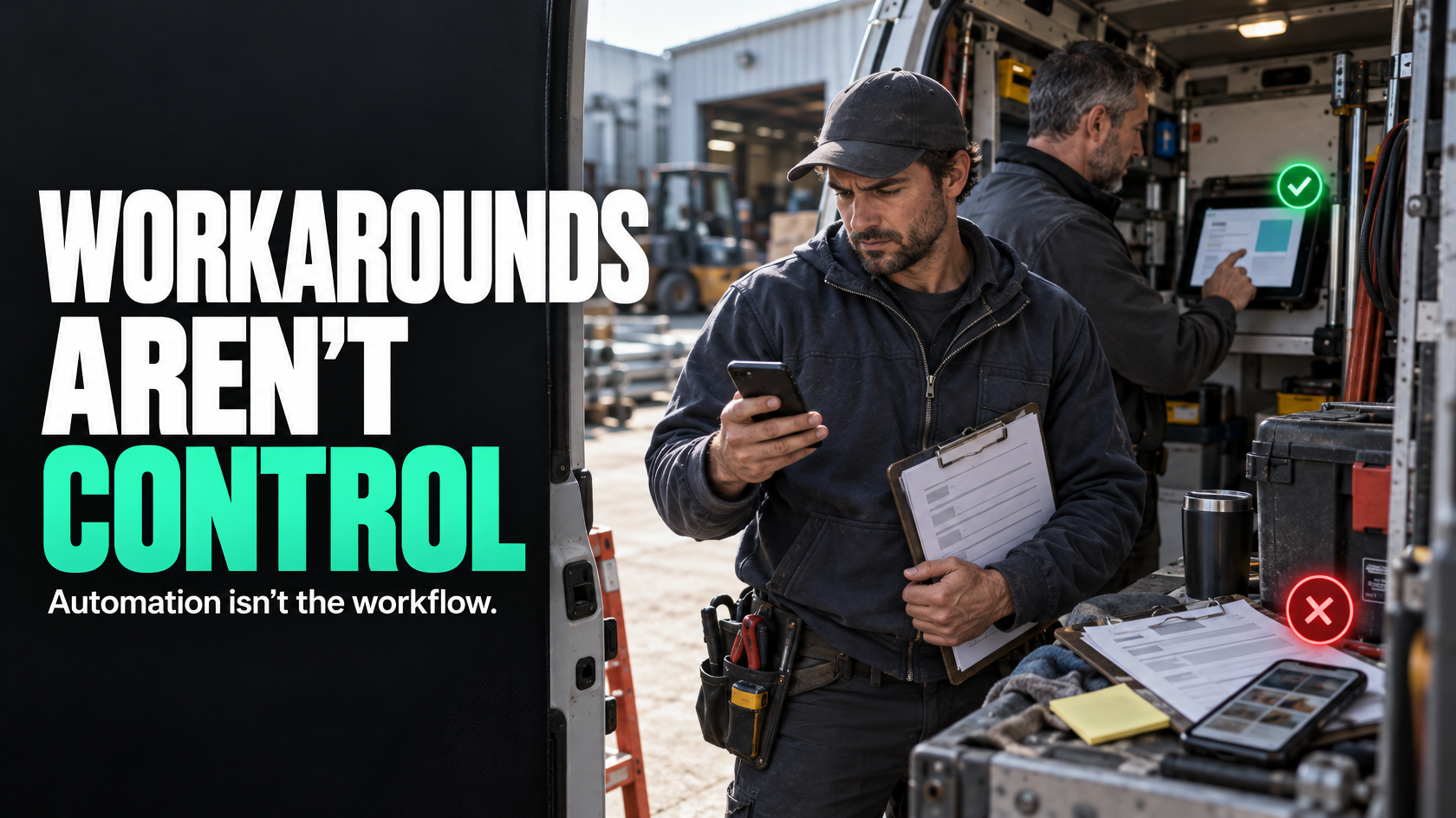
When automation stops solving the real problem
You may need an internal operations app when the real workflow still lives in emails, PDFs or spreadsheets, even though your systems are already connected.
Workflow automation is useful when the process is clear and the job is mostly moving information from one system to another. It breaks down when people still need to interpret documents, chase missing details, apply approvals or enter the same information in different ways depending on their role.
That is usually not a sign that you need more automations. It is a sign you need better operational workflow control.
What an internal app does that automation alone cannot
Automation connects systems. An internal app controls how work is done inside the process.
That matters when you need:
- role-specific screens for office staff, supervisors and field teams
- structured data capture instead of free-text notes
- approvals that depend on job state, evidence or exceptions
- photo, checklist or sign-off capture in one place
- offline or mobile-friendly field use
- a controlled way to handle variations and edge cases
A hypothetical example: a service business automates updates between its CRM, quoting platform and accounting system. Notifications fire correctly, but technicians still send photos by text, variations are approved by phone, and completion details arrive in different formats. Another automation layer will not fix that. An internal app may.
Keep, connect, change or build?
The decision is rarely “automate everything” or “build everything”.
A sensible order is:
- Change the process if ownership, triggers or handovers are unclear.
- Connect existing systems if the workflow is sound but information is duplicated.
- Build an internal app only when the business needs controlled inputs, consistent actions and better interfaces than current tools allow.
If your existing software can already support the workflow with better configuration or integration, do that first. Building software on top of a messy process usually just locks the mess in.
What makes an internal app succeed
The app itself is only part of the answer. Success also depends on simple screens, clear input rules and rollout discipline.
If people still need side spreadsheets or workarounds, the design probably has not matched the real process. That is why scoping matters before development. If your workflow spans multiple teams, systems and exceptions, 5M Consulting can help map whether integration is enough or whether an internal app is justified.