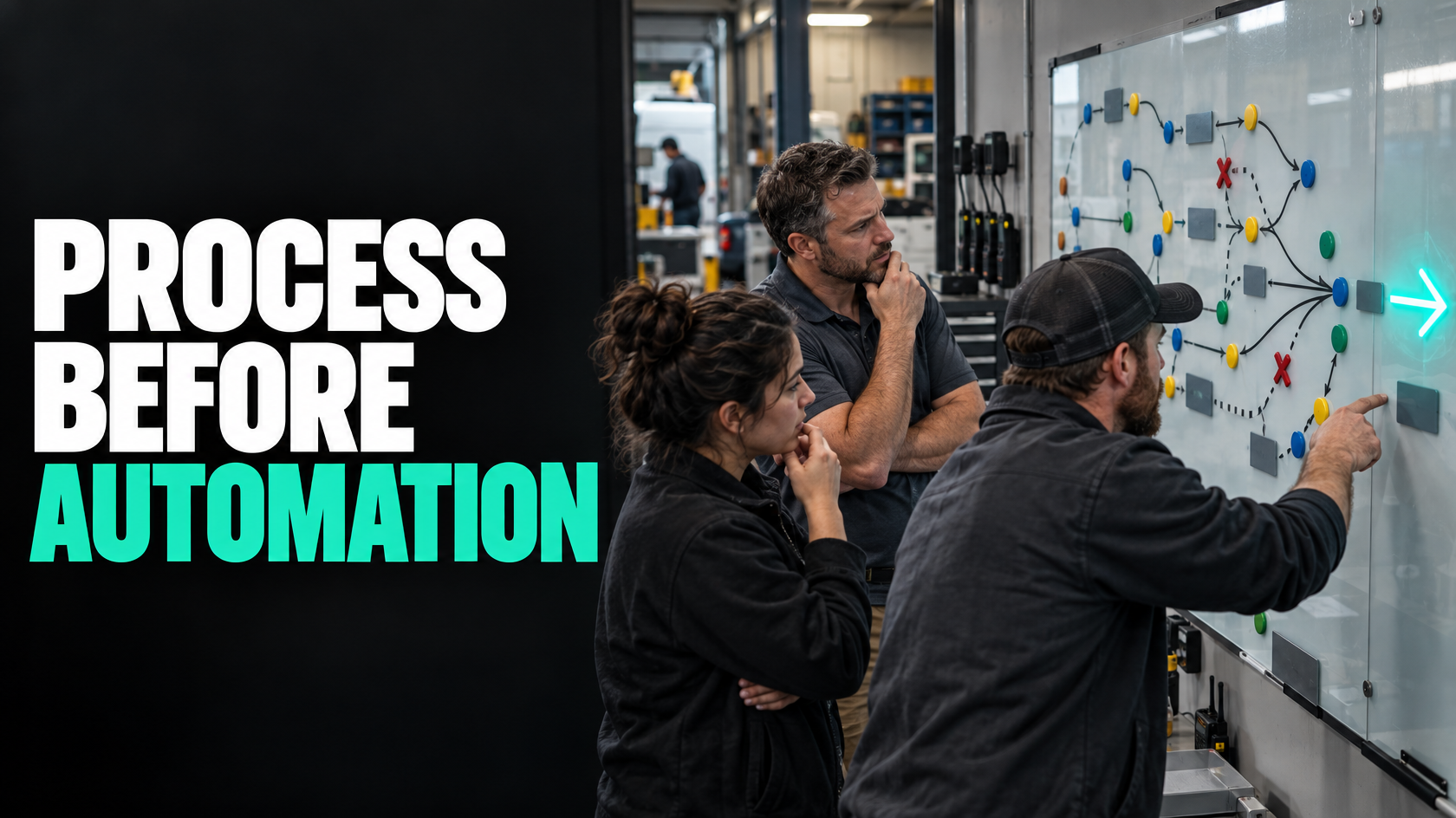
The problem is often not a lack of automation
A lot of operational problems look like automation problems on the surface.
A team is chasing updates. Jobs are getting stuck. Customers are waiting too long for replies. Someone has to keep reminding staff what to do next. Information is being copied between systems. It is easy to conclude that the fix is more automation.
Sometimes that is true.
But often the real issue is that the workflow itself is still unclear. The business has not fully decided what should happen, who owns the next step, what counts as complete, or how exceptions should be handled. In that situation, automation does not remove the mess. It usually locks the mess in place and makes it harder to see.
If you are trying to decide whether software automation will solve a recurring issue or just hide it, the key question is not "Can this be automated?"
It is "Is this process clear enough to automate reliably?"
What automation is actually good at
Automation works best when a step is deterministic.
That means:
- the trigger is clear
- the required information is available
- the rule is consistent
- the outcome is known
- ownership is understood if something fails
For example, if a job is marked complete and all required photos, notes and sign-off fields are present, it may be reasonable to automatically notify the office, move the job into the invoicing queue, and send a customer follow-up message.
That is very different from trying to automate something like "decide whether this job is really ready for invoicing" when readiness depends on informal judgement, missing paperwork, disputed variations, or someone remembering a side conversation.
Automation handles repeatable logic well. It handles ambiguity badly.
Signs the workflow needs process work first
There are several common signs that a process is not ready for effective automation.
People describe the process differently
If you ask three people how a workflow is supposed to work and get three different answers, you do not have an automation problem yet. You have a process definition problem.
This often happens in growing businesses. The team has been getting work done through habit, experience and workarounds. That can function for a while, especially when key staff know the unwritten rules. But software cannot rely on unwritten rules.
If the process depends on phrases like these, it probably needs clarification first:
- "It depends who is handling it"
- "Usually we do it this way"
- "Someone in the office checks that"
- "The tech will know what to do"
- "We sort that out later"
- "It depends on the customer"
That does not mean the process is wrong. It means the logic has not been made explicit.
The next step is not triggered by a clear event
Many workflow failures happen because nothing in the system clearly triggers the next action.
Instead, progress depends on someone noticing something, remembering something, or checking a spreadsheet, inbox or job board manually.
For example:
- a quote is approved, but operations are only informed if sales remembers to message them
- a technician finishes a job, but invoicing only starts when the office sees the status change and trusts that it means everything is complete
- a customer needs an update, but no specific event triggers that communication
If a process has no reliable trigger, automation will either fail or create noise. Before automating, the business needs to define which event should move the workflow forward and what conditions must be true at that point.
Ownership is vague
A workflow can look automated and still be ownerless.
This is common when work passes between sales, admin, operations and field staff. Everyone assumes someone else is responsible for the next step. The system may contain statuses and tasks, but nobody is clearly accountable for moving the job forward when something is missing.
Good process design makes ownership visible. That includes knowing:
- who owns the step
- what they are responsible for checking
- what "done" means
- what happens if the required information is missing
- who owns the exception
If those points are unclear, automation tends to create a false sense of control. Tasks get generated, notifications get sent, but stuck work still sits in the gap between teams.
Exceptions are common, not occasional
Every business has exceptions. That is normal.
The issue is whether exceptions are rare enough to sit outside the main workflow, or frequent enough that they are actually part of the workflow.
If a process only works cleanly 40 per cent of the time and the other 60 per cent involves missing approvals, unusual pricing, incomplete site information, disputed scope or manual judgement, then the process is not truly standardised yet.
That matters because automation assumes the normal path is genuinely normal.
If exceptions are frequent, you need to answer a different question first: are these real exceptions, or are they evidence that the process has not been properly designed?
Staff keep overriding the system
When people regularly bypass fields, ignore statuses, update records later, or use side channels like text messages and phone calls to keep work moving, that is useful information.
It usually means one of two things:
- the process in the system does not match the reality of the work
- the process may be reasonable, but the required rules are still too unclear or too cumbersome
Either way, adding more automation on top rarely fixes it. It often increases the gap between what the software thinks is happening and what is actually happening.
The quality of input data is inconsistent
Automation is only as reliable as the information feeding it.
If staff enter different information in different ways, skip required details, attach photos inconsistently, or use free-text notes where structured data is needed, downstream automation becomes fragile.
For example, if "job complete" sometimes means the physical work is done, sometimes means the technician has left site, and sometimes means all paperwork is finalised, then anything triggered by that status will be unreliable.
That is not a software problem. It is a definition problem.
The workflow relies heavily on judgement
Not every important process should be fully automated.
Some steps are inherently judgement-based. They require context, trade-offs or interpretation. That does not make them bad candidates for improvement, but it does change what improvement should look like.
Examples might include:
- deciding whether a variation is chargeable
- checking whether a handover is genuinely complete
- deciding whether a customer issue should be escalated
- reviewing an unusual payroll adjustment
- assessing whether a quote needs rework before submission
In these cases, automation may still support the process by gathering information, assigning the review, or prompting the right person at the right time. But the decision itself may still need a human.
A good test is this: would you be comfortable writing a consistent rule for the step that another competent person could follow without guessing? If not, the issue is probably not a lack of automation.
Deterministic steps vs judgement-based steps
A useful way to assess a workflow is to separate its steps into two types.
Deterministic steps
These are steps where the rule is clear and repeatable.
Examples:
- when a form is submitted, create a record
- when a quote is approved, notify operations
- when required job fields are complete, move to the next status
- when a technician submits hours before the cutoff, send them to payroll review
- when a customer document is uploaded, mark the requirement as received
These are often good automation candidates.
Judgement-based steps
These are steps where the right action depends on interpretation, experience or commercial judgement.
Examples:
- deciding whether scope is clear enough to schedule
- assessing whether missing documents are acceptable in context
- choosing whether to escalate a delayed job
- deciding whether to absorb or charge an extra
- determining whether the customer communication should be standard or tailored
These are usually better handled by people, supported by better process and system design.
The mistake is treating both types of work as though they should be automated the same way.
What poor sequencing looks like
A lot of businesses automate too early.
They see a recurring operational issue and try to fix the visible symptom first. That usually produces one of these outcomes.
You automate inconsistency
The business has multiple ways of handling the same scenario, but the automation assumes one version is correct. Staff then work around the system, creating even more inconsistency.
You create noisy alerts and tasks
Because the workflow rules are not settled, the automation cannot distinguish between normal progress, incomplete work and genuine exceptions. The result is more reminders, more notifications and more admin to interpret them.
You hide the root cause
The automation appears to move work along, but only by masking unclear ownership or poor information flow. The underlying weakness remains, and it surfaces later through rework, invoicing delays, customer complaints or reporting problems.
You make exceptions harder to handle
A manual process may be messy but flexible. A badly sequenced automated process is often both messy and rigid. Staff end up fighting the system just to handle normal variation in the work.
A better question set before you automate
Before investing in workflow automation, it helps to test the process against a few practical questions.
Is the start of the process clearly defined?
What event actually begins the workflow?
Not "when we start dealing with it", but the specific trigger. It might be a customer approval, a submitted form, a completed site visit, or a status change supported by required information.
If the start point is fuzzy, the rest of the workflow usually is too.
Is there a clear source of truth?
Where should the key information live?
If the same core data is being entered into multiple systems, or if staff are not sure whether the latest version is in email, the CRM, the job system or a spreadsheet, automation will be working with unstable inputs.
Before automating, decide which system owns which data.
Are the decision rules known?
Can you state the rules for the next step in plain language?
For example:
- A job can move to invoicing only when labour, materials, photos and completion notes are all present
- A quote can move to approval follow-up after 48 hours if no decision has been received
- A payroll item can be exported only after supervisor approval
If you cannot define the rule cleanly, you probably cannot automate it cleanly.
Are exceptions defined?
What happens when the normal path does not apply?
Good process design does not pretend exceptions do not exist. It defines them well enough that the business knows when to pause automation, route to a person, or follow a different branch.
Is there a clear owner at each handover?
Every handover needs an owner, not just a status.
A status change without accountability is just a label. Someone still needs to know that the next action is theirs.
Is the process followed consistently now?
If the current process is rarely followed as designed, the problem may be the process itself. It may be unrealistic, too vague, too burdensome or disconnected from how the work actually happens.
Automating a process that people already avoid is usually a poor investment.
A staged path from messy workflow to useful automation
You do not need to choose between doing nothing and building full automation. In many cases, the better path is staged.
Stage 1: clarify the workflow
Start by defining:
- the trigger
- the expected sequence
- the required information
- the handovers
- the owners
- the common exceptions
- the completion criteria for each key step
This does not have to become a large procedural document. It just needs to be clear enough that the team can describe the workflow consistently.
Stage 2: tighten the decision rules
Where a step is causing delay or confusion, make the decision logic more explicit.
For example, instead of "office checks the job and invoices if ready", define what "ready" means. Instead of "operations schedules once approved", define what information must exist before scheduling can occur.
This is where a lot of recurring friction becomes visible.
Stage 3: improve compliance with the process
Before automating heavily, make sure the process can be followed reliably.
That might involve:
- simplifying statuses
- making required fields clearer
- removing duplicate entry
- redesigning forms
- improving handover points
- making missing information visible earlier
If the team cannot follow the process consistently in a mostly manual or lightly system-supported form, full automation is unlikely to fix it.
Stage 4: automate the deterministic parts
Once the process is stable, automate the parts that are clear and repetitive.
That may include:
- creating records
- moving status based on defined conditions
- assigning tasks
- sending standard notifications
- flagging incomplete submissions
- routing work to the right queue
- syncing data between systems
This is where automation starts to reduce admin rather than multiply confusion.
Stage 5: design for exceptions and review
Even a good workflow needs exception handling.
Decide where automation should stop and hand off to a person. Build visibility around failed steps, missing information and stalled items so problems are seen early rather than reconstructed later.
What good looks like
A workflow is usually ready for automation when the core path is stable enough that another competent person could understand and follow it without relying on hidden knowledge.
In practice, that often means:
- people agree on how the process works
- the trigger for each major step is clear
- required information is captured consistently
- ownership is visible
- exceptions are known and routed intentionally
- the automated parts are rule-based, not guess-based
- human judgement is preserved where it actually matters
At that point, automation can make the process faster and more reliable.
Before that point, it often just makes the confusion run faster.
The practical rule of thumb
If the problem is that people are repeatedly making the same clear step manually, automation may help.
If the problem is that nobody agrees what the step should be, when it should happen, what information it needs, or who owns it, you probably need process work first.
That is not a reason to avoid automation. It is how to make automation worth doing.
When a workflow spans multiple teams, systems and exceptions, the right starting point is usually to clarify the operating model before building technical fixes around it. That is the kind of work 5M Consulting helps businesses with: defining how the workflow should actually run, where automation fits, and where it does not.