Job management and scheduling are not the same problem
A lot of businesses assume that once they have job management software, scheduling should more or less take care of itself.
The logic seems reasonable. If the system already contains the customer, the site, the scope, the dates, the assigned staff and the job status, why would scheduling need to live anywhere else?
Because job management and scheduling solve different operational problems.
A job management system is mainly there to record and move work through a business. It stores the job record, tracks status, holds documents, captures notes, manages handovers and gives the business a view of what work exists and where each job sits.
Scheduling is different. Scheduling is about orchestrating limited real-world capacity against changing constraints. It is not just a record of planned work. It is the active process of deciding who goes where, when, in what sequence, with what dependencies, and what needs to change when the day does not go to plan.
If scheduling still feels messy even though your job system is in place, that does not automatically mean your staff are disorganised or your software is poor. It often means the business has assumed one system should own two different kinds of logic without defining whether it actually can.
A job record tells you what exists. A schedule tells you what happens next.
This distinction matters more than it sounds.
A job record usually answers questions like:
- What has been sold?
- What stage is the job at?
- What documents, photos or approvals are attached?
- Has the customer approved the quote?
- Is the work complete?
- Has it been invoiced?
A schedule answers different questions:
- Which technician or crew is available on Tuesday at 10am?
- Can they perform this type of work?
- How far is the site from their previous job?
- Does this task depend on another task being completed first?
- What happens if the customer reschedules at short notice?
- If one job runs over, what else needs to move?
Those are not just different screens in the same system. They are different operating concerns.
One is about maintaining the lifecycle of work.
The other is about allocating finite people, time and movement in the real world.
That is why a business can have excellent job records and still have chaotic dispatch, constant rescheduling, double bookings, underused crews or office staff manually rearranging the day.
Why scheduling becomes messy even when the job system is working
When people say scheduling is messy, they often mean one or more of these things is happening:
- jobs are booked without a clear view of actual capacity
- the person assigning work does not know who is best suited
- staff are scheduled based on memory rather than system rules
- travel time is treated as an afterthought
- work needs to happen in a certain order, but the system does not enforce dependencies
- day-of-service changes cause a chain reaction of manual updates
- the office and field team disagree about what the current schedule is
- the schedule exists partly in the job system and partly in someone’s head, spreadsheet or whiteboard
In many cases, the job management platform is doing exactly what it was set up to do. It is storing jobs, statuses and customer information. The friction appears because the scheduling layer was never properly designed.
That can be a process issue, a configuration issue or a system-fit issue. Often it is a combination of all three.
Scheduling has its own logic
The reason this matters is that good scheduling depends on data and rules that are often more dynamic than the core job record.
Capacity is not just staff headcount
A common mistake is treating capacity as "we have six technicians, so we can book six jobs".
Real capacity usually depends on:
- job duration
- travel time
- start and finish windows
- breaks
- leave
- vehicle availability
- team pairing requirements
- whether someone is already committed to urgent work
- whether the work requires one person or a crew
A job system may show that a technician is assigned to three jobs. That is not the same as telling you whether the day is realistically schedulable.
Skills and certifications matter
Not all field staff are interchangeable.
Some jobs require a particular licence, competency, product knowledge or installation type. Others might need a senior technician for diagnosis and a junior for execution. Some tasks may need two people, but only one needs the specific certification.
If the scheduling process does not account for this properly, the office ends up assigning work based on whoever appears free, then fixing the problem later.
That is not a staff issue. It is a system design issue.
Location changes the schedule
Scheduling is not just about filling time slots. Geography matters.
Two technicians may each have four hours available, but one is already on the other side of the city. A schedule that looks fine in the system can be unrealistic once travel is included.
This is one of the clearest examples of why scheduling has different requirements from job tracking. A job record can exist quite happily without route logic. A dispatch schedule often cannot.
Dependencies affect what can be booked
Some work cannot start until something else has happened first.
Examples include:
- an installation that cannot be scheduled until materials arrive
- a site visit that depends on customer approval
- a final inspection that depends on internal QA sign-off
- a follow-up task that should only trigger if the first visit uncovers additional work
A job management system may store all of that information. But unless the scheduling process knows which events unlock the next booking, staff will keep manually checking whether work is actually ready.
The day never stays still
This is where many businesses feel the most pain.
Customers reschedule. Technicians run late. A previous job uncovers more work. Access is not available on site. Weather affects timing. Parts are missing. Someone calls in sick.
Job systems often track that these things happened. Scheduling systems need to respond to them operationally.
That means rescheduling pressure is not an exception. It is part of the normal design requirement.
If your software assumes the original plan will mostly hold, the office ends up doing live coordination outside the system.
The real risk is unclear ownership
The biggest architecture problem is not necessarily using one platform for both job management and scheduling.
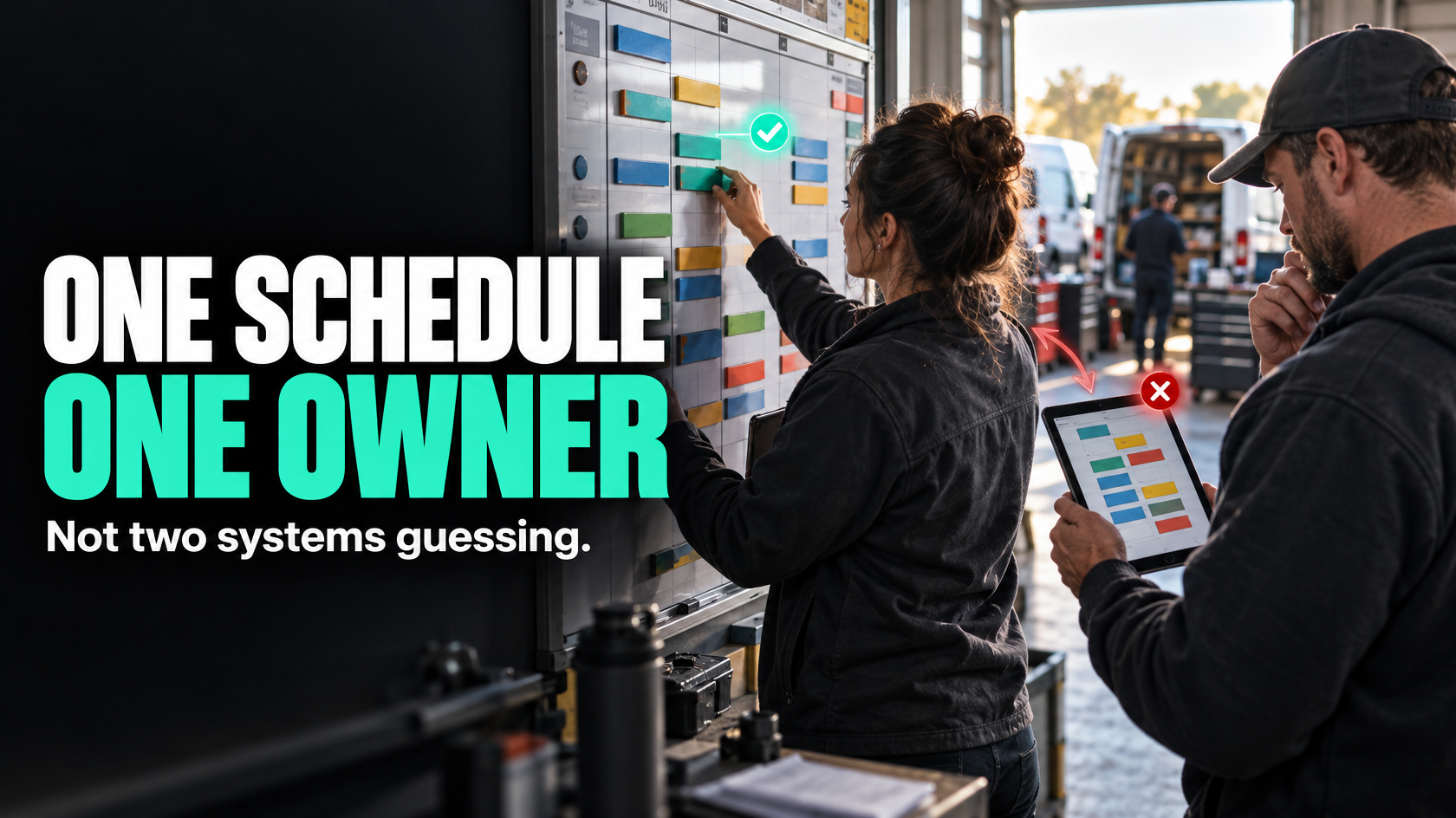
The biggest problem is failing to define which system actually owns the schedule.
Once that is unclear, you get duplicate schedule ownership.
That usually looks like this:
- the job system has an assigned date
- the scheduler has a different date in a calendar or planning board
- the field team is working off a mobile view that updates differently
- customers are being told appointment times from another source again
At that point, nobody fully trusts any of it.
This creates a deeper issue than inconvenience. It means the business no longer has a reliable source of truth for one of the most operationally sensitive parts of the workflow.
When a date or assignment changes, what should happen?
- Which system gets updated first?
- Which system triggers customer notifications?
- Which system informs the field team?
- Which system updates workload visibility?
- Which system should payroll or reporting rely on later?
If the answer is "it depends who changed it", the design is already fragile.
Why forcing the job system to do everything creates friction
Many businesses keep stretching their job management platform because adding another system feels like more complexity.
Sometimes that is the right instinct. Adding software casually is a good way to create more fragmentation.
But there is a point where forcing one platform to handle all scheduling logic creates hidden cost elsewhere.
That friction often shows up as:
- manual workarounds
- staff maintaining shadow spreadsheets
- dispatch decisions happening in messages or phone calls
- status fields being misused to represent scheduling state
- duplicate data entry
- poor visibility of real capacity
- delayed customer updates
- constant rework when plans change
From a systems perspective, these are signs that the platform boundary has not been thought through clearly.
The business is trying to use a job record as a live dispatch engine, and staff are compensating for the gap manually.
When one system is enough
Not every business needs a separate scheduling layer.
Keeping scheduling inside the main job management platform is often sufficient when the scheduling environment is relatively simple.
That is usually the case where:
- jobs are short and fairly standard
- technician skill differences are limited
- travel is predictable or localised
- there are not many dependencies between job stages
- appointment windows are broad
- same-day changes are manageable
- a small number of people control the schedule
- the platform already gives a clear, workable capacity view
In that situation, using one system can be a strength. It reduces duplication, keeps the workflow simpler and makes handover easier.
The key point is not that separate scheduling is better. The key point is that the scheduling requirement must actually fit the tool.
If the same platform can show availability clearly, support assignment rules, handle changes reliably and remain trusted by both office and field staff, there may be no reason to split it.
When a dedicated scheduling layer is justified
A separate scheduling layer starts to make sense when scheduling has become an operational discipline in its own right rather than just a field on the job.
That tends to happen when the business has several of these conditions at once:
- multiple crews or technicians with different skills
- large service areas or complex travel considerations
- jobs with dependencies across stages
- frequent on-the-day changes
- urgent reactive work mixed with planned work
- resource constraints that need active balancing
- customer booking windows that matter commercially
- scheduling decisions that need to be made quickly and continually
- dispatchers working harder than the system supports
In those cases, the schedule is not just describing work. It is constantly re-optimising the execution of work.
That is where a dedicated scheduling layer can be justified, provided the boundaries are clear.
If you separate them, define the rules properly
Using two systems only works if the integration model is deliberate.
The mistake is not separation itself. The mistake is separating without deciding what data belongs where and what events should trigger updates.
At minimum, you need clarity on four things.
1. Which system owns the job record?
Usually this is the core job management system.
It should normally remain the source of truth for things like:
- customer details
- site details
- scope of work
- quoted items
- job status
- documents
- completion evidence
- invoicing state
This is the long-lived operational record.
2. Which system owns scheduling decisions?
If you introduce a dedicated scheduling layer, it should clearly own things like:
- technician or crew assignment
- appointment slots
- route sequence
- live availability
- reallocation when delays occur
- dispatch timing
That means staff should not be making parallel scheduling decisions back in the job system unless there is a defined reason.
3. What syncs between them?
Not everything needs to move both ways.
In fact, trying to sync everything usually creates more problems.
Good integration design usually focuses on the minimum necessary data. For example:
- new ready-to-schedule jobs move into the scheduling layer
- confirmed assignments and appointment times sync back to the job record
- completion or field updates return to the core system
- exceptions or failed bookings trigger a task or alert
The objective is not symmetry. It is operational clarity.
4. What event triggers the next action?
This is where many implementations break down.
A useful scheduling architecture depends on explicit events, such as:
- quote approved
- deposit received
- materials available
- previous stage completed
- technician assigned
- customer appointment confirmed
- job marked complete
- revisit required
Those events should drive movement between systems and stages.
If progress depends on someone remembering to copy information manually, the system is still incomplete.
How to tell whether your issue is process, configuration or system fit
If scheduling remains messy, it helps to diagnose the actual cause before replacing software or adding another one.
It is probably a process issue if:
- nobody has clearly defined when a job is ready to schedule
- responsibility for booking and rescheduling is unclear
- staff are bypassing the agreed workflow
- different teams use the same status words to mean different things
- exceptions are common but there is no rule for handling them
In this case, better software alone will not solve it.
It is probably a configuration issue if:
- the platform can support scheduling, but fields, views or rules are poorly set up
- capacity is technically visible, but not in a way staff can use quickly
- the system contains the right data, but triggers and ownership are unclear
- teams are using generic statuses where more precise scheduling states are needed
Here, the platform may be fine, but the design is not.
It is probably a system-fit issue if:
- the business needs live scheduling logic the platform simply does not handle well
- dispatch relies heavily on travel, route planning or rapid replanning
- skill matching is too complex for the current model
- staff are maintaining workarounds outside the system because they have no practical alternative
- keeping everything in one platform requires ongoing compromise that the operation keeps paying for
This is usually the point where a separate scheduling layer should at least be considered.
A simple test: where does the schedule actually live today?
If you want a quick way to assess the current state, ask this:
If a technician calls in sick at 6:30am, where does the business go to rework the day?
The real answer tells you more than the software list does.
If the schedule truly lives inside the job management system, the team should be able to reassign work there with confidence, see who is available, understand knock-on effects and trust the updated plan.
If the actual answer is a whiteboard, spreadsheet, phone calls, chat messages and someone experienced "figuring it out", then the business does not really have system-owned scheduling, even if appointments are technically stored in the job platform.
That does not automatically mean you need another system. But it does mean the current ownership model is not doing the job.
What good looks like
A well-designed setup, whether it uses one platform or two, usually has the same operational characteristics.
- There is a clear source of truth for the job record.
- There is a clear source of truth for the live schedule.
- Jobs become schedulable only when the right conditions are met.
- Staff know who owns booking, rescheduling and exceptions.
- Changes on the day trigger predictable updates.
- The field team and office are looking at the same reality.
- Customer communication follows system events rather than memory.
- Reporting does not need to reconstruct what happened from multiple conflicting records.
That is the real goal.
Not "one system".
Not "more automation".
Not "best of breed".
Just a setup where the workflow matches the operational reality of the business.
The architecture decision matters more than the feature list
If scheduling is still messy despite having job management software, the problem may not be that the team needs more discipline or that the current platform is bad.
Often the issue is that the business never made an explicit decision about whether the job system should also own scheduling logic.
Sometimes one platform is enough. Sometimes it is not. The right answer depends on how much real-world coordination your schedule has to absorb.
The important thing is to decide deliberately:
- what the job system should own
- what the scheduling layer should own
- what information moves between them
- what events trigger the next step
- how exceptions are handled when the day changes
That is a workflow and architecture question before it is a software question.
If your scheduling process spans multiple teams, changing constraints and more than one system, mapping those boundaries properly is usually where the improvement starts. 5M Consulting helps businesses design that kind of operational architecture so the software supports the workflow, rather than staff constantly compensating for it.