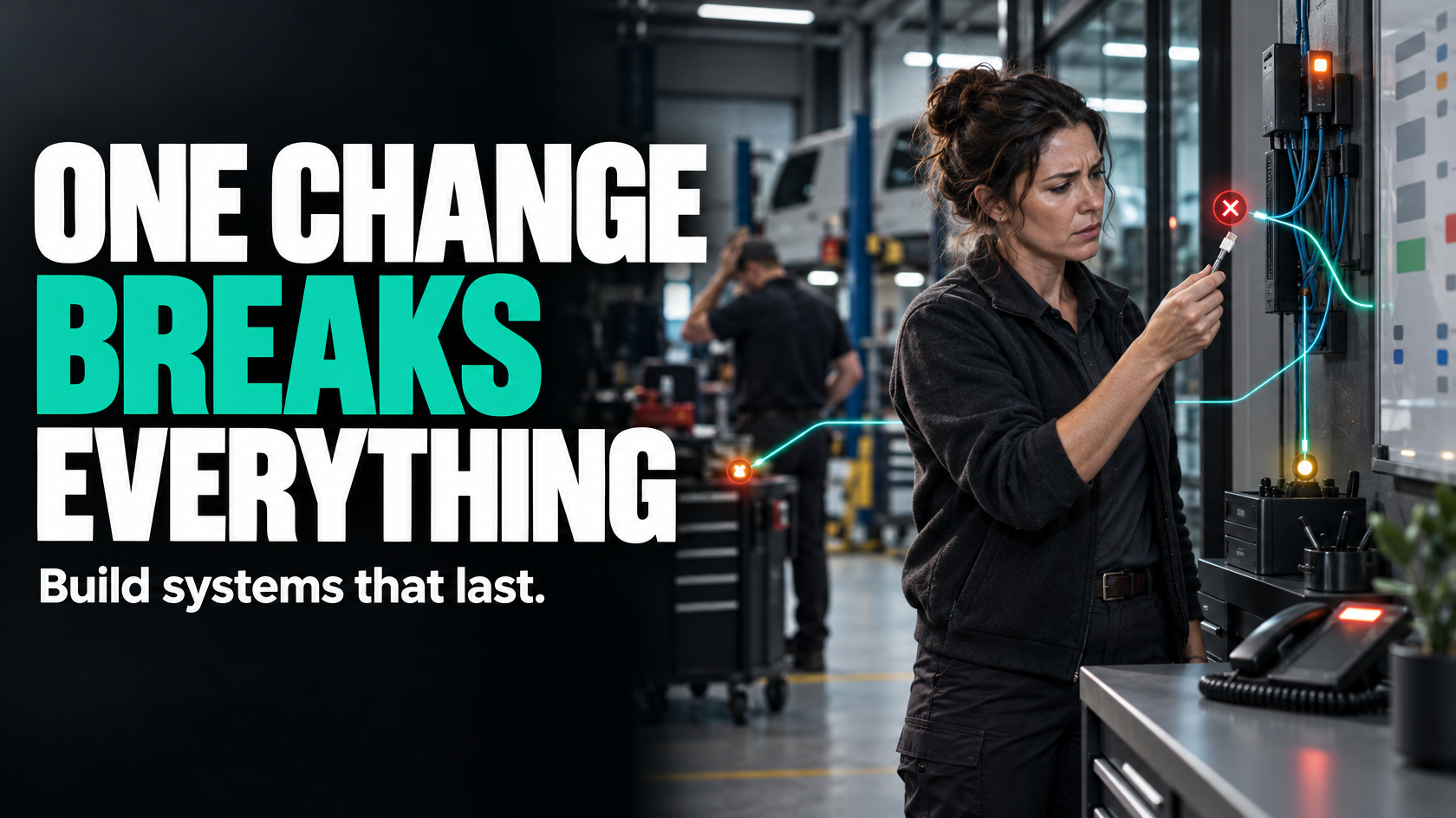
The real question is not “can these systems connect?”
Most businesses ask the wrong question first.
They look at two or three platforms and ask, “Can these systems connect?” In a narrow technical sense, the answer is often yes. There may be an API, a native integration, a connector or a way to push data between them.
That still tells you very little about whether the connection will actually work well in your operation.
The more useful question is this:
What information needs to move, which system should own it, when should it move, and what happens when something goes wrong?
That is the difference between a tidy integration architecture and a fragile web of one-off automations.
A fragile setup usually starts innocently. One team wants leads to flow into the CRM. Another wants approved quotes to create jobs. Payroll needs labour data. Finance wants invoice information. Customer service wants status updates. Each request makes sense on its own.
The problem is that if each connection is added as a separate fix, you can end up with:
- duplicate records across systems
- conflicting job or customer data
- broken handovers between sales and operations
- staff manually correcting sync errors
- reporting that cannot be trusted
- workflows that fail quietly when one step changes
The issue is rarely that software cannot connect. The issue is that nobody has designed how the connected system should behave as a whole.
Why one-off integrations become fragile
One-off integrations often fail because they are built around an immediate symptom rather than the underlying workflow.
For example, a business might say:
- “We need quote approvals to create jobs automatically”
- “We want customer details copied into the field app”
- “We need completed jobs sent to invoicing”
- “We want status updates emailed to customers”
All of these may be reasonable. But if each one is built separately, the business often skips the harder design questions:
- Which system is the source of truth for customer data?
- What happens if customer details change after the quote is approved?
- Which status change should trigger invoicing?
- What if the job is complete operationally but missing photos or sign-off?
- Can a field worker create a variation, and if so where does that data live?
- What happens if one system is unavailable for an hour?
- Who is alerted when a sync fails?
Without those decisions, the integration layer starts compensating for unclear business rules. That is when it becomes brittle.
A brittle architecture usually has some common signs:
- the same data is entered in more than one place
- staff do not trust the system state and keep separate spreadsheets
- reporting requires manual reconciliation
- workflows depend on one person knowing where something got stuck
- small software changes break downstream steps
- nobody can confidently explain which system owns which data
Start with data ownership before integration logic
Before choosing how systems should connect, decide what each system is responsible for.
This is the source-of-truth question. It sounds technical, but it is really an operational decision.
If customer details exist in four places, and staff can edit them in all four, then you do not have an integration design. You have four competing versions of reality.
A cleaner approach is to decide which system owns each type of information.
For example:
- the CRM may own lead and customer contact details
- the quoting system may own pricing structure and quote revisions
- the job management platform may own scheduling, job status and field activity
- the accounting system may own invoices, payments and financial posting
That does not mean other systems never see the data. It means there is one authoritative place for each class of information.
Master data vs workflow data
This distinction matters.
Master data is relatively stable information used across the business, such as:
- customer records
- site details
- staff records
- product or service codes
- supplier records
Workflow data is information created as work moves, such as:
- quote status
- approval dates
- job bookings
- technician notes
- completion photos
- timesheets
- invoice status
Many fragile integrations exist because businesses treat both types the same way. They try to freely sync everything in all directions.
That creates conflict quickly.
A better design often says:
- master data should have clear ownership and controlled updates
- workflow data should move according to specific events and process rules
- not every field needs bi-directional syncing
- some information should be referenced, not duplicated
This is where architecture quality starts.
The main integration patterns and where they break
There is no single correct way to connect software. The right pattern depends on the number of systems involved, how complex the workflows are, how much exception handling is needed and how critical the process is.
What matters is understanding the trade-offs.
Point-to-point integrations
A point-to-point integration is a direct connection between one system and another.
For example:
- CRM to quoting
- quoting to job management
- job management to accounting
This is often the fastest way to solve a simple problem.
Where point-to-point works well
It can work well when:
- only a small number of systems are involved
- the workflow is straightforward
- the data movement is limited and well defined
- exceptions are rare
- the business can tolerate occasional manual intervention
A simple example might be creating a customer in the job platform when a quote is accepted.
Where point-to-point becomes fragile
Problems appear when more systems and more logic are added.
If five systems all connect directly to each other, changes in one place can affect multiple flows. A field name changes, a status is renamed, an API limit is hit, or a new exception is introduced, and suddenly several downstream automations are unreliable.
Point-to-point setups often struggle with:
- duplicated transformation logic
- inconsistent field mapping
- weak visibility across the full process
- difficult troubleshooting
- rising maintenance as each new connection is added
They are not inherently bad. They are just easy to outgrow.
Middleware or integration platforms
Middleware sits between systems and handles data movement, transformation and routing.
Instead of each application talking directly to every other one, they connect through an intermediate layer.
This can be a better structure when multiple systems need to exchange information in a controlled way.
Where middleware helps
Middleware is useful when you need:
- centralised control over mappings and logic
- better monitoring of data flows
- reusable integration patterns
- more consistent error handling
- the ability to connect several systems without building every connection separately
Operationally, this can reduce the mess that develops when every department requests its own workaround.
Where middleware still fails
Middleware does not fix poor process design.
If nobody has decided who owns customer records, what job statuses mean, or what event should trigger invoicing, middleware simply moves the confusion around more efficiently.
It can also become its own source of complexity if:
- too much business logic is buried inside it
- only one technical person understands it
- the business starts using it to compensate for bad underlying process decisions
- documentation is poor
- error handling is limited to technical logs nobody checks
Middleware can be the right structural choice, but it still needs proper systems design.
Custom apps or custom integration layers
Sometimes a business has workflows that do not fit neatly inside off-the-shelf systems.
That might include:
- complex quoting rules
- approvals across multiple departments
- specialised job handovers
- field capture requirements that standard apps do not handle cleanly
- payout or payroll logic tied to operational milestones
In those cases, a custom app or custom integration layer can sit between systems and manage the business-specific logic.
Where custom functionality makes sense
Custom functionality is often justified when:
- the workflow is central to how the business operates
- exceptions are frequent and important
- standard connectors cannot represent the real process properly
- staff are currently doing heavy manual work to bridge software gaps
- reporting depends on consistent handling of non-standard scenarios
For example, a business may need approved quotes to create staged operational jobs, assign specific document requirements, trigger customer communications and hold invoicing until completion evidence is present. That may be too nuanced for a basic out-of-the-box sync.
Where custom solutions go wrong
Custom does not automatically mean better.
It becomes risky when businesses build software before clarifying the process, or when they customise around avoidable internal inconsistency.
A custom layer should exist because the workflow genuinely needs tailored logic, not because basic architecture decisions were skipped.
Workflow layers and orchestration
A workflow layer is different again. Rather than simply syncing records, it manages process state and triggers actions based on business events.
This matters when the issue is not just moving data, but making sure work progresses properly.
For example:
- when a quote is approved, create a job only if required site details are complete
- when a technician marks a job complete, hold the next step until mandatory photos are uploaded
- when all completion criteria are met, trigger invoicing
- when labour is approved, send the relevant data to payroll
- when an exception occurs, assign a task to a named owner rather than silently failing
This is often where businesses get real operational improvement, because the workflow layer can enforce handovers and visibility rather than just copying fields.
The risk is that some businesses try to use workflow tools as a substitute for architecture. If the state model is unclear, the automation becomes confusing quickly.
A workflow layer works best when:
- statuses are clearly defined
- ownership is visible
- triggers are based on meaningful business events
- exception paths are deliberate rather than accidental
What to assess before connecting anything
Before building integrations, it is worth stepping through a design checklist. This is usually where the quality of the final architecture is decided.
1. What information needs to move?
Be specific.
Not “customer data”. Which fields?
- legal entity name
- trading name
- billing contact
- site contact
- mobile number
- email address
- service address
- billing address
- pricing schedule
- tax treatment
The same applies to jobs, quotes, staff, labour, products and status values.
Fragile integrations often exist because teams assume “sync the customer” is a complete requirement. It is not.
2. Which system owns each field?
Ownership should be decided at field level where necessary, not just system level.
For example:
- the CRM may own the customer name and contact details
- the accounting platform may own debtor terms
- the job management system may own service notes specific to delivery
- the field app may own site completion photos
If multiple systems can update the same field, you need a rule for conflict resolution. Otherwise you will eventually create duplicates, overwrite correct data or cause staff to distrust the entire setup.
3. How often does the data need to sync?
Not every integration needs real-time syncing.
Some processes genuinely need near-instant updates. Others are perfectly fine with scheduled syncs every 15 minutes, hourly or overnight.
The correct frequency depends on the operational consequence of delay.
For example:
- job dispatch may require near-real-time updates
- management reporting usually does not
- payroll exports may only need daily or weekly syncing
- customer communication triggers may need prompt updates to avoid mixed messages
Real-time sounds appealing, but it introduces more moving parts. If the operation does not need it, simpler can be better.
4. What event should trigger the next step?
This is one of the most important questions.
A good integration is usually event-driven. Something meaningful happens, and that event triggers the next action.
Examples include:
- quote status changes to approved
- job is assigned to a technician
- site visit is completed
- required documents are uploaded
- manager approval is recorded
- invoice is issued
Poor integrations often trigger from ambiguous or unstable states, such as a free-text note being updated or a loosely used status value changing back and forth.
If the trigger is unreliable, the downstream workflow will be unreliable too.
5. What exceptions need to be handled?
This is where many integration projects are under-designed.
Normal-path automation is easy to imagine. Real operations are shaped by exceptions.
Ask questions like:
- What if the customer record already exists with slightly different spelling?
- What if the quote is approved but the site inspection is incomplete?
- What if a technician closes the job without required documentation?
- What if accounting rejects an invoice due to missing cost codes?
- What if the integration runs twice?
- What if one system is temporarily unavailable?
- What if a record is edited after it has already been synced?
If exception handling is not designed upfront, staff end up patching the gaps manually. Over time, that destroys confidence in the system.
6. What audit trail is required?
Many businesses underestimate this until they need to troubleshoot.
When two systems disagree, someone will want to know:
- what changed
- where it changed
- when it changed
- what triggered the sync
- whether it succeeded or failed
- whether anyone intervened manually
Without that visibility, even small issues become slow to resolve.
An audit trail matters especially when integrations affect:
- financial data
- payroll or payouts
- compliance-related records
- customer communications
- job completion evidence
- approvals and authorisations
7. What are the vendor limitations?
A platform may technically support integration while still being awkward in practice.
Possible limitations include:
- restricted API access
- rate limits
- incomplete field availability
- weak webhook support
- inconsistent data models
- licensing constraints
- poor support for custom objects
- limited error messaging
This does not always rule out integration, but it may change the architecture choice. Sometimes a direct sync that looks simple on paper becomes unreliable because one vendor does not expose the right events or fields.
The operational risks that matter most
Technical integration problems usually show up as operational problems first.
Silent failures
A sync fails, but nobody notices.
The result might be:
- a customer never receives an update
- an approved quote never becomes a scheduled job
- a completed job sits uninvoiced
- labour data never reaches payroll
Silent failure is one of the most damaging integration risks because the process appears automated until someone discovers the missing outcome.
A robust design includes monitoring, retry logic where appropriate, and clear ownership of failed items.
Duplicate records
Duplicate customers, jobs or sites create mess quickly.
One duplicate may seem minor, but downstream it can produce:
- split history
- inaccurate reporting
- confused staff
- invoicing errors
- incorrect customer communication
Duplicate prevention usually requires more than matching on one field. Businesses often need practical rules for naming consistency, address handling and human review in uncertain cases.
Broken workflows
A workflow can break even when the data sync itself technically succeeds.
For example, a record may transfer across systems but land without the information required for the next team to act. Operations then still have to chase details manually.
That is why integration should be judged by whether the handover works, not whether the API call returned success.
Reporting and reconciliation problems
If systems disagree on status, dates, ownership or financial values, reporting becomes unreliable.
That leads to manual reconciliation, which usually means someone exporting spreadsheets and trying to rebuild the truth after the fact.
Good integration architecture improves reporting not because dashboards are magical, but because the underlying data is captured and handed over consistently.
A practical example: approved quote to operational job
Consider a common scenario.
A quote is approved in the sales system. The business wants that to create a job in the operations platform.
At first glance, that sounds simple.
In practice, the architecture needs decisions such as:
- Does the sales system or operations platform own the customer record?
- If the customer already exists operationally, should the quote link to the existing record?
- What job data is mandatory before creation?
- Should every approved quote create a job, or only certain quote types?
- What happens if site access details are still missing?
- Should the job be created immediately or held in a pre-start queue?
- Which documents need to move with it?
- Who is responsible if the handover fails?
If those decisions are made clearly, the integration can support a reliable handover.
If they are not, the business usually ends up with sales saying the quote is approved, operations saying they cannot start because information is missing, and admin manually stitching everything together.
That is not an API problem. It is an architecture problem.
What good integration architecture looks like
Good integration architecture is usually less flashy than people expect.
It often looks like:
- clear ownership of master data
- defined events that trigger next actions
- minimal duplication of fields
- explicit handling of known exceptions
- visible failure states
- audit history for important changes
- documented mappings and business rules
- workflow steps that match how the business actually operates
Most importantly, it makes the correct process easier to follow than the incorrect one.
Staff should not need to remember hidden rules or compensate for system gaps. A well-designed connected system reduces chasing, rekeying and guesswork.
When consulting is worth bringing in before build
Some integrations are simple enough to configure internally.
But consulting becomes worthwhile when:
- several systems are involved
- teams disagree on where data should live
- the workflow spans sales, operations, finance and field staff
- exceptions are common
- reporting accuracy matters
- payroll, invoicing or customer communication depends on the integration
- previous automations have already created confusion
In those situations, the build is usually not the hardest part. The design is.
A good design process should clarify:
- the end-to-end workflow
- system ownership boundaries
- event triggers
- field mappings
- exception paths
- monitoring and support responsibilities
- whether an integration, workflow layer or custom component is actually required
That work often prevents repeated rework later.
Connect systems deliberately, not reactively
If your business software needs to work together, the goal is not simply to make data move.
The goal is to create a connected operating model that stays reliable when real work happens, teams change, exceptions occur and software evolves.
That is why “can these systems connect?” is only the starting point.
The more important question is whether the architecture will still make sense six months from now, after more workflows, more data and more edge cases are added.
A direct connection may be enough. In other cases, you may need a workflow layer, middleware or some custom logic. The right answer depends less on the tools themselves and more on how your business actually runs.
If your current setup is becoming a patchwork of one-off automations, it is usually worth mapping the workflow, ownership rules and failure points before adding more connections. That is the kind of systems design work 5M Consulting helps businesses sort through before the integration layer becomes another operational problem.