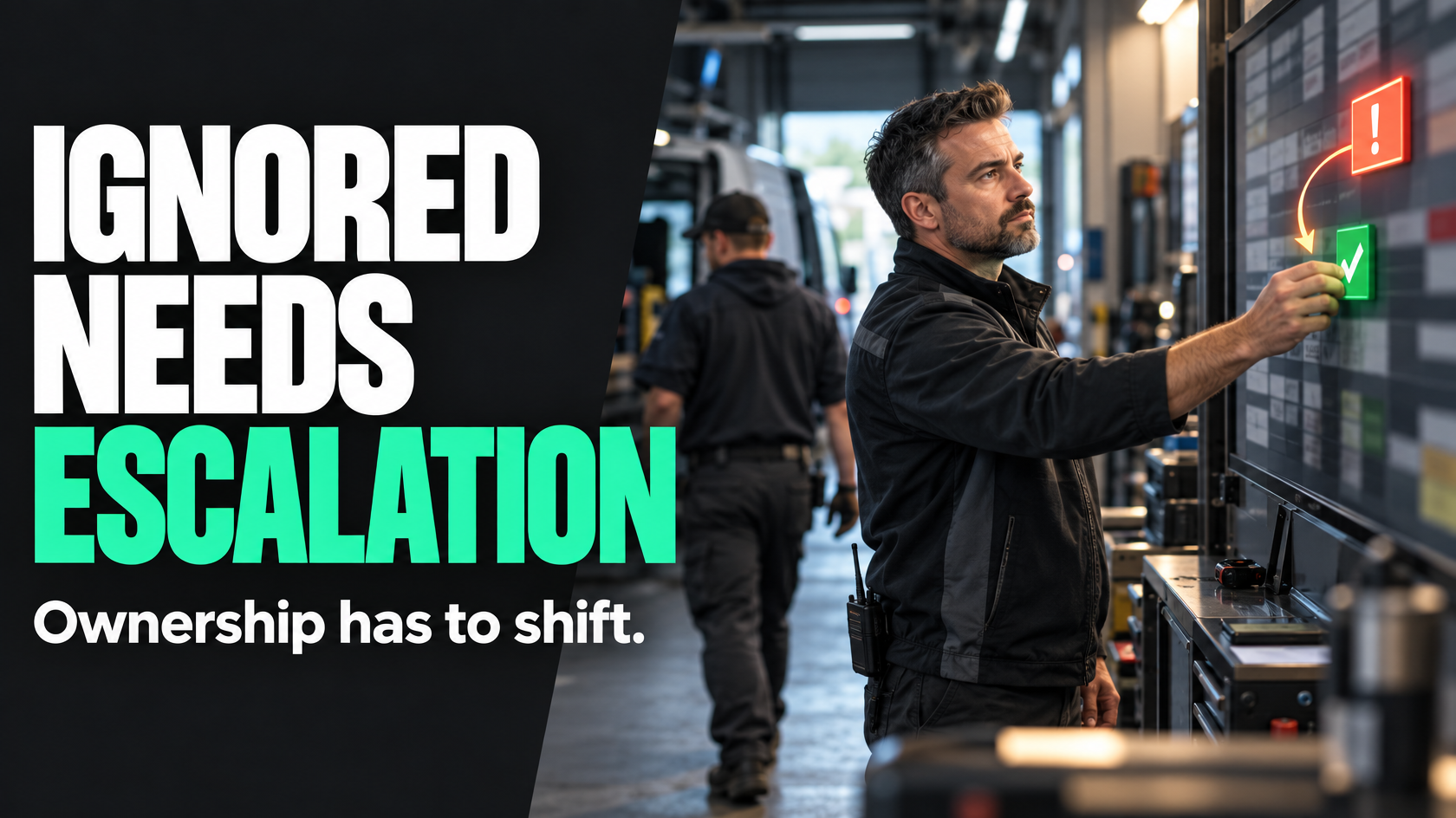
Automation does not fix delays if nobody owns the next step
A common mistake in workflow automation is assuming that a reminder equals control.
It does not.
If a job needs a photo uploaded, an approval signed off, a quote reviewed or a customer update sent, an automated reminder may help. But if the responsible person ignores it, misses it or is too busy to act, the process is still stuck. The business now has the same delay as before, just with better evidence that it happened.
That is why escalation design matters.
A reminder says, “this still needs attention.” An escalation says, “the expected action did not happen, so responsibility, visibility or intervention now changes.”
That difference is what makes an automated workflow reliable rather than decorative.
The difference between a reminder and an escalation
These two things often get treated as if they are interchangeable, but they serve different purposes.
A reminder is for the current owner of the task. It assumes the person is still the right person to act and simply needs a prompt.
An escalation happens when the system decides that waiting any longer creates operational risk. At that point, something has to change. That change might be:
- another person being notified
- a team leader becoming accountable for follow-up
- the task being moved into an exception queue
- the job being blocked from moving forward
- a manual intervention process starting
If your automation only keeps sending the same person another message, you do not have an escalation path. You have repeated reminders.
That distinction matters because repeated reminders usually turn into background noise. Once staff learn that nothing changes if they ignore them, the system loses authority.
Escalation is a systems design issue, not a messaging issue
When businesses say automation is being ignored, the real problem is usually not the wording of the alert.
It is more often one of these:
- the time threshold is unclear or unrealistic
- the task owner was never clearly defined
- nobody knows who takes over when the owner does not act
- the workflow has no visible “stuck” state
- the business has not decided what manual intervention should happen
- too many low-value alerts have trained people to ignore all alerts
In other words, the issue is usually operational design rather than notification design.
A well-designed escalation path answers a very practical set of questions:
- What exactly was supposed to happen?
- By when?
- Who was expected to do it first?
- What happens if they do not?
- Who becomes aware of it next?
- Does responsibility stay where it was, or shift?
- What action is expected from the escalation recipient?
- When does the issue become a manual exception rather than an automated wait?
If those answers do not exist, adding more automation will not solve the problem.
Start with the point where delay becomes operationally important
Not every delayed task needs escalation.
Some tasks can sit for a few extra hours without consequence. Others start affecting scheduling, invoicing, payroll, customer communication or compliance almost immediately.
So the first step is to define when a missed action becomes operationally important enough that the workflow should change.
That threshold should be tied to the business impact, not just an arbitrary time period.
For example:
- If a technician must upload completion photos before invoicing, a delay might matter by the end of the same day.
- If a quote needs internal review before being sent to a customer, the threshold might be based on the promised turnaround time.
- If payroll depends on job completion data being submitted, escalation might need to happen before payroll cut-off, not simply 24 hours later.
- If a job cannot proceed to the next stage until site information is confirmed, escalation might need to happen before the scheduling window closes.
This is where many workflows go wrong. The system measures elapsed time, but the business has not defined why that time matters.
A good escalation threshold reflects the point at which inaction creates a real downstream problem.
Choose escalation triggers that reflect the workflow, not just the clock
Time-based triggers are common, but they are not the only option.
A useful escalation model may rely on one or more of these trigger types:
Time elapsed since assignment
This is the most straightforward model. A task is assigned, and if no action occurs within a defined period, escalation starts.
This works well when the expected turnaround is clear.
Time elapsed before a downstream deadline
In some workflows, the important issue is not how long the task has been waiting, but how close the business is getting to a fixed deadline.
For example, if labour approvals must be finalised before payroll processing begins, the trigger may need to be “four hours before payroll cut-off with no approval” rather than “24 hours after submission”.
Status unchanged despite dependency
Sometimes the trigger should be based on the workflow state rather than the age of an individual task.
For example, a job may be marked ready for invoicing, but required documentation is still missing. If the job remains in that state past a defined point, escalation occurs.
Missing required data after a completion event
A task may appear complete, but key information is absent. For example, a technician marks a job complete but does not submit parts used, customer sign-off or photos. That gap can trigger escalation.
Failed handover between teams
If sales approves a quote but operations has not accepted or scheduled the work within the expected timeframe, the escalation trigger may be based on handover failure rather than an individual reminder.
The point is to avoid defaulting to “send another alert after 24 hours” without considering what the workflow actually depends on.
Decide what changes at each escalation step
An escalation path should not just increase urgency. It should create a specific operational change.
That change usually falls into one or more of four categories.
1. Visibility increases
The issue becomes visible to a supervisor, coordinator or shared queue.
This is useful when the original owner should still act, but the business needs oversight before the delay becomes worse.
2. Responsibility shifts
At some point, the original owner may no longer be the only person accountable.
For example, if a field worker has not submitted job information by a certain time, the service coordinator may become responsible for chasing it. If a manager has not approved something before a cut-off, their manager or an operations lead may become the accountable party.
This shift needs to be explicit. Otherwise, multiple people assume someone else is handling it.
3. Workflow progress is constrained
In some cases, the right escalation is to prevent the job moving further until the missing action is resolved.
For example, invoicing may be blocked until required completion evidence exists, or a job may be prevented from closing if mandatory handover documentation is missing.
That is not always the right answer, but in some workflows it is the only way to stop incomplete records creating bigger downstream problems.
4. Manual intervention begins
Not every exception should remain inside the automated path forever.
At some point, a person needs to investigate, contact someone directly, make a judgement call or resolve the issue through a separate exception process.
If this step is not defined, escalations keep accumulating with no clear resolution path.
Assign a secondary owner before you need one
A reliable escalation path needs a secondary owner.
This is the person or role that becomes responsible when the primary owner does not act within the allowed threshold.
Without that, escalation becomes theatre. The system makes more noise, but nobody has authority to move the task forward.
A secondary owner is not just an FYI recipient. They need a clear expectation.
Depending on the workflow, that expectation might be to:
- chase the original owner
- review whether the task was assigned correctly
- reassign the work
- contact the customer
- gather missing information another way
- approve an exception
- decide whether the job can proceed
- move the issue into a manual recovery process
The best secondary owner is usually the person already operationally responsible for flow, not just someone senior in theory.
That might be a service coordinator, team leader, operations manager or project lead. It depends on who is actually in a position to remove the blockage.
If the escalation only goes to someone with no practical involvement in the workflow, it often goes nowhere.
Make stuck work visible in a way people can act on
Escalation should not live only in inboxes and notifications.
If a task is important enough to escalate, it is usually important enough to appear somewhere operationally visible.
That might be:
- an exceptions queue
- an overdue approvals list
- a daily review board for blocked jobs
- a service coordination dashboard
- a handover exception report
The key is that the view should support action, not just awareness.
A useful stuck-work view usually shows:
- what is blocked
- what is missing
- how long it has been waiting
- who currently owns it
- who it escalated to
- what the next expected action is
Without that visibility, escalations remain fragmented across messages, and managers end up reconstructing the problem manually.
A proper queue or exception view also makes it easier to see patterns. If the same stage keeps generating escalations, the real issue may be process design, staffing capacity or unclear ownership rather than individual follow-up discipline.
Avoid alert fatigue by escalating less often, but more meaningfully
One reason automated prompts get ignored is that the system sends too many of them.
If every minor delay produces repeated pings, staff quickly learn that most alerts are non-critical. Once that happens, even important escalations get treated as background noise.
A better design usually includes a few principles:
- only escalate when a real threshold has been crossed
- do not notify more people unless the next recipient has a defined role
- avoid repeated alerts that do not change ownership or expected action
- group related exceptions where appropriate rather than sending isolated noise
- distinguish clearly between routine reminders and escalations
An escalation path should create signal, not volume.
In practice, that often means fewer notifications overall, but better rules for what happens when a task genuinely needs intervention.
Document the manual intervention path
Automation is useful up to the point where the issue becomes non-standard.
After that, the business needs a documented manual path.
This is often the missing piece.
A workflow might be set up to remind a technician to submit missing job details, then escalate to a coordinator after a time threshold. But what exactly is the coordinator supposed to do next?
If that is not documented, the business is relying on personal judgement every time. Some coordinators will chase by phone. Some will leave it for the next day. Some will guess the missing information. Some will let invoicing wait.
That inconsistency is where operational reliability breaks down.
A documented manual intervention path might include steps such as:
- confirm what information is missing
- check whether it exists in another system or document source
- contact the original owner directly
- set a short response deadline
- decide whether the job can proceed with an exception
- record why the exception was used
- assign follow-up responsibility if the missing item still needs to be collected
This does not need to become bureaucratic. It simply needs to make the recovery path consistent enough that the workflow remains reliable even when automation fails to prompt the original action.
Design responsibility shifts carefully
One of the most important decisions in escalation design is whether responsibility stays with the original owner or shifts to someone else.
That should not be vague.
There are three common models.
The original owner remains responsible, but oversight increases
This works when the delay is minor and the primary person is still expected to complete the task. The escalation recipient is there to monitor and chase if needed.
Shared responsibility begins
This works when the task still belongs to the original owner, but another role is now expected to actively help move it forward.
For example, a coordinator may need to contact the technician, gather missing information or assess the impact on scheduling.
Responsibility transfers
This works when waiting for the original owner is no longer acceptable. Another person or team takes over the next step, handles the customer impact or moves the issue into a formal exception process.
If the model is not explicitly chosen, the workflow becomes messy. The original owner assumes someone else has picked it up. The escalation recipient assumes they are only copied for awareness. The task sits in limbo.
Good escalation design avoids that ambiguity.
A simple example: missing job completion information
Imagine a business where field staff complete service jobs and office staff invoice from the submitted records.
The business automates a reminder when a technician marks a job complete without uploading required details.
If that is the whole design, the workflow is fragile. The invoice may still be delayed indefinitely.
A stronger escalation path might look like this:
- At job completion, the system checks for required fields: labour, parts, photos, customer sign-off.
- If anything is missing, the technician receives an immediate reminder.
- If the information is still incomplete after two hours, the job appears in a coordinator exception queue.
- The coordinator becomes responsible for chasing the missing details before the invoicing cut-off.
- If still unresolved by end of day, the service manager is notified because the delay now affects revenue flow and customer closure.
- If the technician cannot provide the information, the coordinator follows a documented manual exception process to determine whether invoicing can proceed, what evidence is sufficient and what follow-up still needs to occur.
Notice what makes this work:
- the threshold is tied to business timing
- the escalation recipients are operationally relevant
- responsibility shifts are clear
- stuck work becomes visible
- there is a manual recovery path
That is an escalation design, not just a reminder setup.
Build the path around real exceptions, not ideal behaviour
Many automations are designed around the happy path.
They assume that if the system prompts the person, the person will do the task.
Real operations do not work that cleanly.
People are on site. Phones die. Priorities change. Managers are in meetings. Information is missing. Jobs finish late. Someone is away. A handover was unclear from the start.
A strong escalation path accepts that reminders will sometimes be ignored for valid reasons, invalid reasons or no visible reason at all.
The system should not depend on perfect behaviour. It should define what happens when normal follow-through fails.
That is the difference between automation that looks good in a workflow diagram and automation that holds up in a real business.
What good escalation design looks like
A well-designed escalation path is usually simple enough that staff can understand it without reading a policy document.
At a practical level, good looks like this:
- each important task has a clear primary owner
- the business has defined when a missed action becomes significant
- reminders and escalations are treated differently
- escalation recipients are chosen because they can act, not because they are senior
- responsibility shifts are explicit
- stuck work is visible in an operational view
- there is a documented manual intervention path
- alerts are limited to meaningful exceptions
- the workflow can recover when the original prompt is ignored
That is what makes automation trustworthy.
If your current setup keeps sending reminders but work still stalls, the issue is probably not that staff need one more notification. It is that the workflow has no real escalation model behind it.
When workflows span multiple teams, systems and exception cases, designing that escalation path properly is often the difference between an automated process and a reliable one. If you need to map where responsibility should shift, what thresholds matter and how stuck work should be surfaced, 5M Consulting can help design the workflow before more automation gets layered on top.