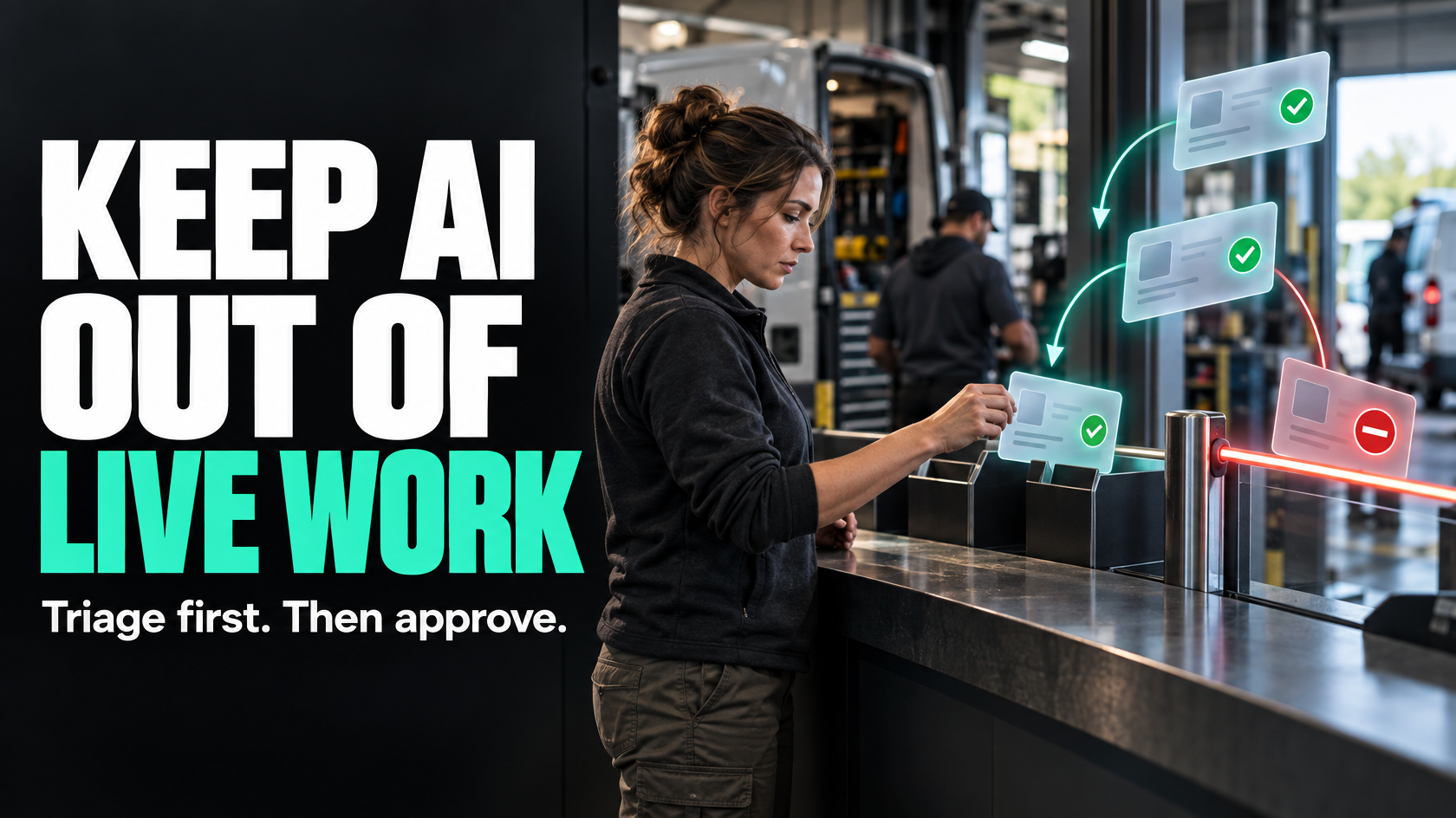
AI is useful at intake, but only if it does not become the source of bad operational data
A lot of operational teams have the same problem at the front door of the business.
Requests come in through shared inboxes, web forms, job notes, defect reports or internal messages. Someone in the office has to read each one, work out what it is, decide who should handle it, set a priority and enter it into the system properly. That work is repetitive, but it still matters because a bad intake decision can send the wrong technician, create the wrong job type, miss an urgent issue or pollute reporting from the start.
This is one of the better uses of AI in operations, provided the role is kept narrow.
AI is often useful for classifying incoming requests into predefined categories, suggesting a priority, identifying likely workflow routes or extracting obvious structured details from messy text. It is much less trustworthy when asked to own the whole process, make irreversible decisions or create live operational records without control points.
The goal is not to let AI run intake autonomously. The goal is to reduce sorting effort while keeping the business in control of what enters the workflow.
The visible problem is manual sorting, but the real risk is uncontrolled entry into operations
When people look at AI for intake, they often focus on the time spent reading emails and forwarding requests. That is real, but it is only half the issue.
The bigger question is: what happens after classification?
If an incoming request is misread and the AI creates a live job in the wrong workflow, that error does not stay at intake. It moves downstream into scheduling, customer communication, parts allocation, payroll, invoicing and reporting. One poor classification can create a chain of manual clean-up.
That is why this is not just an AI problem. It is a workflow design problem.
Before using AI at all, you need to be clear on:
- what request types actually exist
- what categories are valid
- what routing options are allowed
- which information is mandatory before a request can enter live operations
- which decisions can be suggested
- which decisions must be confirmed by a person
If those rules are unclear, AI will not fix the intake process. It will just make unclear decisions faster.
Where AI classification is genuinely useful
AI is most useful when the job is narrow, repetitive and based on interpretation of unstructured text.
That usually includes things like:
- sorting service emails into maintenance, breakdown, defect, warranty or quote request
- identifying whether an internal request is IT, facilities, vehicle, payroll or stock related
- suggesting whether an issue is urgent, routine or planned
- routing requests to the right team queue
- detecting whether required attachments appear to be present
- extracting obvious details such as site name, contact, asset reference or job context for review
These are all triage tasks. They help an operator start in the right place.
That is a good fit for AI because the model is assisting with interpretation, not controlling the operational outcome.
What AI should not be allowed to do on its own
The failure point is usually not classification itself. It is what the business lets the classification trigger.
As a general rule, AI should not be able to create irreversible operational actions without validation.
That means it should not independently:
- dispatch technicians
- approve warranty claims
- trigger customer commitments the business has not confirmed
- allocate costs to the wrong job or department
- change payroll-related records
- close defects
- overwrite source data
- create final job types where the wrong classification has commercial or compliance consequences
Even if the model is usually correct, “usually” is not enough when errors affect live work.
A safer design is for AI to recommend a category, route or priority, then pass the request into a controlled step where the system or a person decides whether it can proceed.
The safest model is assisted triage, not autonomous workflow ownership
A practical design usually looks like this:
- A request arrives by email, form or note.
- The original message is stored and linked.
- AI classifies the request into a limited set of categories.
- The model returns a confidence score and structured fields.
- Routing rules decide what happens next based on confidence and request type.
- High-confidence, low-risk items may move into a prepared queue.
- Lower-confidence or higher-risk items go to human review.
- A validated record is then allowed into the live operational workflow.
That is very different from saying, “An email arrived, so the AI created a job and sent it to a technician.”
The first model reduces admin effort while preserving control. The second model creates hidden operational risk.
Structured categories matter more than the AI itself
Many AI intake projects fail because the business has not defined the categories clearly enough.
If your staff currently use inconsistent labels like “urgent”, “high priority”, “ASAP”, “today”, “callout” and “important” interchangeably, then the AI has no clean target to classify against.
Before implementation, define:
- the allowed request categories
- the allowed priority levels
- the allowed routing destinations
- what each category actually means
- what evidence or wording tends to indicate each category
- what mandatory data is required before the request can proceed
For example, a maintenance inbox might only allow:
- reactive breakdown
- planned maintenance
- defect report
- quote request
- customer update only
- duplicate or non-actionable message
That is much easier to govern than asking AI to invent its own interpretation of every message.
Good AI classification depends on strong operational definitions. If the categories are vague, the output will be vague as well.
Use structured outputs, not free-text AI responses
One of the easiest ways to let bad data into a workflow is to accept AI output as an open-ended paragraph.
Free text is hard to validate, hard to report on and hard to route consistently.
A better approach is to require the AI to return structured outputs such as:
- request category
- suggested priority
- suggested team or queue
- extracted site or customer reference
- missing information flag
- confidence score
- short reason for classification
These fields can then be checked against allowed values before anything is written into the core system.
For example, if the only valid priority values are low, normal, high and urgent, the system should reject anything outside those options. If no asset reference is found where one is mandatory, the request can be held for review instead of progressing with incomplete data.
This matters because the AI should be operating inside rules, not creating the rules as it goes.
Confidence thresholds are what make the process safe
Confidence thresholds are one of the most important safeguards.
Not every request needs the same threshold. A low-risk internal admin request can tolerate more automation than a defect report that may result in an urgent dispatch or a customer commitment.
A sensible model is to set thresholds based on operational risk.
For example:
- high-confidence and low-risk requests may be placed into a review-ready queue automatically
- medium-confidence requests may be pre-filled for staff to confirm
- low-confidence requests should be held for manual classification
- any request affecting safety, major cost, customer liability or external commitments should require review regardless of confidence
This is where AI becomes practical rather than reckless.
You are not asking whether the model is perfect. You are deciding what level of certainty is acceptable for each type of next step.
Human review should be designed into the workflow, not added as an afterthought
A lot of businesses say they will “keep an eye on it”, but that is not a workflow.
If human review matters, it needs to exist as a defined queue with ownership.
That means deciding:
- who reviews low-confidence requests
- how quickly they must be reviewed
- what they are validating
- whether they correct the AI output or reclassify from scratch
- how the corrected result is captured for future monitoring
Without that, the AI either slows the process down by creating unmanaged exceptions or it gets trusted too much because nobody has time to check it properly.
A good review queue should make the decision easy. The reviewer should be able to see:
- the original message
- attachments
- the AI classification
- the confidence level
- the extracted fields
- the available correction options
- the next step that will occur once approved
The system should support judgement, not force staff to reconstruct what the AI was thinking.
Always keep the original source message linked to the record
This is one of the most important practical controls.
If AI reads an email or request and produces a category, the original message must remain attached or linked to the operational record.
That gives you:
- traceability
- context for review
- a way to resolve disputes
- a way to audit misclassifications
- a way to improve the logic later
If staff only see the AI-generated summary or extracted fields, they may act on an interpretation rather than the actual request.
Operationally, that creates a dangerous gap. The system starts treating the AI’s version of the message as truth, even when it has misunderstood the request.
The source message should remain accessible, ideally without requiring people to hunt through inboxes or external systems.
Routing rules should be explicit
AI should not be deciding everything from first principles.
Once a request is classified, what happens next should usually be determined by defined routing rules.
For example:
- defect reports go to the defects queue
- planned maintenance requests go to scheduling review
- urgent breakdowns create an immediate notification but still require validation before dispatch
- quote requests go to estimating
- incomplete requests go to an information-required queue
This matters because classification and routing are related, but they are not the same thing.
AI may help interpret the request. The business should still own the routing logic.
That keeps the process understandable and makes it easier to change later. If the team structure changes or a category is split into two, you update the routing rules rather than hoping the AI somehow adapts in the right way.
Measure false positives, not just time saved
A common mistake is to judge AI intake purely on whether it reduced admin handling time.
That is incomplete.
You also need to know how often it is wrong in ways that matter.
Useful measures include:
- false positives, where the request was confidently classified into the wrong category
- false negatives, where important requests were not identified correctly
- exception rate, where the request had to be manually corrected
- confidence distribution, to see how often the model is unsure
- review volume, to see whether the process is actually reducing effort
- downstream rework, where jobs or records had to be fixed later because of intake errors
This is especially important early on. An intake model that appears fast but creates quiet downstream clean-up can cost more than the manual process it replaced.
The point is not to expect zero errors. The point is to understand the error pattern and keep it within acceptable operational limits.
Start with low-risk categories before expanding
If a business wants to use AI in intake safely, it should not begin with the hardest and riskiest requests.
Start where the request types are reasonably consistent and the consequences of error are manageable.
For example, it may be safer to begin with:
- separating quote requests from support requests
- sorting internal work requests into the correct department queue
- identifying whether an email is actionable or informational
- flagging likely duplicates
- extracting obvious references for review
Then, once the process is stable, you can decide whether to extend it into more complex categories like defects, urgent maintenance or warranty claims.
This staged approach gives you time to learn where the model struggles and where the workflow needs tighter controls.
Good intake design still matters more than the AI layer
Some businesses try to put AI on top of a messy intake process without fixing the fundamentals.
If requests arrive through five different inboxes, categories overlap, no one agrees on priority rules and the live system accepts incomplete records, AI will not solve the real issue.
The better sequence is:
- Define the intake process.
- Define categories and routing rules.
- Define what fields are required.
- Define review points and ownership.
- Then use AI to reduce the repetitive interpretation work inside that structure.
That is the difference between using AI as an operational assistant and using it as a substitute for process design.
What good looks like in practice
A good AI-assisted intake process is usually quite unremarkable from the outside, which is a good sign.
Requests arrive. Routine items get sorted faster. Staff spend less time reading and forwarding messages. Low-confidence or higher-risk items appear in a review queue. The original request is always visible. Corrections are easy. Live operational records stay clean. Reporting is still trustworthy because categories and statuses remain controlled.
Most importantly, the business has not handed workflow ownership to a model.
It has simply reduced admin effort at the point where unstructured information first enters the operation.
That is where AI can be useful: not by replacing judgement, but by narrowing the amount of manual triage your team has to do before proper operational decisions are made.
If your intake process spans multiple teams, inboxes or systems, it is usually worth mapping the workflow and control points before introducing AI classification. That is often where the real improvement sits. 5M Consulting helps businesses design these kinds of operational workflows so automation supports the process without weakening control.