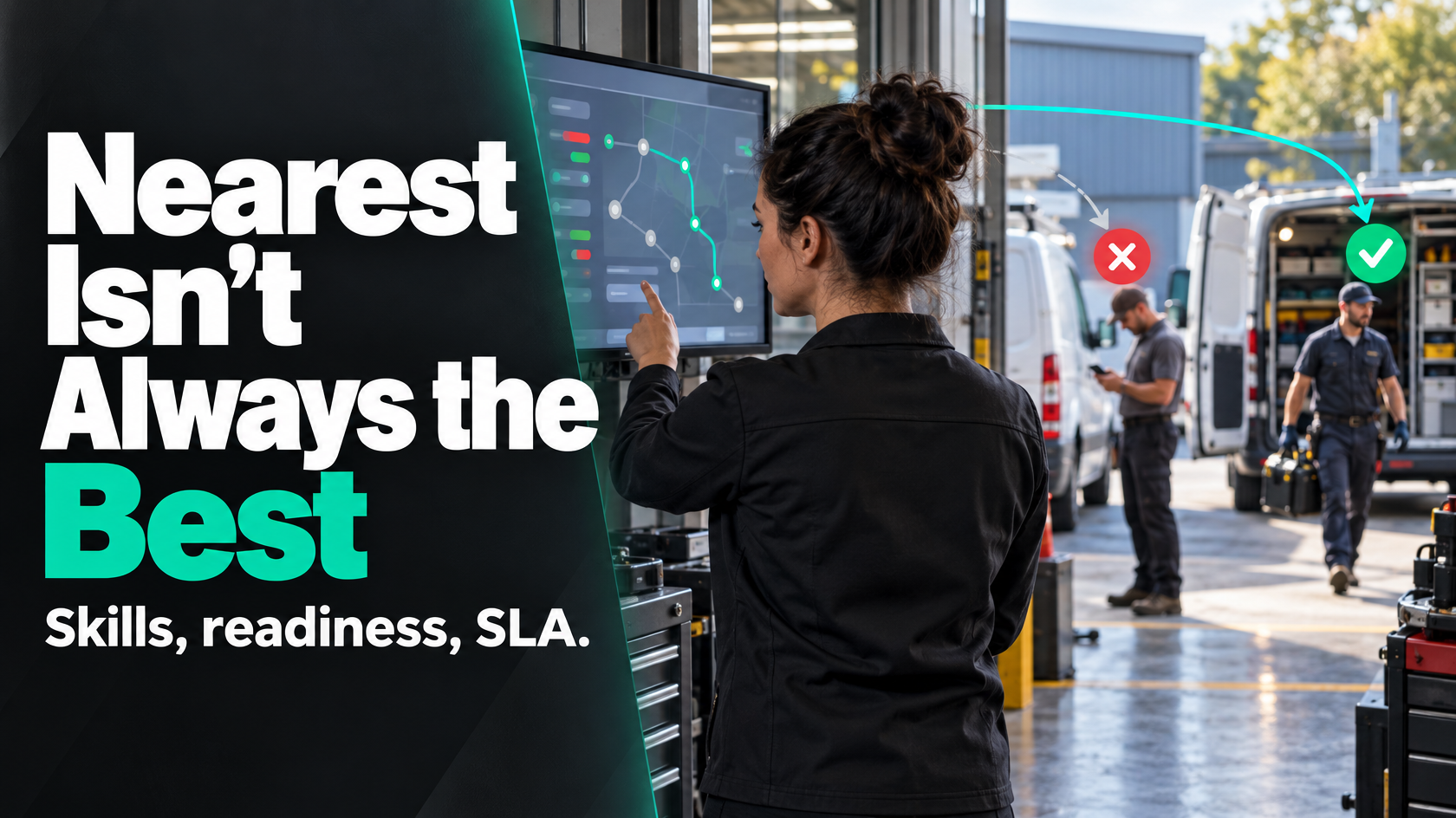
Why nearest available is not enough on its own
If you run a field service business, the idea sounds simple: when a new job comes in, give it to the nearest available technician.
On paper, that should reduce travel time, improve utilisation and get customers looked after faster.
In practice, proximity-only dispatch often creates a different set of problems:
- the closest technician is not qualified for that job type
- the job is booked before the required parts are available
- the customer has an SLA or booked window that changes the priority
- the technician is technically available but already carrying too much work
- the job is missing photos, approvals, site access details or scope confirmation
- the nearest person can attend first, but not finish the job properly
That is how businesses end up with extra site visits, poor first-time fix rates, blown service windows and dispatchers spending half the day manually reassigning jobs that the system should not have assigned in the first place.
So the real question is not just how to assign jobs to the nearest available technician.
It is how to assign the right job to the right technician at the right time, while still using location and availability intelligently.
What the problem usually looks like in operations
Businesses usually notice the issue through visible symptoms rather than through the dispatch logic itself.
Common signs include:
- urgent jobs being delayed while lower-value work gets assigned first
- technicians arriving on site and discovering the job was not ready
- work bouncing between technicians because the first assignment was wrong
- customers being promised attendance windows the schedule cannot actually support
- dispatchers overriding the system constantly
- experienced technicians getting overloaded while others appear underused
- SLA reporting showing avoidable breaches
- travel time looking reasonable on paper, but productive completion rates still poor
When that happens, the dispatch problem is rarely just a scheduling issue. It is usually a rules issue.
The system may know who is nearby, but not whether the job should be assigned yet, whether that technician can complete it, or whether another service commitment matters more.
The core mistake: confusing nearest with best
The nearest technician is only the best technician if all other important conditions are already true.
Those conditions usually include:
- the technician has the right skills, licences or certifications
- the job is genuinely ready to be worked
- required parts or equipment are available
- the customer priority supports immediate assignment
- the service window is achievable
- the workload remains balanced enough that later jobs will not suffer
- there is no higher-priority work that should take precedence
If those conditions are not defined, a nearest-available rule can make the schedule look efficient while quietly damaging the operation.
For example, sending the closest technician to a refrigeration fault might reduce travel by 20 minutes. But if that technician lacks the required ticket, the job gets escalated later, another technician attends anyway, and the customer waits longer than if the right person had been assigned first.
That is not an optimisation problem. It is a bad decision made quickly.
The dispatch rules you need before automating assignment
Before you automate anything, define the decision rules clearly.
A workable dispatch model usually needs rules across five areas.
1. Eligibility rules
These determine whether a technician can be considered for a job at all.
Typical eligibility checks include:
- job type or trade capability
- product or equipment expertise
- required certification or licence
- territory or service area
- employment type or subcontractor status
- after-hours availability
- vehicle or equipment suitability
This is the first filter. If a technician does not meet the non-negotiable requirements, they should never appear as a valid candidate.
2. Job readiness rules
A job should not move into live dispatch unless the minimum required information is present.
That might include:
- confirmed scope
- site address
- contact details
- access instructions
- required approvals
- mandatory photos or documents
- parts confirmed or at least ordered, depending on job type
A surprising amount of scheduling chaos comes from assigning work that is not actually ready. The issue is not the technician. The issue is that the system treated an incomplete job as dispatchable.
3. Priority and service commitment rules
Not every job should be treated equally.
Priority may depend on:
- SLA commitments
- customer tier
- outage severity
- booked appointment window
- revenue impact
- safety risk
- whether the work is a continuation of an existing job
This matters because the nearest available technician should not automatically get a low-priority reactive job if that would jeopardise a same-day commitment for a higher-priority customer.
4. Capacity and workload rules
Availability is not binary.
A technician may be marked available in the system while still being a poor assignment choice because they:
- are too far from their next committed appointment
- already have a full day with no contingency
- are carrying jobs likely to overrun
- are best reserved for specialist work later in the day
- are close to overtime thresholds or roster limits
A good dispatch model distinguishes between technically free and realistically assignable.
5. Ranking rules
Once you have filtered for eligibility, readiness and priority, you still need to rank the valid options.
That is where proximity belongs.
The ranking might consider:
- travel time
- time to arrival within the required window
- current workload
- first-time fix likelihood
- customer preference or continuity
- route efficiency for the rest of the day
This is the stage where nearest available becomes useful, because it is being applied inside a controlled decision framework.
The minimum inputs a dispatch system needs
If you want the system to assign jobs intelligently, it needs reliable inputs.
Not perfect inputs. Reliable ones.
The usual minimum data points are:
- technician live or recent location
- technician availability status
- technician skills, trade type, licences and certifications
- technician roster or after-hours status
- job type and required capability
- job priority or SLA category
- service window or promised attendance time
- job readiness status
- parts availability or materials status
- estimated job duration
- travel time, not just distance
- current workload and existing schedule commitments
If any of those are missing or unreliable, the assignment logic will only be as good as the gaps.
For example, if your system stores technician skills in a spreadsheet that nobody maintains, auto-assignment will look clever until it starts allocating specialist work to general technicians.
Likewise, if parts status is buried in another system and never reaches dispatch, jobs will keep being assigned before they can actually be completed.
How to balance nearest technician against best technician
This is usually where businesses get stuck.
They want a simple rule, but the operation needs a weighted decision.
A practical way to think about it is:
- Filter out invalid options.
- Protect hard commitments.
- Rank the remaining candidates.
In other words:
- first decide who can do the job
- then decide whether the job should be assigned now
- then decide who is the best available option among the valid candidates
That structure matters because it stops proximity from overriding more important operational constraints.
A simple example
Imagine a same-day service job comes in at 11:00am.
Three technicians are nearby.
- Technician A is 10 minutes away but lacks the required product experience.
- Technician B is 18 minutes away, fully qualified, and has a suitable gap before their next appointment.
- Technician C is 12 minutes away and qualified, but the required part is currently loaded in Technician B's vehicle.
A proximity-only system picks Technician A or C.
A sensible dispatch model picks Technician B.
The point is not that travel time does not matter. It does. But it should be one factor in a controlled decision, not the only one.
When auto-assignment works well
Auto-assignment is most useful when the work is highly repeatable and the decision rules are stable.
That often includes:
- standard service callouts with clear job categories
- planned maintenance work
- routine inspections
- low-variation reactive jobs
- work where readiness, parts and capability are easy to verify
In those environments, the system can assign confidently if the prerequisites are well defined.
A good auto-assignment process usually has:
- a clear dispatchable status
- a validated skills matrix
- live schedule visibility
- explicit priority rules
- a way to block assignment if readiness conditions fail
- auditability, so you can see why a job was assigned
That last point matters. If nobody can explain why the system made a decision, it becomes hard to trust and harder to improve.
When jobs should go to a dispatcher queue instead
Not every job should be assigned automatically.
Some jobs need human review because too much judgement is involved, the data is incomplete, or the exception risk is too high.
A dispatcher queue is usually the better option when:
- the scope is unclear
- the job is urgent but only partially ready
- multiple trades may be required
- the customer situation is sensitive
- the best technician depends on context not captured in the system
- rescheduling one job could disrupt several other commitments
- after-hours decisions involve cost or escalation rules
This is an important design principle: automation should remove repetitive deterministic decisions, not force certainty where the operation actually needs judgement.
If the rules are unclear, auto-assignment will not make dispatch better. It will just make poor decisions faster.
How to handle urgent work, after-hours work and partially ready jobs
These are usually the exceptions that expose whether the dispatch model is actually well designed.
Urgent work
Urgent jobs often need separate logic rather than simply a higher priority number.
You may need rules such as:
- reserve certain technicians or schedule capacity for same-day urgent work
- allow reassignment of lower-priority jobs when urgent work arrives
- escalate to a dispatcher if the nearest valid technician would cause another SLA breach
- treat safety-critical jobs differently from standard reactive jobs
Without these rules, urgent work either disrupts the whole schedule or gets buried in it.
After-hours work
After-hours assignment often has different constraints from daytime dispatch.
Relevant rules may include:
- on-call roster status
- callout eligibility
- customer contract entitlement
- travel radius limits
- approval requirements before dispatch
- minimum-charge or cost considerations
If your normal nearest-available logic ignores on-call structure, the wrong people get contacted and response times worsen.
Partially ready jobs
Some jobs are not fully ready, but still need attention.
For example:
- a technician can attend for assessment before parts arrive
- a site visit is worthwhile to confirm scope
- photos are missing, but the fault is severe enough to justify attendance
- approval is pending, but a temporary make-safe visit is allowed
This is where a binary ready or not ready status is often too simplistic.
A better model may include different readiness states, such as:
- ready for dispatch
- ready for inspection only
- waiting on parts
- waiting on customer confirmation
- waiting on approval
That gives the dispatch team and the system more precise control.
Why live location is useful but not the whole answer
Many businesses focus on location because it feels measurable and concrete.
But live location only improves dispatch if it is being used in context.
A few practical points matter here:
- travel time is more useful than straight-line distance
- recent location may be enough if true live tracking is unnecessary
- location should be weighed against existing route commitments
- technician status accuracy matters as much as location accuracy
- some technicians should be ranked differently based on special capability, not map position
If the system knows where everyone is but not what they can do, whether the job is ready, or what promises have already been made to customers, you have visibility without enough decision logic.
Reporting metrics that actually tell you whether dispatch is improving
If you automate dispatch, you need to measure whether the outcome is better, not just whether jobs were assigned faster.
Useful dispatch metrics often include:
- first-time fix rate
- reassignment rate
- travel time per completed job
- on-time attendance against service windows
- SLA compliance
- jobs assigned automatically versus manually
- percentage of auto-assigned jobs later overridden
- technician utilisation by work type
- jobs delayed due to readiness or parts issues
- average time from job creation to assignment
- average time from assignment to arrival
These metrics help you separate different kinds of failure.
For example:
- high travel time may indicate poor territory logic
- high reassignment may indicate bad skill matching
- low SLA performance may indicate priority conflicts
- many delays before assignment may indicate weak readiness gating
That is far more useful than simply asking whether the schedule is full.
System design options for smarter dispatch
There is no single correct technology stack for this.
The right design depends on how complex the operation is, what systems already exist, and whether the dispatch rules are simple enough to live inside current software.
In broad terms, there are three common approaches.
Use the logic already available in field service software
If your existing job management or field service platform supports skills, territories, status rules and scheduling constraints properly, that is often the best place to start.
This can work well when:
- the operation is fairly standard
- the software already owns scheduling and technician data
- readiness and parts status can be captured in the same system
- dispatch rules are important but not highly unusual
The advantage is simplicity.
The limitation is that many platforms support basic assignment logic well enough, but struggle once the business needs more nuanced readiness, cross-system parts visibility or exception handling.
Integrate existing systems and orchestrate the decision
Sometimes the required data lives across multiple systems:
- job data in one platform
- parts data in inventory software
- technician schedules in a field app
- customer priority information in a CRM
- approvals in another workflow tool
In that case, smarter dispatch usually depends on integration rather than replacement.
The key is to decide:
- which system owns each piece of information
- what event makes a job dispatchable
- where the assignment decision is made
- how the result is written back to the operational system
This is often where businesses get the most value, because the problem is not lack of software. It is lack of connected workflow.
Build custom dispatch logic where the operation genuinely needs it
Custom dispatch tools or custom logic inside an operational system can make sense when:
- the assignment rules are commercially important and highly specific
- the operation has lots of exceptions
- existing software cannot represent the real dispatch model
- dispatch decisions depend on multiple integrated data sources
- the business needs better control, auditability or decision support
That does not always mean building a full custom platform. Sometimes it means adding a custom rules layer, internal app or decision engine around existing systems.
The important question is not whether custom software is impressive.
It is whether the current process can be represented reliably any other way.
A practical way to design dispatch logic
If you are trying to improve technician assignment, a sensible sequence is:
- Map the current dispatch workflow.
- Identify every decision currently made by memory or experience.
- Define the non-negotiable eligibility rules.
- Define job readiness states.
- Define priority and SLA logic.
- Define which jobs can be auto-assigned and which must go to a queue.
- Confirm where each required data point comes from.
- Decide which system should hold the assignment logic.
- Test the rules on real examples before switching on automation.
- Measure overrides, reassignments and SLA outcomes after rollout.
That process usually exposes the real issue quickly.
Often the business does not actually need more scheduling software. It needs clearer dispatch rules, cleaner status design and better data flow between the systems it already has.
What good looks like operationally
A well-designed dispatch process does not just assign jobs quickly.
It does a few specific things well:
- only dispatchable jobs enter live assignment
- unqualified technicians are excluded automatically
- urgent work follows clear exception rules
- SLA and booking commitments are protected
- proximity improves efficiency without overriding capability
- dispatchers only intervene where judgement adds value
- technicians receive jobs with the information needed to act
- reporting shows whether assignment quality is improving
When that is working, the business becomes less dependent on individual dispatchers remembering every rule manually.
That is the real gain.
Not automation for its own sake, but a more reliable operating model.
The real objective is better decisions, not faster clicks
If you are trying to assign jobs to the nearest available technician, start by treating nearest available as one input, not the entire strategy.
The right dispatch design usually depends on a combination of:
- skills and certifications
- job readiness
- parts availability
- customer priority
- service windows
- workload and route impact
- exception handling
Once those rules are clear, automation becomes useful. Before that, it usually just hides process problems inside the schedule.
Where dispatch spans multiple systems, teams and edge cases, mapping the workflow properly before implementing assignment logic is usually worth doing. That is often the point where external systems advice becomes useful, whether the solution ends up inside your existing field service software, a Monday.com workflow, an integrated rules layer or a more tailored operational tool.