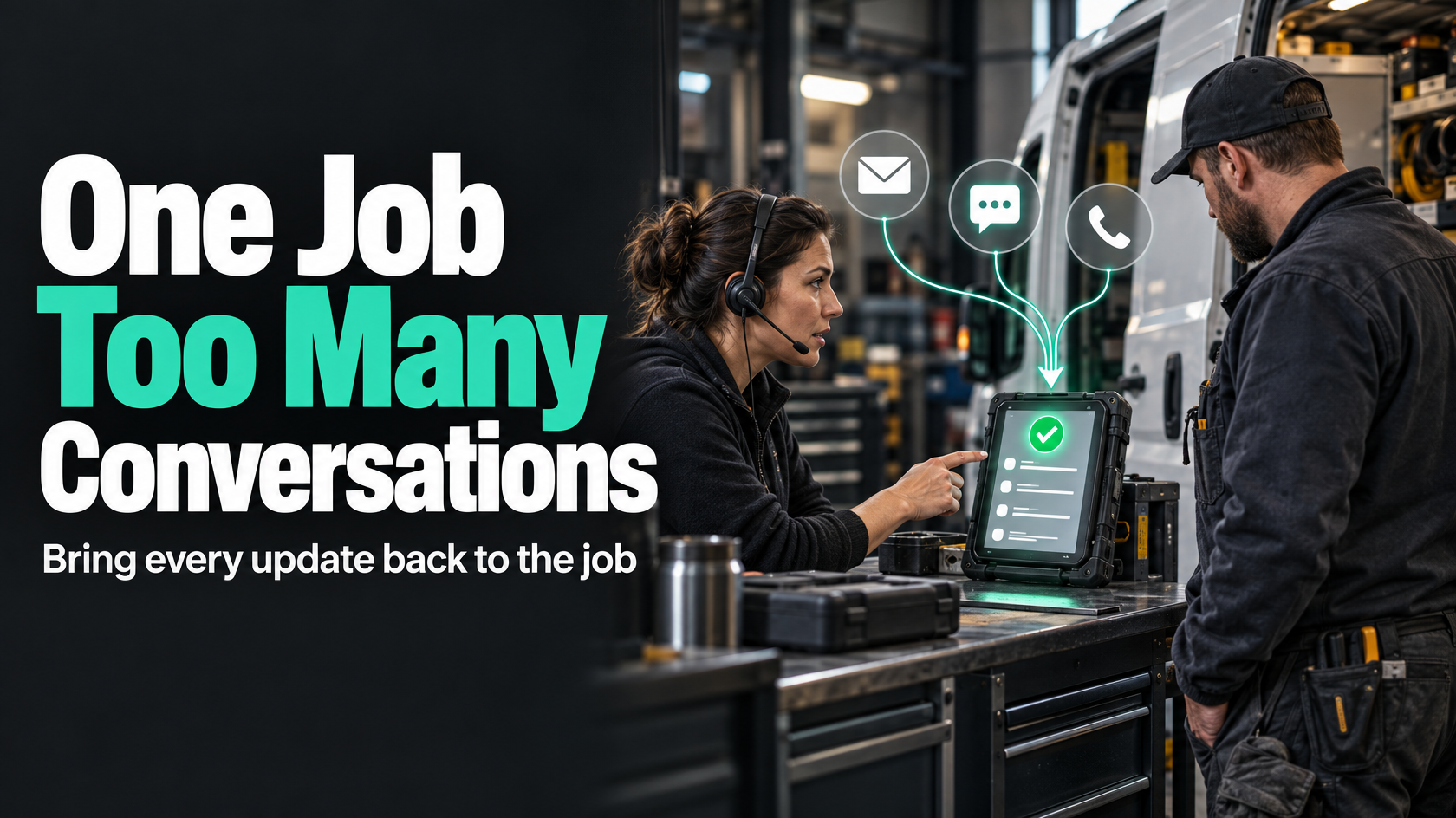
The problem is not just “too many messages”
When one live job generates an email thread, a few SMS replies and a phone call or two, most businesses do not really have one customer conversation anymore.
They have several partial conversations happening in parallel.
The customer thinks they are speaking to one business about one job. Internally, the office sees one version of the story, the field team sees another, and whoever answers the next call often has to reconstruct the situation from memory, inbox searches or a quick chat with someone else.
That is when the same questions get asked twice, updates contradict each other, and simple jobs start creating unnecessary administration.
The underlying issue is usually not that staff are poor communicators. It is that communication has been allowed to live outside the workflow.
If the job is the thing being delivered, then the communication about that job needs to attach to the job record, not sit separately in individual inboxes, personal phones or call notes that nobody else can see.
Why one job turns into several disconnected conversations
This usually happens because each channel behaves like its own small system.
Email has its own thread history. SMS often lives in a separate inbox or phone. Phone calls may only exist as someone’s memory unless they are manually logged. If the business uses different tools for scheduling, customer records and messaging, the separation gets worse.
A common pattern looks like this:
- the customer receives an emailed quote or update
- they reply later by SMS because it is quicker
- someone from the office calls them to clarify a detail
- the technician is unaware of that call and sends a different message from site
- the customer replies to the technician directly
- the office follows up again because their system still shows “waiting for response”
Nothing about that sequence is unusual. The problem is that each step can create a new fragment of context.
Once communication fragments, the business starts paying for it in ways that are easy to recognise:
- repeated questions to the customer
- duplicate follow-ups from different staff
- missed commitments because the last update was not visible
- technicians arriving without the latest context
- customers receiving conflicting answers
- office staff spending time chasing message history
- no clear record of what was agreed and when
The visible symptom is messy communication. The actual problem is missing communication architecture.
The job needs a single communication record
A better model is simple in principle: every meaningful customer interaction related to a live job should be visible against that job.
That does not necessarily mean every system must be replaced or every phone call transcribed in full. It means the business needs one job-linked communication record that acts as the operational view of the conversation.
That record should tell the team:
- what was sent to the customer
- what came back
- which channel it came through
- who in the business owns the next response
- what was agreed
- what action or status changed as a result
This is the difference between communication history and operational history.
A raw email thread is communication history. A proper job-linked record is operational history. It allows the next person to understand not just what was said, but what the business now needs to do.
For example, “Customer replied” is not enough. The useful record may be:
- customer approved access for Friday morning
- requested technician call 30 minutes before arrival
- asked whether the replacement part is included
- office to confirm final time window by 4 pm Thursday
That is much more useful than hoping the next staff member reads three disconnected messages and interprets them correctly.
Communication should attach to workflow, not live beside it
This is the key design principle.
If customer communication sits outside the operational process, staff will always have to manually bridge the gap between “the messages” and “the job”. That bridge is where context gets lost.
Instead, communication should be part of how the workflow moves.
If a customer confirms an appointment, that should not just remain in an SMS inbox. It should update the job’s state, notes or next action in the relevant system.
If a customer asks a question that blocks scheduling, the job should visibly move into a state that reflects that dependency.
If a technician calls from site and the customer changes scope, that should not remain a private conversation. It should be captured against the job in a way operations, admin and invoicing can all see.
When communication is linked properly, the workflow reflects reality.
When it is not, the workflow becomes a rough guess, and staff compensate by chasing, checking and remembering.
Define channel rules before adding more tools
Many businesses try to solve this by introducing a new messaging tool, shared inbox or customer portal. Sometimes that helps. Often it just adds another place where messages can exist.
Before changing software, define the rules for how communication should work.
Decide what each channel is for
Different channels serve different purposes. Problems arise when every channel is used for everything.
A practical approach might look like this:
- email for formal documents, approvals, detailed explanations and anything likely to need later reference
- SMS for short operational updates, reminders, arrival notifications or simple confirmations
- phone for urgent clarification, exceptions, sensitive issues or anything that would be inefficient in writing
The exact mix will vary, but the point is to reduce ambiguity.
If staff do not know when to use each channel, customers will receive inconsistent communication styles and the team will struggle to keep context aligned.
Decide what must be logged back to the job
Not every message needs a full manual note. But meaningful job-related communication does need to become visible in the workflow.
Examples that should usually be logged or synced back include:
- appointment confirmations or changes
- access instructions
- customer approvals
- scope changes
- delays and revised timings
- issues requiring follow-up
- commitments made by staff
- pricing or variation discussions
- complaints or concerns affecting delivery
This can be partly automated, partly structured, and partly manual depending on the channel and systems involved.
Decide when a conversation must move channels
Sometimes the right answer is not to keep replying in the same thread.
For example:
- a complex SMS exchange may need to move to email so details are clearer
- a long back-and-forth email about access may need a phone call to resolve quickly
- a phone call that changes timing or scope may need a written confirmation afterwards
That handover should be deliberate. Otherwise the same issue ends up discussed across three channels with no clear final version.
Separate inbound ownership from outbound ownership
One of the most common causes of fragmented communication is unclear ownership.
Plenty of businesses assume that if someone sent the last message, they also own whatever comes next. That breaks down quickly when multiple teams are involved.
A better model is to define ownership separately for outbound communication and inbound handling.
Outbound ownership
Someone needs to own scheduled or triggered customer communication from the business side.
That might mean:
- operations sends booking confirmations
- dispatch sends arrival updates
- admin sends variation approvals
- accounts sends invoice-related communication
Outbound communication should usually be tied to role and workflow stage, not whichever individual happens to be available.
Inbound ownership
Inbound messages need rules too.
When a customer replies, asks a question or calls back, the system should make it clear:
- who sees it
- who is responsible for responding
- whether the message is informational or blocking
- whether it changes the job status
- whether it needs escalation to someone else
Without this, inbound messages bounce around between staff or sit unclaimed because everybody assumes somebody else is handling them.
A useful question is: if a customer replies at 4:47 pm, who owns that message at 4:48 pm?
If the answer depends on memory or informal habits, the process is fragile.
Make the full communication history visible to both office and field teams
A job often breaks into multiple conversations because different parts of the business are working from different slices of information.
The office may see email history and scheduling notes. The technician may only see the job card. A supervisor may hear about issues by phone but never record them anywhere useful.
That creates avoidable conflict.
The field team does not necessarily need access to every internal comment or full admin thread, but they do need the customer context required to do the work properly.
That often includes:
- latest confirmed appointment details
- access instructions
- site contact details
- recent customer concerns
- promised call-ahead requirements
- approved scope changes
- important photos or attachments
- any unresolved issue likely to affect the visit
Likewise, the office needs visibility of what happened on the ground, especially when the technician is the one speaking directly with the customer.
If a technician says, “The customer asked us to also look at the back unit while we were there,” that should not remain buried in a personal text exchange or verbal handover. It affects scope, quoting, scheduling and potentially invoicing.
Visibility does not mean giving everybody every piece of raw data. It means making the operationally relevant communication available where decisions are made.
Use thread linking where possible, but do not rely on it alone
Thread linking helps, but it is not the whole answer.
Where systems allow it, incoming emails, SMS replies and logged call notes should map back to the correct job or customer record. That reduces manual effort and keeps context together.
But thread linking alone does not solve the operational problem, because the important question is not just “can we find the message?” It is “does the workflow reflect what that message means?”
For example, an SMS saying “We need to reschedule, no access today” should not just sit in a linked message feed. It should trigger a clear operational response such as:
- job marked as needing reschedule
- scheduler notified
- technician informed not to attend
- customer acknowledged
- new follow-up owner assigned
If thread linking exists without workflow logic, staff still have to read everything and manually infer the next step.
Useful communication systems do both:
- preserve the message history against the job
- convert important communication events into visible workflow actions
Reduce free-text where a structured update would be better
Free-text conversation has its place. But many businesses use conversation where a structured update would be more reliable.
That creates avoidable ambiguity.
For example, instead of sending ad hoc notes like:
- “Customer said Friday should be okay”
- “Might need to come later”
- “He wants a call first”
a structured update model is often better:
- appointment preference: Friday morning
- arrival notice required: yes, 30 minutes prior
- access status: confirmed
- schedule confidence: awaiting final technician allocation
Structured updates matter because they can be understood consistently by different people and systems.
They are also easier to trigger actions from.
Free-text is still useful for nuance, exceptions and context. But if the same type of information is repeatedly needed to deliver the job, it should probably become a proper field, status or checklist item rather than living only in message threads.
This is especially important for information that affects:
- scheduling
- site access
- customer approvals
- variations
- job completion
- invoicing readiness
Prevent duplicate follow-ups and conflicting messages
When communication is fragmented, duplicate follow-up work becomes almost inevitable.
One staff member sees no reply in email and follows up. Another has already spoken to the customer by phone. A technician sends an ETA text while the office has just sent a delay notice. The customer receives multiple versions of the same update and loses confidence quickly.
To prevent this, the business needs more than a communication log. It needs communication state.
That might include fields or statuses such as:
- waiting for customer response
- customer responded, review required
- booking confirmed
- technician update sent
- variation awaiting approval
- customer contacted today
- no further follow-up due until specific date or event
The goal is to stop staff acting on incomplete assumptions.
A good system makes it obvious when:
- communication has already happened
- a reply is pending
- the next contact should come from a specific role
- no one should send another message until a defined event occurs
This is how you stop one job spawning parallel follow-up efforts.
Handle phone calls as part of the system, not as invisible work
Phone calls are often where context disappears fastest.
They feel efficient in the moment, but if the outcome of the call is not captured properly, the rest of the team is left working from an outdated picture.
That does not mean every call needs a detailed transcript. It means every call that materially affects the job should leave behind a useful operational record.
A call note should usually capture:
- who spoke with the customer
- when it happened
- the reason for the call
- what was agreed or clarified
- whether any job details changed
- what the next action is
- who now owns that action
The important part is not just recording that a call occurred. It is recording its consequence.
“Called customer re Friday” is weak.
“Customer unavailable Friday afternoon, requested Monday first visit, gate code provided, scheduler to rebook and send confirmation” is useful.
If phone outcomes are not consistently attached to the job, the phone channel becomes a side system that undermines every other effort to keep communication aligned.
Design handovers between people as carefully as handovers between channels
Even with good channel rules, communication still breaks if ownership shifts badly between staff.
For example:
- sales hands over to operations after quote approval
- office hands over to field team once the job is scheduled
- technician hands back to admin when additional work is identified
- operations hands to accounts once work is complete
Each of those moments creates risk.
If communication context is not carried through the handover, the next team either starts from scratch or works from incomplete assumptions.
A sound handover should make clear:
- current job status
- latest customer-facing commitments
- unresolved questions
- preferred communication channel
- any sensitive context
- who the customer last spoke with
- what the next outbound communication should be
This is why communication and workflow cannot be designed separately. Handover quality depends on both.
What good looks like in practice
A well-structured communication process does not mean customers only ever use one channel.
Customers will still email, text and call. That is normal.
What good looks like is that the business still maintains one coherent operational view of the conversation.
In practice, that usually means:
- each job has a single visible communication history or summary
- meaningful inbound and outbound interactions are attached to the job
- staff know which channel to use for which purpose
- replies are assigned to a clear owner
- important communication updates change workflow state, not just message history
- field and office teams can both see the context they need
- phone calls leave usable job notes
- structured data is used where consistency matters
- duplicate follow-ups are prevented by visible communication status
- handovers preserve context instead of resetting it
That is the difference between “we’ve got messages everywhere” and “we can reliably manage customer communication across channels”.
Start by mapping the communication flow for a live job
If this problem is happening in your business, the first step is not to buy another messaging platform.
Start by mapping one real job from start to finish:
- Which customer communications happen at each stage?
- Which channels are currently used?
- Where do those messages actually live?
- What gets logged back to the job, and what does not?
- Who owns outbound updates at each stage?
- Who owns inbound replies?
- Where does context get lost between teams or systems?
- Which communication outcomes should become structured workflow updates?
That exercise usually makes the gaps obvious very quickly.
Once those rules are clear, technology decisions become much easier. You can decide whether existing systems can be integrated, whether the job record needs redesign, and which communications can be captured or triggered automatically without creating more complexity.
If customer communication around live jobs is spread across multiple systems, teams and informal habits, mapping the workflow before changing tools is usually the right place to start. That is often where a systems-focused review can save a lot of duplicated effort later, particularly when the goal is not just to send messages, but to preserve context all the way through delivery.